

Roblox Lighting: Every Setting Explained, With Presets That Work
Roblox lighting explained: LightingStyle, ClockTime, Ambient, shadows, Atmosphere and post-processing, with day, sunset and horror setups to copy into Studio.
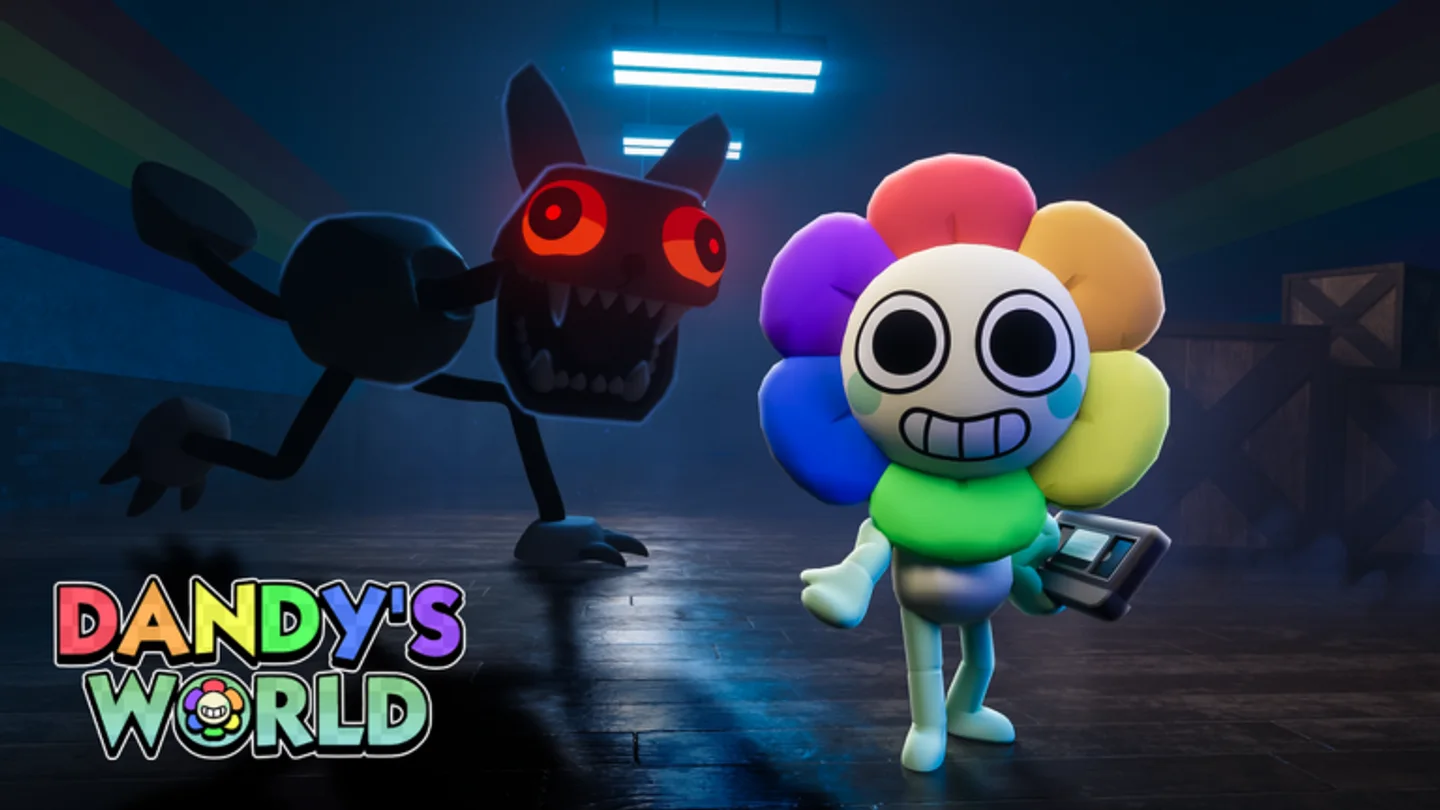
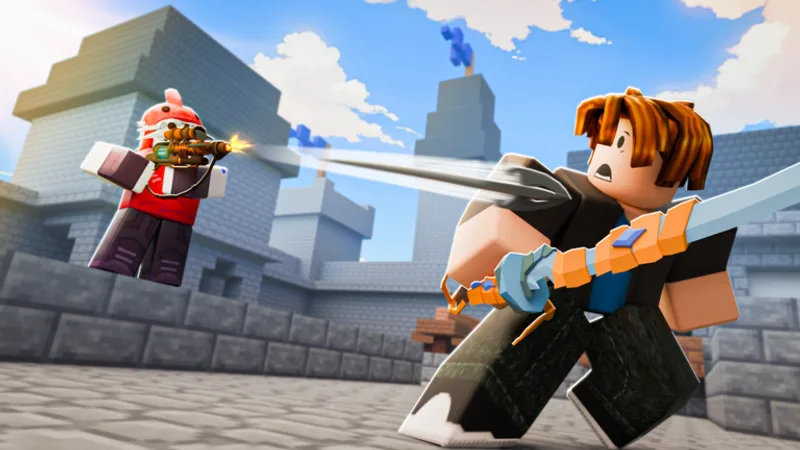
Inspiration for moody lighting: Dandy's World by BlushCrunch Studio (image from its Roblox page)
On this page10
Roblox lighting is controlled by the Lighting service in the Explorer. Select it and the Properties window shows everything: LightingStyle (Realistic or Soft), time of day, brightness, ambient colors and shadows. Add an Atmosphere object for haze, a Sky for the skybox, and post-processing effects like Bloom and ColorCorrection as children of Lighting. Most good-looking games come from a few careful changes there, not from hundreds of light parts.
The details below follow Roblox’s global lighting, atmosphere and post-processing docs.
Quick facts
- Where
- Lighting service in the Explorer
- Property groups
- Color, Intensity, Shadows, Appearance, Environment
- Styles
- Realistic or Soft
- Effects
- Bloom, Blur, Color correction, Depth of field, Sun rays, Color grading
LightingStyle: Realistic or Soft
LightingStyle sets the overall look. Roblox describes Realistic as its most advanced, realistic lights and shadows, and Soft as a flat, retro-Roblox look. Pick Realistic for horror, exploration and anything moody. Soft can suit a bright cartoon obby or a classic-style game. PrioritizeLightingQuality sits alongside it in the same section of the docs.
Color and intensity
Ambient tints areas fully hidden from the sky, such as indoors. OutdoorAmbient tints shaded areas outside. Warm colors here make a scene feel like late afternoon, and cool blues feel like night.
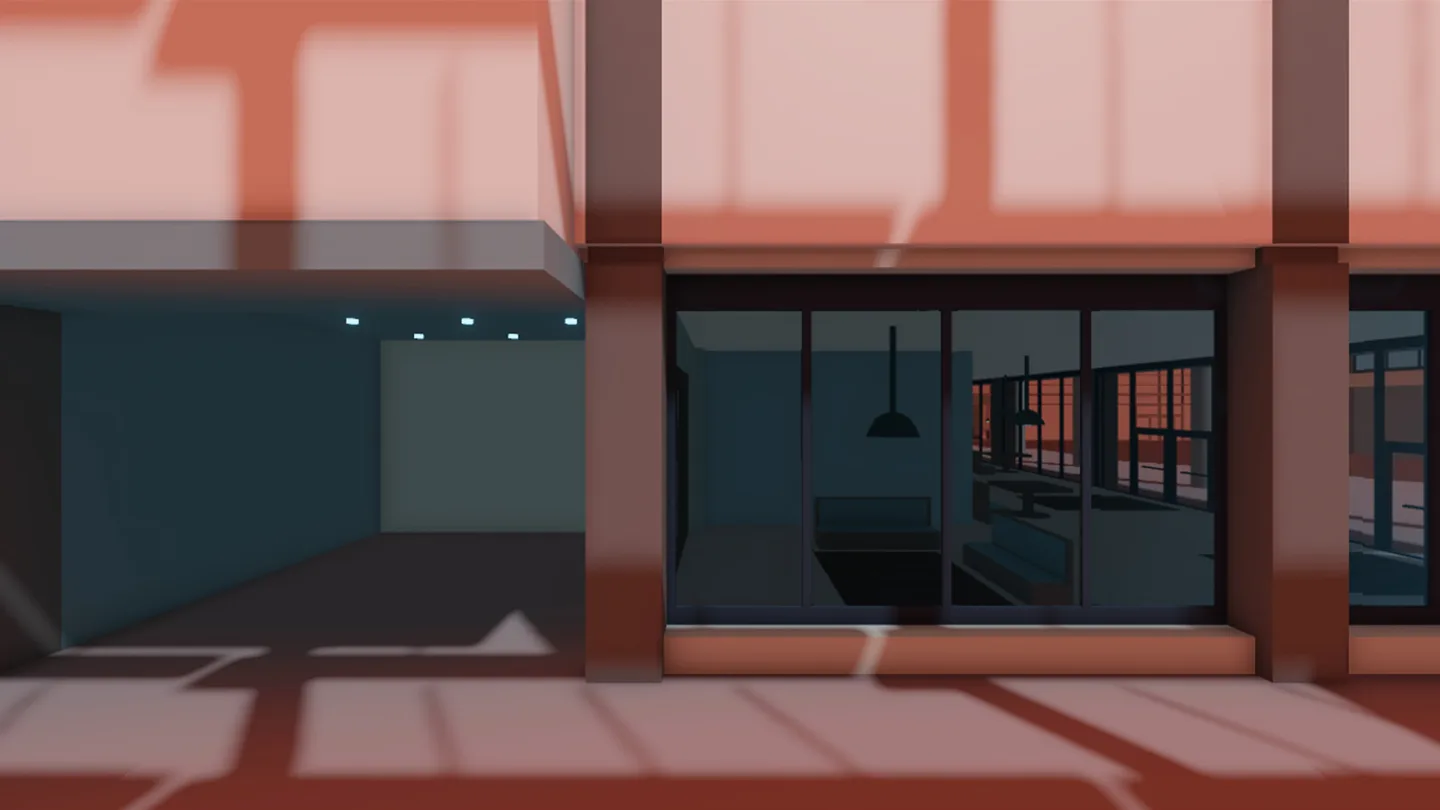
ColorShift_Top and ColorShift_Bottom tint surfaces facing toward and away from the sun. Brightness sets the sun’s strength, and ExposureCompensation shifts the whole image brighter or darker, like a camera’s exposure dial. EnvironmentDiffuseScale and EnvironmentSpecularScale control how much the sky’s light and reflections show on surfaces; raising specular makes metal and wet surfaces read much better.
Time of day and shadows
ClockTime is the hour as a number (14 is 2 PM), and TimeOfDay is the same thing as a string. GeographicLatitude changes the sun’s path across the sky. GlobalShadows turns sun shadows on or off, and ShadowSoftness blurs their edges.
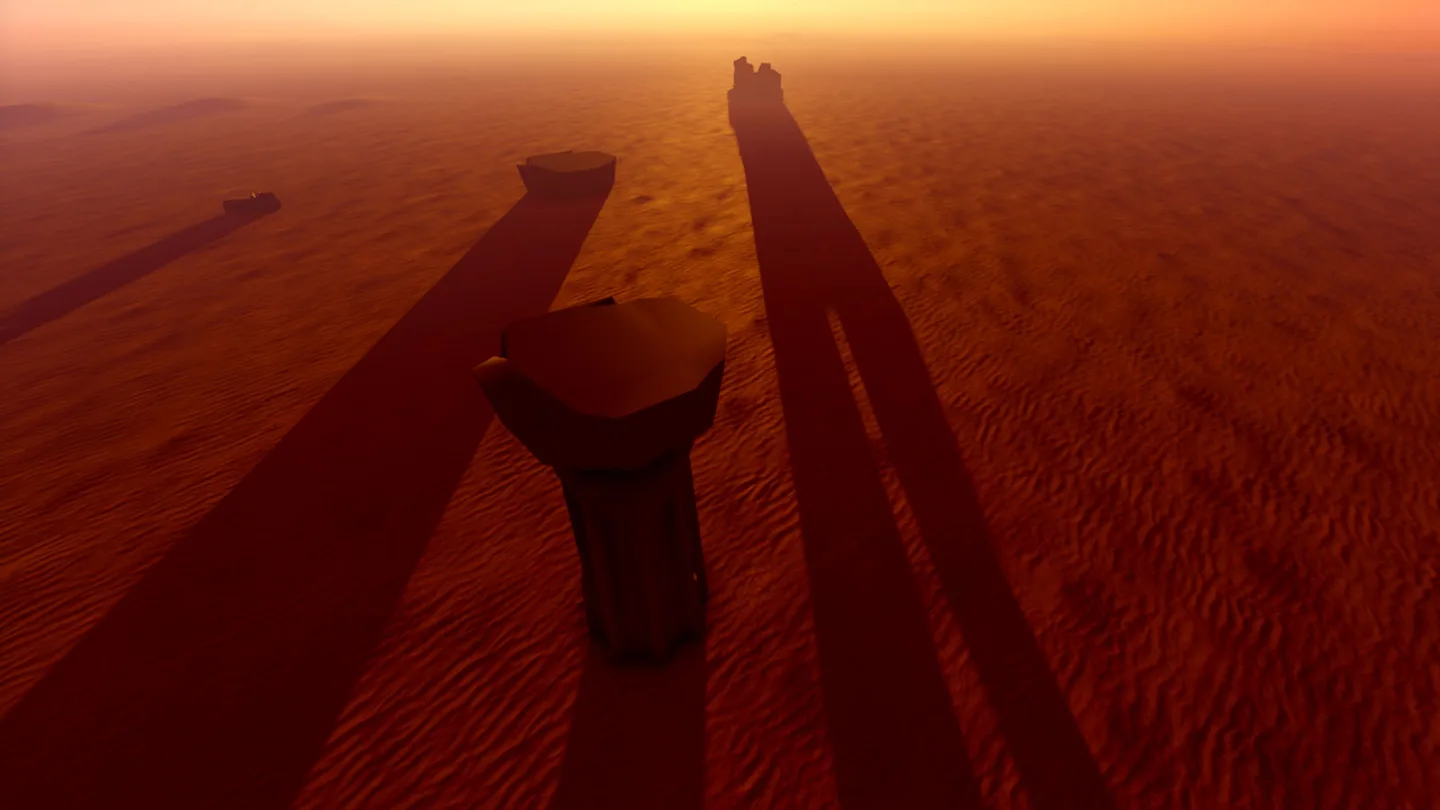
Low sun angles (early morning or near sunset) give long shadows and the most depth. Midday light is flat.
Atmosphere
Insert an Atmosphere into Lighting. Its properties are Density, Offset, Haze, Color, Glare and Decay. Density controls how quickly distant objects fade. Haze and Glare add a glow around the sun. Color and Decay tint the air. Even a light Density makes a map feel bigger because far objects soften.
Post-processing effects
Roblox’s post-processing effects are Bloom, Blur, Color correction, Depth of field, Sun rays and Color grading. Insert them into Lighting to affect every player’s camera.
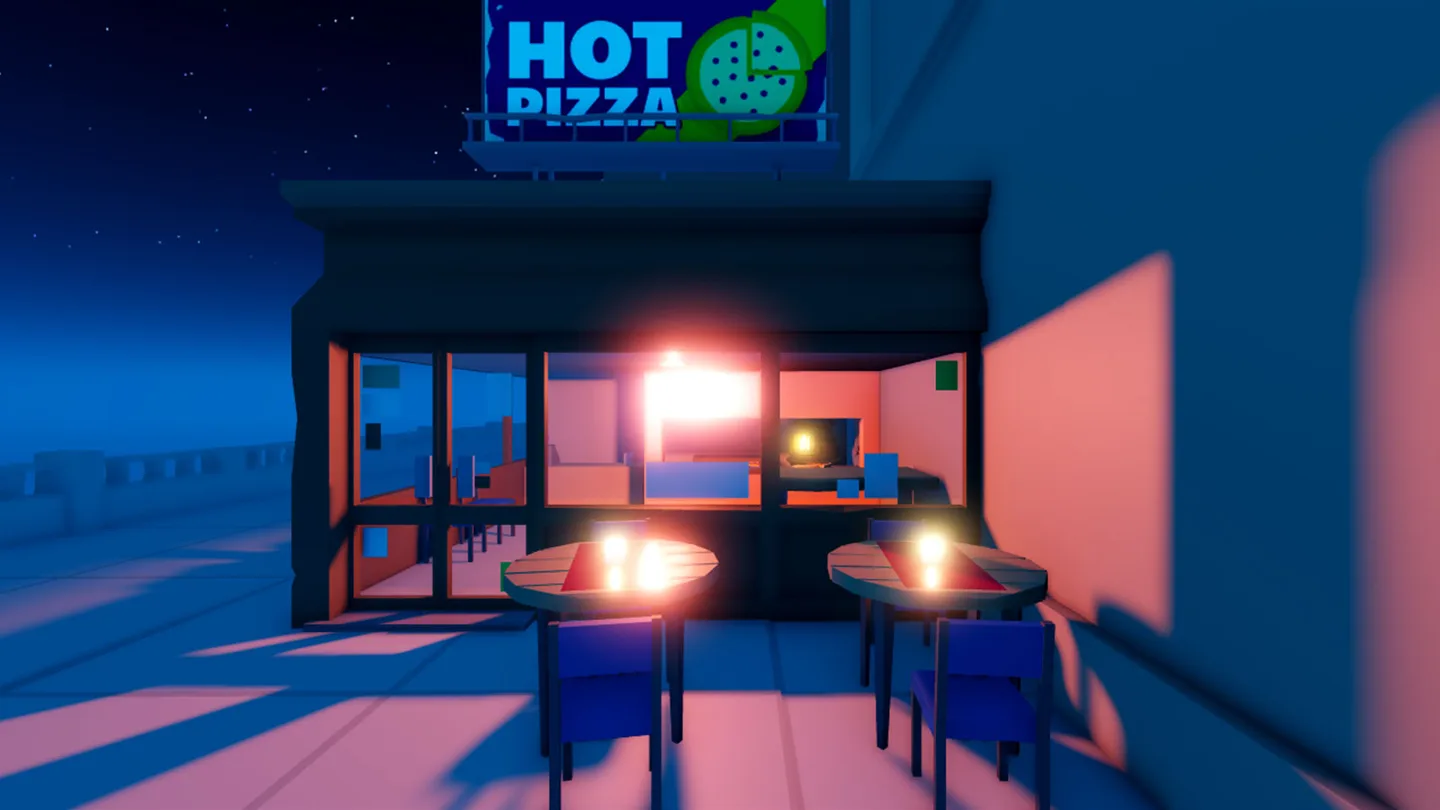
Bloom makes bright areas glow, good for neon and magic. ColorCorrection adjusts contrast, saturation and tint. Depth of field blurs things far from focus, which looks cinematic in screenshots but can make gameplay harder to read. Use each one a little; stacked strong effects look muddy.
Three setups to copy
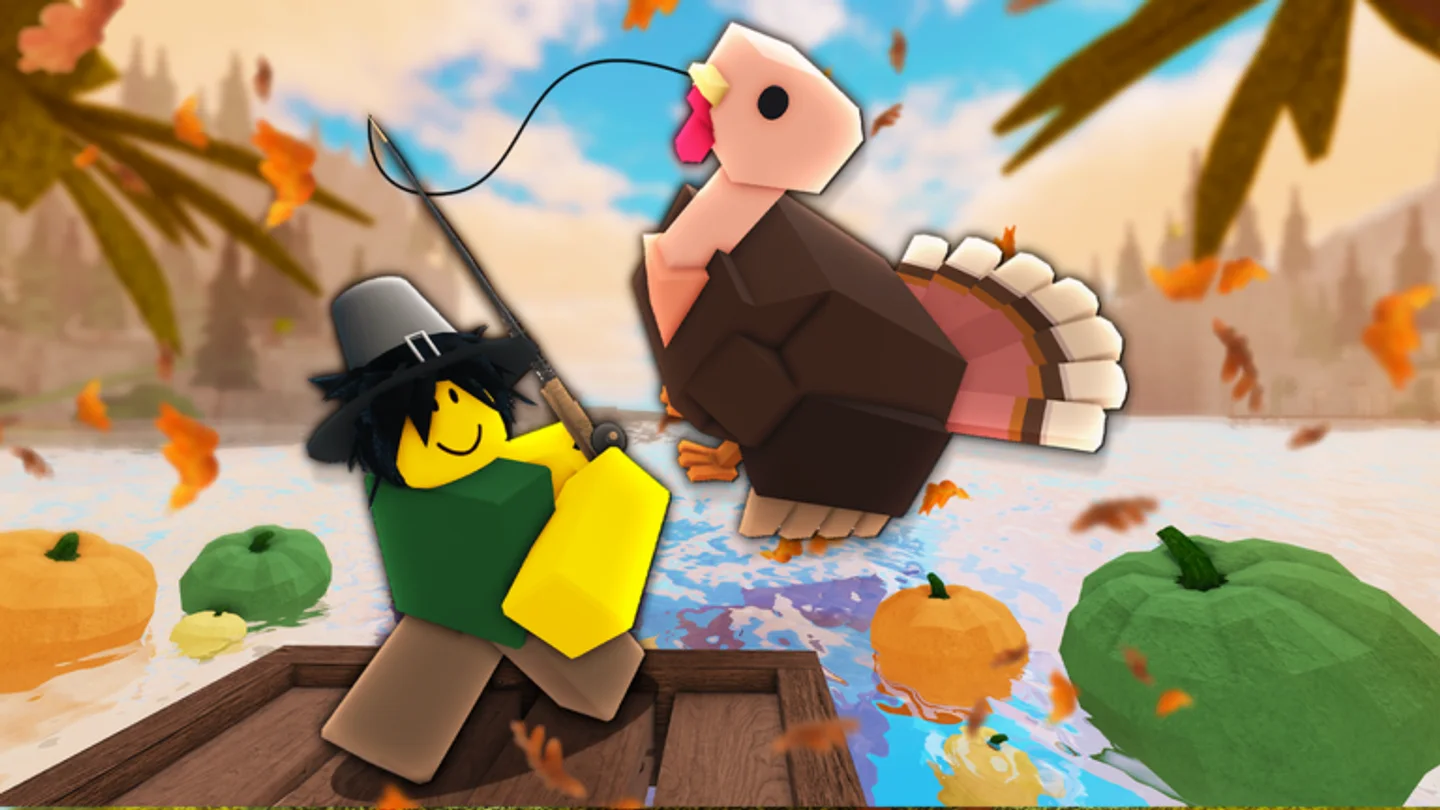
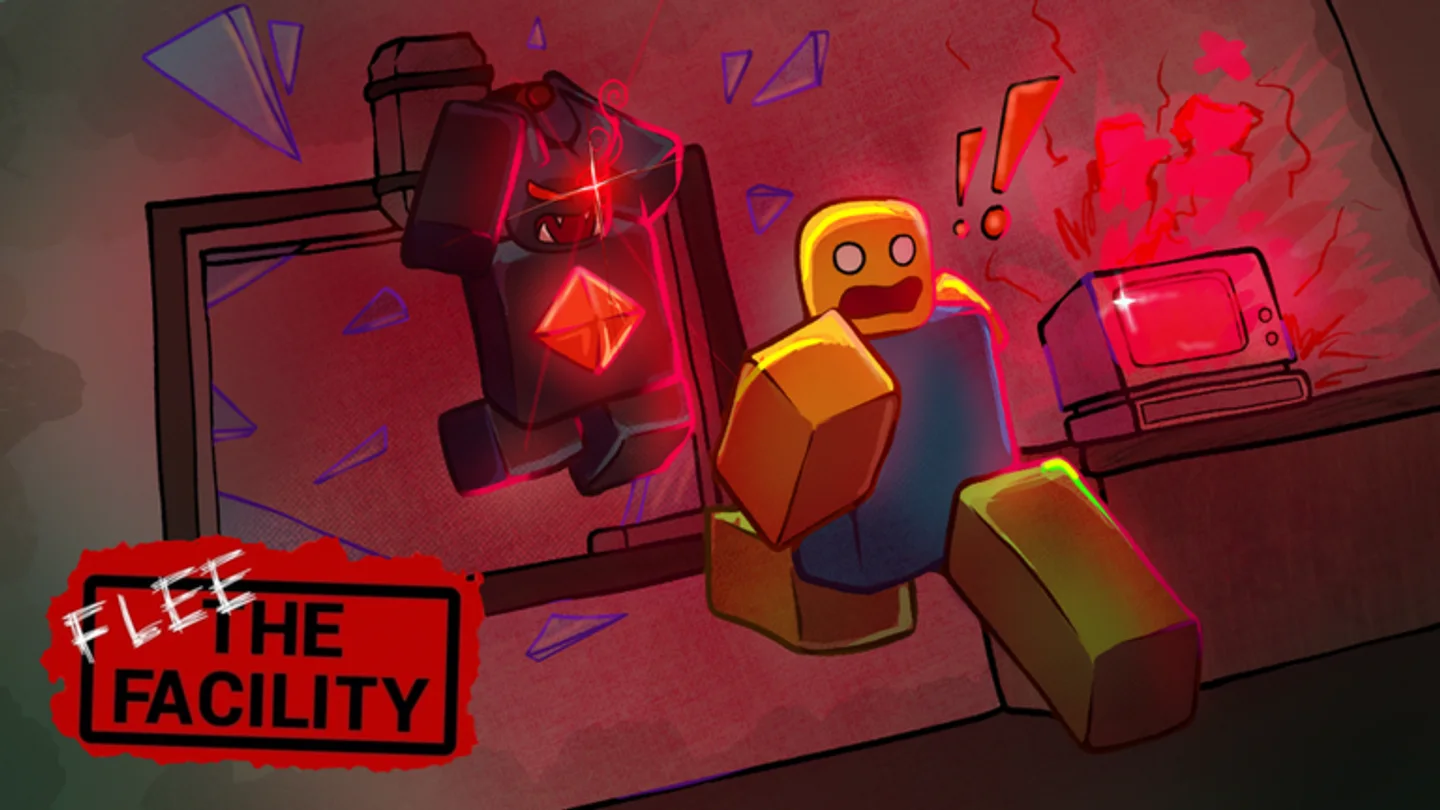
Run any of these from a server Script in ServerScriptService, or paste the lines into the Command Bar (Ctrl+9 or Cmd+9) to try them in Edit mode.
Bright day:
local Lighting = game:GetService("Lighting")
Lighting.ClockTime = 13
Lighting.Brightness = 3
Lighting.Ambient = Color3.fromRGB(70, 70, 80)
Lighting.OutdoorAmbient = Color3.fromRGB(128, 128, 140)
Lighting.GlobalShadows = true
Golden sunset:
local Lighting = game:GetService("Lighting")
Lighting.ClockTime = 17.8
Lighting.Brightness = 2
Lighting.OutdoorAmbient = Color3.fromRGB(255, 150, 90)
Lighting.ColorShift_Top = Color3.fromRGB(255, 170, 100)

local atmosphere = Lighting:FindFirstChildOfClass("Atmosphere") or Instance.new("Atmosphere")
atmosphere.Density = 0.35
atmosphere.Haze = 2
atmosphere.Glare = 1
atmosphere.Parent = Lighting
Night horror:
local Lighting = game:GetService("Lighting")
Lighting.ClockTime = 0
Lighting.Brightness = 0.3
Lighting.Ambient = Color3.fromRGB(5, 5, 10)
Lighting.OutdoorAmbient = Color3.fromRGB(15, 15, 25)

local cc = Instance.new("ColorCorrectionEffect")
cc.Saturation = -0.4
cc.Contrast = 0.15
cc.Parent = Lighting
These numbers are starting points, not official presets. Adjust by eye in your own map.
Local lights
For lamps, torches and screens, put a PointLight, SpotLight or SurfaceLight inside a part. Set Brightness, Range and Color. A handful of well-placed lights beats dozens of weak ones, and each light has a performance cost.
Lighting while you build
Set rough lighting early, before you finish the map. Colors and materials look different under a warm sunset than under flat noon light, and it is frustrating to repaint a whole level after you change the time of day. Pick the mood first, then build under it.
Check the look from where players actually stand. A scene that looks great from the Studio camera high above can be too dark or too bright at player height. Playtest with F5 and walk the main routes, and test at least once on a phone-sized screen, since dark scenes lose detail on small displays.
If your game has day and night, change ClockTime slowly from a server script so every player sees the same time. Lighting set on the server replicates to all clients.
Getting AI to do the tuning
Roblox Assistant can change properties for you: “make it sunset with orange haze and soft shadows” becomes edits to Lighting and a new Atmosphere. Through the Roblox Studio MCP, an outside client can run the change, start a playtest and take a screen_capture to judge the result, then try again. That is handy when you want five variations side by side. For the full map workflow, see how to make a map in Roblox Studio, and for using these looks in a genre, the Roblox obby guide.
Roblox Lighting FAQ
How do I make Roblox lighting look realistic?
Set Lighting.LightingStyle to Realistic, keep GlobalShadows on, add an Atmosphere object, and use a little Bloom and ColorCorrection. Then tune ClockTime and ExposureCompensation by eye.
Should I still use Lighting Technology Future?
The current Roblox lighting docs describe LightingStyle and PrioritizeLightingQuality instead of the old Technology setting. Check what your version of Studio shows before following older tutorials.
How do I change the time of day in Roblox Studio?
Select Lighting in the Explorer and change ClockTime (a number of hours) or TimeOfDay. A script can change it during the game too.
What is the difference between Ambient and OutdoorAmbient?
Both tint areas the sun does not reach. Ambient affects indoor or fully occluded areas, while OutdoorAmbient affects shaded outdoor areas.
How do I make a dark horror atmosphere?
Lower ClockTime to night, drop Brightness and both ambient colors, and raise Atmosphere Density. The horror game guide has a full script.
Keep building
Every guide, newest first Blender to Roblox: Export Settings and Import StepsMove models from Blender into Roblox Studio: official FBX export settings, 3D Importer steps, triangle and texture limits, and Roblox's Blender plugin.Assets and Models4 min read
 How to Make a Map in Roblox Studio (Terrain, Heightmaps and AI)Make a map in Roblox Studio with the Terrain Editor: Generate, heightmap Import, sculpt and paint tools, plus how Assistant and the Studio MCP help fill it in.Building and Maps4 min read
 Roblox Studio Update Notes: November 18 to 24, 2026Roblox Studio update notes for November 18 to 24, 2026, sorted by what you can ship now and what is still in beta, with menu paths, limits and API names.Building and Maps4 min read
 Roblox Assets and the Toolbox: Find Free Models SafelyUse the Roblox Studio Toolbox and Creator Store for free assets, manage your own with Asset Manager, import 3D files and audio, and spot unsafe models.Assets and Models4 min read
 How to Make a Roblox Game Step by Step: Your First Obby in One AfternoonA click-by-click beginner tutorial: install Roblox Studio, open Baseplate, build an obby, add a kill brick script, playtest with F5 and publish it privately.Beginners4 min read
 How to Animate in Roblox Studio: Animation Editor, Capture and AIOpen the Animation Editor from the Avatar tab, pose a rig on the timeline, set looping and priority, publish to Roblox, then play it with an Animator in Luau.Animation and Video5 min read