
How to Make Roblox Games With AI, From Idea to Published Game
Make a Roblox game with AI: plan with Claude, build in Studio with Assistant and MCP, make art in Higgsfield, then playtest and publish. Every step in order.
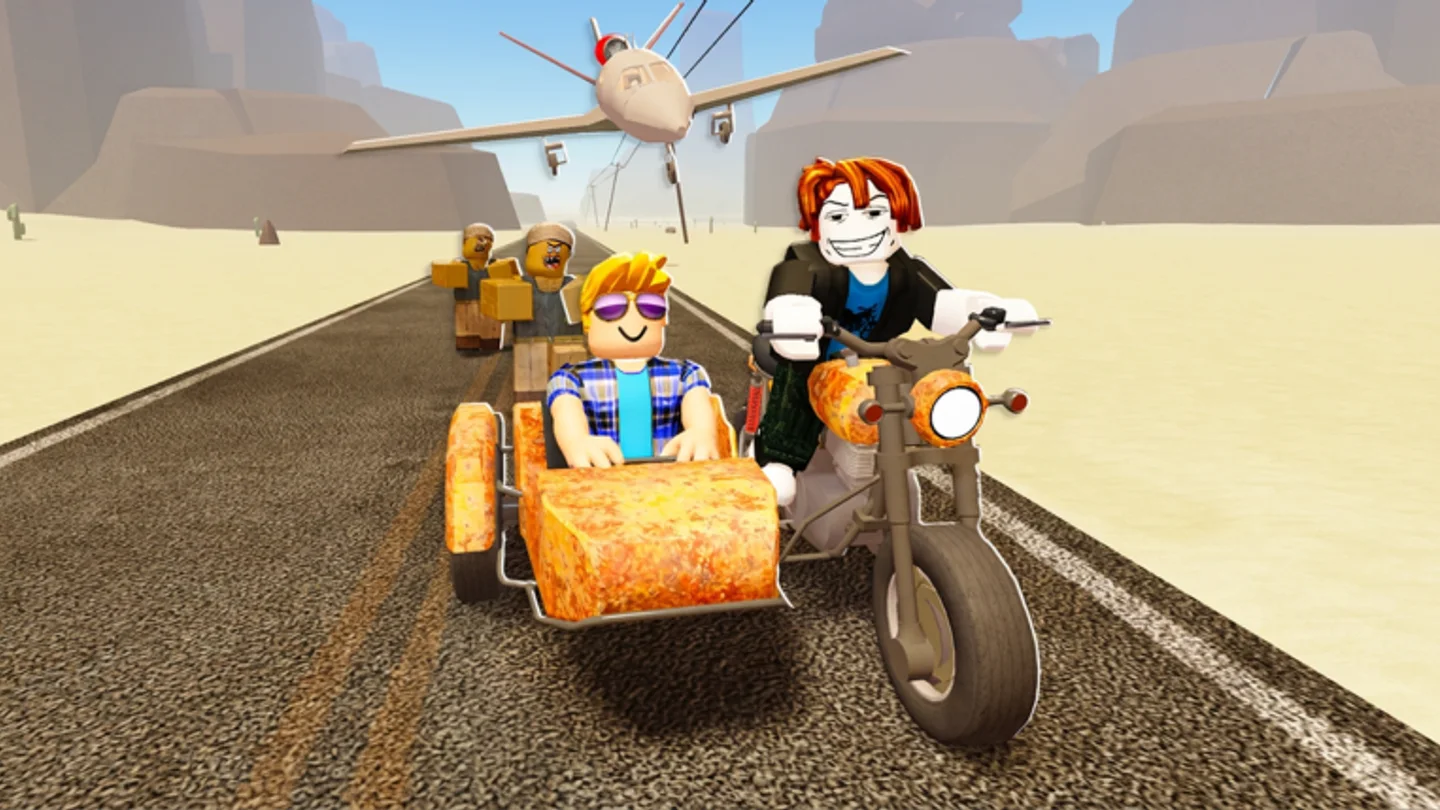
Image: a dusty trip by Jandel's Road Trip (Roblox)
On this page9
- Step 1: plan the game
- Step 2: set up Studio and your AI connection
- Step 3: build the world
- Step 4: script the gameplay
- Step 5: characters and animation
- Step 6: make art and video with Higgsfield
- Step 7: playtest, publish and follow the AI rules
- The phone-only route: Roblox Build
- Making Roblox Games With AI FAQ
The workflow that works today: plan the game in a chat with Claude or another assistant, build it in Roblox Studio with Assistant or with Claude/Cursor connected through the Studio MCP server, generate your icon, thumbnails, texture images and promo video in Higgsfield (connected to the same agent through its own MCP server), bring those files into Studio, then playtest and publish. AI speeds up every step, but you still make the calls and test the result.
If you only have a phone and want a simple 2D game, skip to Roblox Build at the end. Everything else here assumes a Windows or Mac computer with Roblox Studio.
Quick facts
- Build tool
- Roblox Studio (Windows, Mac)
- AI in Studio
- Assistant, Code Assist, generators
- Outside agent
- Claude or Cursor via Studio MCP
- Art and promo
- Higgsfield via its MCP
- Icon size
- Square, at least 512x512
Step 1: plan the game
Start outside Studio. Ask a chat assistant to turn your idea into a short design: the core loop (what the player does every 30 seconds), what they earn, what they spend it on, and the first three features to build. Keep it small. A coin-collecting obby with a shop is a finished game; an open-world RPG is not a first project. If you need ideas, see Roblox game ideas.
Save the plan as a text file. You will paste parts of it into prompts later, and Assistant’s Skills and Planning Mode both use Markdown.
Step 2: set up Studio and your AI connection
- Install or update Roblox Studio and create a place from the Baseplate template.
- Click Assistant on the right side of the mezzanine bar.
- If you want an outside agent, click … in Assistant, choose Manage MCP Servers, turn on Enable Studio as MCP server, and switch on your client under Quick connect (Claude Code, Claude Desktop, Cursor and others are listed).
- Optional: turn on Script Sync in File › Beta Features so scripts live as
.luaufiles you can track in Git.
Test the connection with Roblox’s suggested prompt: “Use the Roblox MCP to read the current game tree in Roblox Studio. List what’s in Workspace.” Full setup in Roblox Studio MCP.
Claude
CodePlans the game, then works directly in Studio through the MCP server.
- Free tier
- Pro $20/mo (checked Nov 2026)
Step 3: build the world
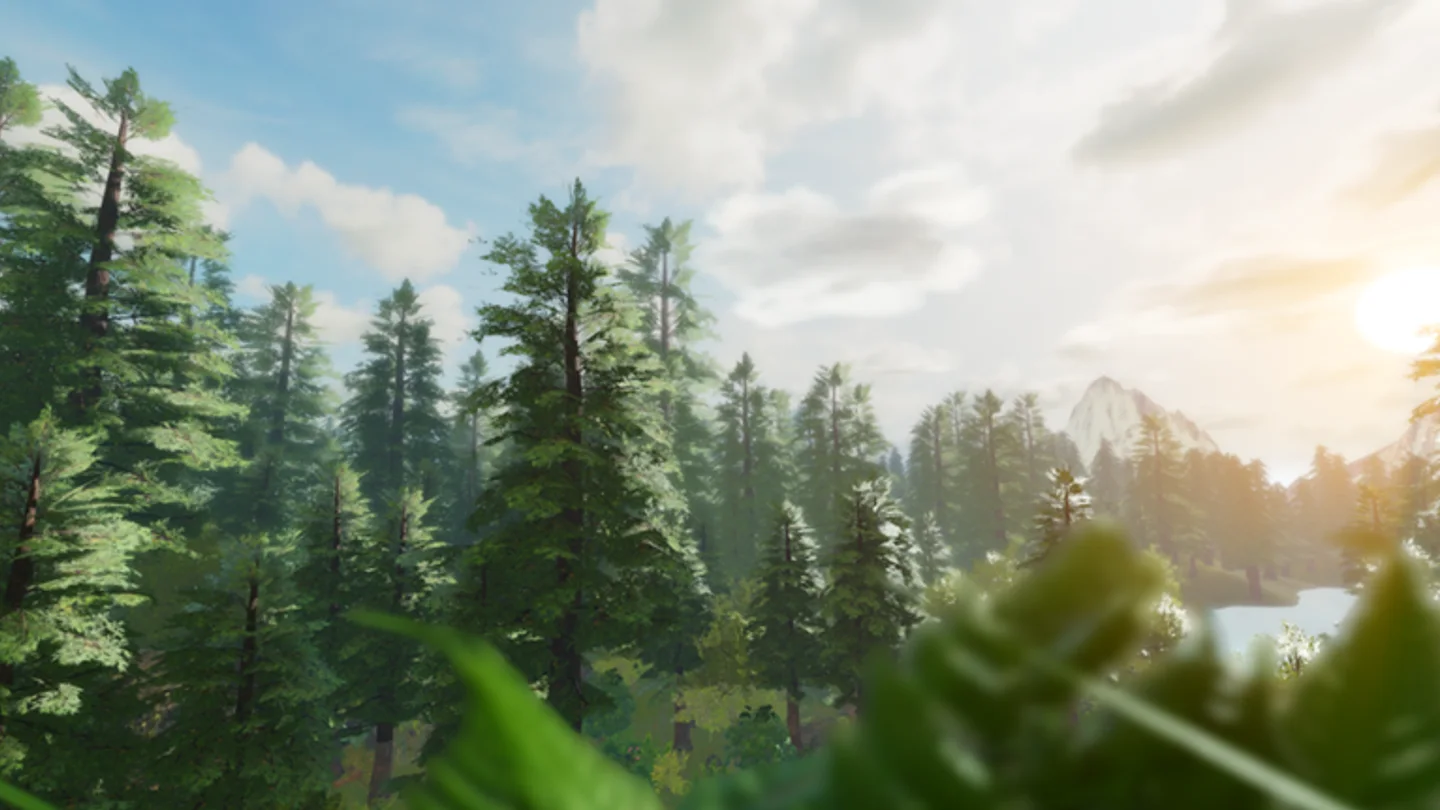
Ask for the map in pieces. Assistant handled “create a terrain region with rolling hills” in Roblox’s own example (the image at the top of this page). Then add paths, platforms and buildings with specific prompts: sizes in studs, counts, colors, and where things go.
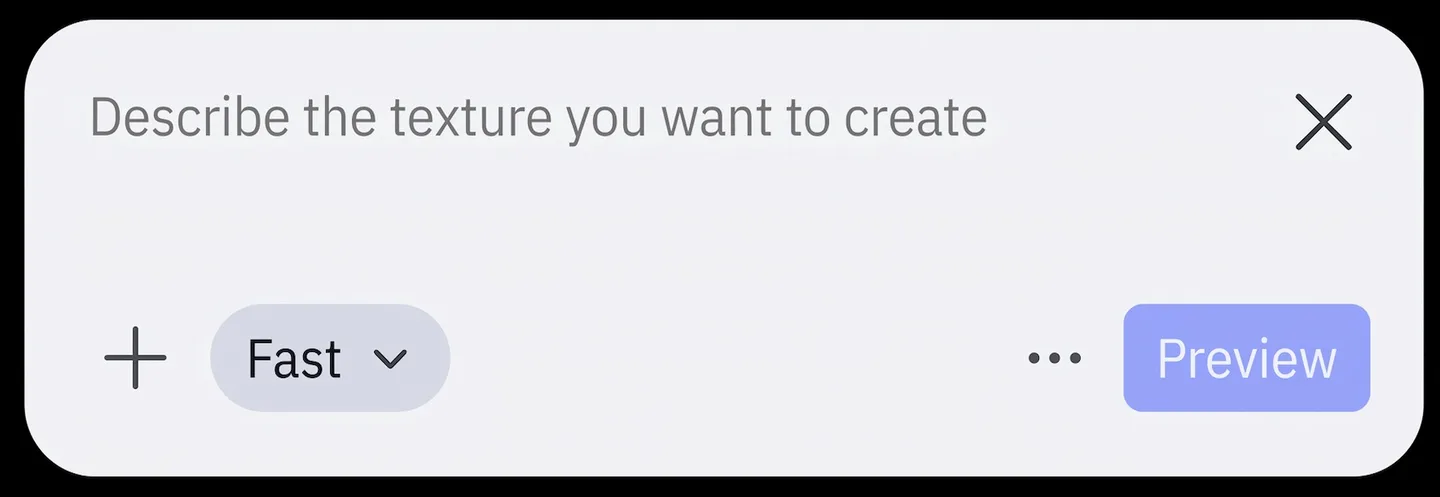
For props, use /generate_mesh with a text or image prompt (default cap 10,000 triangles) or search the Creator Store through Assistant. For surfaces, the Material Generator makes tiling materials for floors and terrain, and the Texture Generator paints a selected mesh from a prompt.
Step 4: script the gameplay
Build one system at a time and test each before moving on. A good order for most games: spawn and checkpoints, collectibles and a leaderstat, a shop, then saving data. Ask for one system per prompt, for example:
-- Prompt: "Add a leaderstat called Coins and give 1 coin when a player touches a part named Coin"
local Players = game:GetService("Players")

Players.PlayerAdded:Connect(function(player)
	local stats = Instance.new("Folder")
	stats.Name = "leaderstats"
	stats.Parent = player
	local coins = Instance.new("IntValue")
	coins.Name = "Coins"
	coins.Parent = stats
end)
With an MCP agent, ask it to playtest after each change: it can start play mode, walk the character to a part, read the console and fix errors itself. In Assistant, use Planning Mode (/plan) for anything bigger than one script so you can edit the plan before it runs. Read the code either way. Code Assist and Assistant can suggest outdated APIs. For more on this, see Roblox AI script generator.
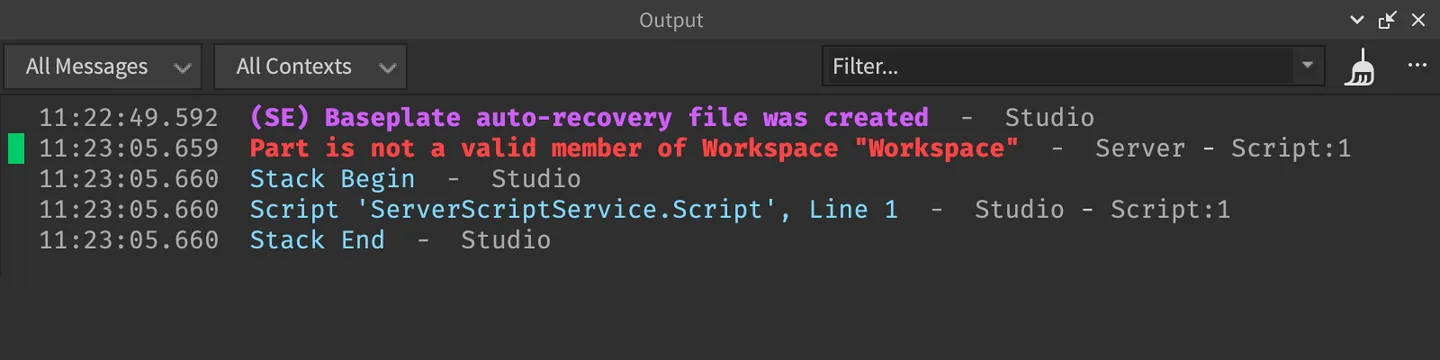
Step 5: characters and animation
If your game needs custom characters, the Studio MCP server has generate_avatar (a rigged R15 avatar from text) and generate_animation (R15 animation from text, up to 10 seconds). For a model you made elsewhere, import it with Home › Import and run Avatar Setup from the Avatar tab, which rigs, skins and cages it automatically.
Step 6: make art and video with Higgsfield
Studio’s AI does not make your store page art. Connect Higgsfield’s MCP server (https://mcp.higgsfield.ai/mcp) to the same Claude or Cursor session. In Claude it is Settings › Connectors › Add custom connector; in Cursor, Customize › Marketplace; for Claude Code, npm i -g @higgsfield/cli, higgsfield auth login and npx skills add higgsfield-ai/skills. You sign in with your Higgsfield account, it needs a paid plan, and every MCP generation uses credits.
Then ask for:
- a square game icon (Roblox needs at least 512x512)
- 16:9 thumbnails, ideally 1920x1080 (up to 10 per game)
- flat images for signs, posters or decals inside the map
- a short promo clip or trailer for YouTube Shorts or TikTok
Higgsfield AI
Images and videoGenerates the icon, thumbnails, texture images and promo video from the same chat that drives Studio.
- Free tier
- Paid plans from $19/mo (checked Nov 2026)
Affiliate link: we may earn a commission if you subscribe, at no extra cost to you. How this works.
Results show up in your Assets on higgsfield.ai. Download them, then bring them in: ask the agent to upload images through the Studio MCP (upload_image, or open_cloud_invoke for a published game), or add them yourself. Images inside the map go on parts as Decals or Textures. Higgsfield makes images and video only, not 3D model files.

If you want to test an idea before building it in Studio, Higgsfield Games can make a playable browser prototype from a prompt. It runs on Higgsfield’s hosting, not on Roblox, so treat it as a sketch you then rebuild. See Roblox AI game maker for how it compares.
Step 7: playtest, publish and follow the AI rules
Play the game start to finish, on the device emulator too, and fix what breaks. Then choose File › Publish to open Game details, upload your icon and thumbnail, add a name, genre and description, and click Save. The full checklist is in how to publish a Roblox game.
If your game itself uses AI at runtime, follow Roblox’s rules: tell players they are talking to AI, filter generated text with TextService:FilterStringAsync(), and if the chat is continuous or remembers players, answer Yes to the Extended AI question, which needs a Restricted (18+) rating.
The phone-only route: Roblox Build
No computer? Open the Build tab in the Roblox mobile app and describe your game. It makes 2D and 2.5D clickers, arcade games, side-scrollers and puzzle games and publishes them after a safety check. There is a daily free prompt allowance, with more credits for Robux. Opening a Build game in Studio later converts it permanently. Details in Roblox Build.
Making Roblox Games With AI FAQ
Can you make a Roblox game with AI and no coding?
Yes. Roblox Build makes 2D and 2.5D games from chat on mobile, and Assistant in Studio writes and runs Luau for you. You still need to playtest and fix things.
What AI does Roblox Studio use?
Studio has its own Assistant and Code Assist, generators built on Roblox's Cube model, and a built-in MCP server so outside apps like Claude or Cursor can work in Studio. See Roblox AI.
Can AI make the game icon and thumbnails?
Yes. Image tools such as Higgsfield can make them. The icon must be square and at least 512x512, and thumbnails 16:9, ideally 1920x1080. All are moderated.
Do AI-made assets go into my game automatically?
Studio's own generators place meshes, materials and textures in your place directly. Images from outside tools have to be uploaded, either by you or by an agent using the Studio MCP upload tools.
Are there rules for AI chat inside a Roblox game?
Yes. You must tell players they are talking to AI, filter text, and continuous or memory-based AI chat needs the Extended AI answer and a Restricted (18+) rating.
Keep building
Every guide, newest first Roblox AI Game Maker: Every Way to Make a Roblox Game With AIThe real Roblox AI game makers: Build on mobile, Assistant in Studio, Studio MCP with Claude or Cursor, plus Higgsfield for art, video and fast prototypes.AI Tools4 min read
 How to Make a Roblox Game: The Full Process, With and Without AIInstall free Roblox Studio, start from a template, build, script, test, then publish from File › Publish. Every stage explained, plus where AI tools help.Beginners7 min read
 Roblox Assistant: How to Use the AI Helper in Roblox StudioOpen Roblox Assistant from the mezzanine bar in Studio and type a request. It builds objects, writes scripts and inserts assets. Commands, Plan mode, Skills.AI Tools4 min read
 Roblox AI: Every AI Feature in Roblox and Roblox StudioRoblox AI covers Assistant, Code Assist, mesh, material and texture generators, Avatar Setup, the Studio MCP server and Build. What each does and where it is.AI Tools5 min read
 Roblox Studio MCP: Connect Claude, Claude Code or Cursor to StudioTurn on Roblox Studio's built-in MCP server in Assistant, then connect Claude Desktop, Claude Code or Cursor. Config for Windows and Mac, tools, Higgsfield.AI Tools5 min read
 Make a Game With Higgsfield Games and Claude Over MCP, Then Bring the Assets to RobloxConnect Claude to the Higgsfield MCP to prototype a game idea and generate art fast, then move images, textures and video into Roblox Studio. What runs where.AI Tools5 min read