

Making Money
There are a few real ways to earn from Roblox. Developers sell game passes and developer products for Robux, then cash out through the Developer Exchange program once they meet the requirements. Video creators earn from their own channels or by clipping other creators' content for pay.
These guides stick to official numbers. The DevEx guide gives the rate and rules from Roblox's own pages. The earnings guide explains how rare large incomes are. Treat any promise of easy money with caution, and never share your account to get paid.
3 guides in Making Money
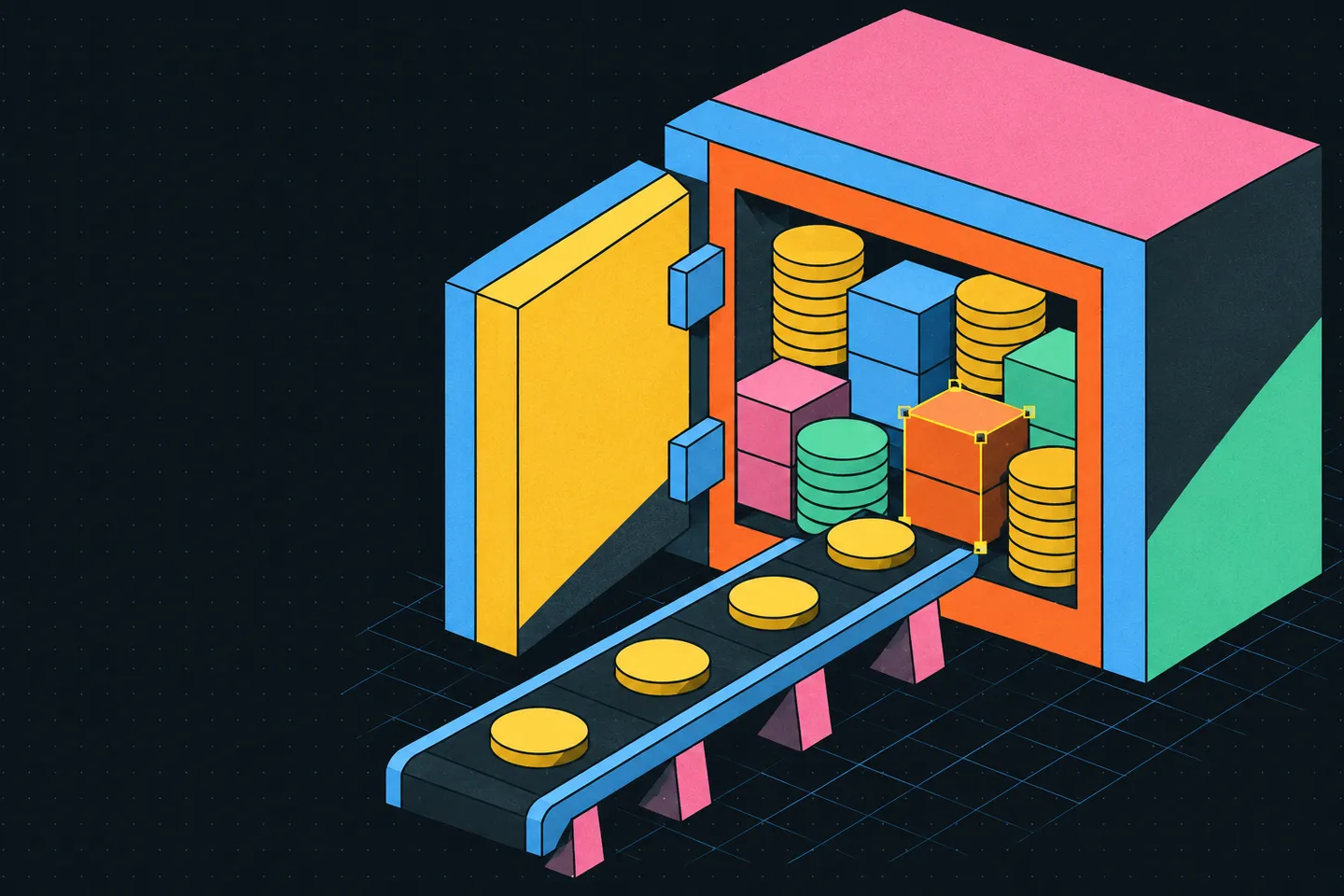
 How to Make $100K a Month on Roblox: The Real Math and the Real Odds$100K a month on Roblox takes about 26.3 million Earned Robux at the 0.0038 DevEx rate. See the math, Roblox's own earnings data and how few creators get there.Making Money4 min read
 Roblox Clipping: How to Make Money Clipping Roblox VideosHow Roblox clipping pays: join permission-based campaigns like Whop Content Rewards, cut Shorts with Opus Clip, post, track views and skip clipping scams.Making Money6 min read
Reading the money guides in the right order
Facts before dreams
Start with Roblox DevEx. It states the standard rate, 0.0038 USD per Earned Robux, which is $114 for 30,000 Earned Robux, and it dates the check as November 25, 2026 because Roblox can change the rate. It also lists who qualifies: age 13 or older, at least 30,000 Earned Robux, a verified email, a DevEx portal account and a W-9 or W-8 tax form. Bought Robux and subscription Robux do not count.
Then the scale check
Make $100K a month on Roblox takes the same rate and does the arithmetic: about 26.3 million Earned Robux a month, or around 18.5 million eligible Robux at the higher U.S. 18+ rate. Next to that sit Roblox's own figures, a median DevEx creator payout of $1,575 for 2024 and a top 10 average of $33.9 million. The guide walks through four paths, a hit game, passes and developer products, Creator Rewards, and UGC or commission work, and says plainly that nothing guarantees an outcome.
Clipping is the other branch
Roblox clipping is for people who earn from views instead of Robux. It covers permission-based campaigns, the tool most people use, Opus Clip, the YouTube Partner Program bar and the TikTok Creator Rewards bar. Read it if you have no game yet and want income sooner, or if you plan to promote your own game with a campaign later.
Mistakes to avoid
Do not treat any average as a promise. Do not clip footage without permission, since takedowns put strikes on your account. Do not pay anyone for access to a clipping campaign, because a real campaign pays you. Do not forget records: the DevEx guide has a taxes section, and the clipping guide suggests a tracking sheet of post links, views and amounts paid.
Where AI fits
The $100K guide closes with where AI tools cut costs, which links back to the AI tools topic. Cheaper scripts, models and icons raise the odds that a small team ships, but they do not change the payout math above.
More topics
- Beginners9Install Studio, build a first place, write a first script and publish it.
- AI Tools13Roblox Assistant, Roblox Build, the Studio MCP and outside AI tools for code, models and art.
- Scripting5Luau from zero: where scripts go, events, saving data, and getting good code out of AI.
- Scripts Library3Free copy and paste Luau scripts, checked against the Roblox docs, plus tools to write your own.
- Building and Maps6Terrain, heightmaps, lighting and laying out a map that plays well.
- Assets and Models4AI 3D model generators, Blender exports, Meshy and the Toolbox.
- Game Types14How to build each popular genre: tycoon, obby, simulator, horror, FPS, tower defense and more.
- Animation and Video3The Animation Editor, story videos, Shorts and recording Roblox footage.
- UI and Icons3Menus and HUDs that fit every screen, game icons and thumbnails.
- Sound and Voice3Sound design for games and AI voice for Roblox videos.
- Publishing and Growth8Publish a game, set it up so players find it, and improve your icon and thumbnails.
- YouTube and Shorts3Roblox story videos, Shorts formats and clipping.
- Trends and News8New Studio features, new AI tools and the game types rising on the charts.
- Tools and Reviews5Roundups and comparisons of AI tools, model generators, Rojo and laptops.