

Roblox Clipping: How to Make Money Clipping Roblox Videos
How Roblox clipping pays: join permission-based campaigns like Whop Content Rewards, cut Shorts with Opus Clip, post, track views and skip clipping scams.
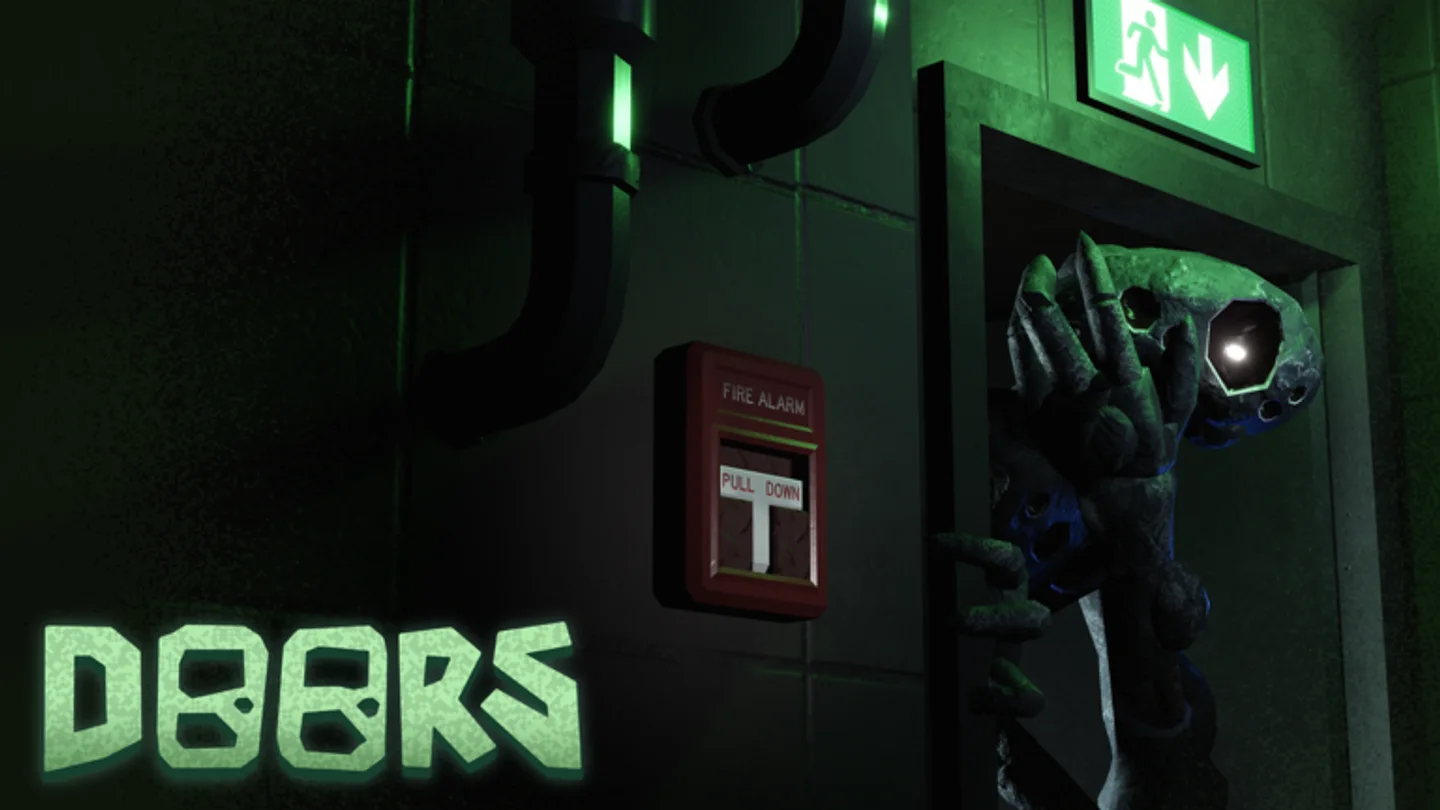
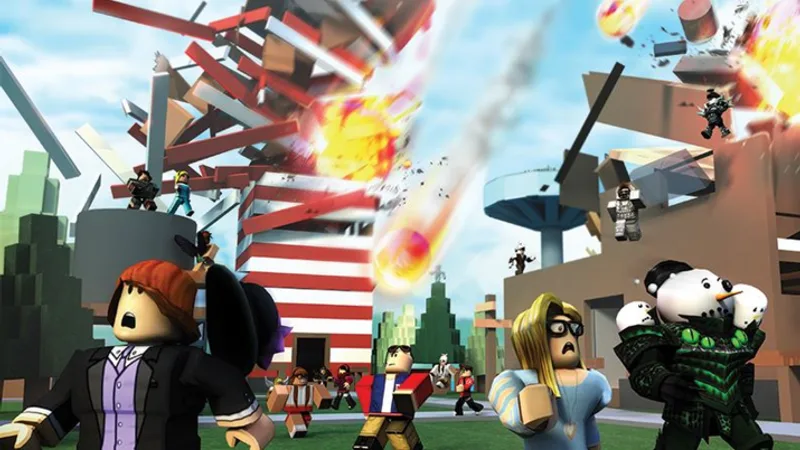
Image: DOORS by LSPLASH (Roblox)
On this page10
To make money clipping Roblox videos, join a clipping campaign that gives you permission to use the footage (Whop Content Rewards is the biggest marketplace for these), cut short vertical clips with a tool like Opus Clip, post them to TikTok, YouTube Shorts or Instagram Reels, then submit each post so the campaign can count your views and pay you. Platform payouts such as YouTube Shorts revenue and TikTok Creator Rewards are a second, slower income stream with their own entry bars. Rates vary per campaign, and nobody can promise you a number in advance.
Quick facts
- Main income
- Paid campaigns, rate per 1,000 views set by each brand
- Permission
- Required: clip only campaign or creator footage
- YouTube YPP
- 1,000 subs plus 10M Shorts views in 90 days, or 4,000 watch hours
- TikTok rewards
- 18+, 10,000 followers, videos 1 minute or longer
- Main tool
- Opus Clip (free plan available)
What Roblox clipping actually is
A clipper takes long content (a Roblox YouTuber’s stream, a story video, a game’s trailer or update footage) and turns the best moments into 15 to 60 second vertical videos. The person who owns the footage wants reach. You want views you can get paid for. Campaigns connect the two: the owner puts up a budget and a rate, clippers post, and views get counted.
In the Roblox world there are two common kinds of campaign. Creator campaigns pay you to spread a YouTuber’s or streamer’s content. Game promo campaigns pay you to post clips of a specific experience, usually around an update. The second kind matters to developers too: if you build games, you can run your own campaign later, and the clips you make for others teach you what a good hook looks like. Our guide to viral Roblox animations covers the storytelling side.
Where to find clipping campaigns
Whop Content Rewards is a marketplace where brands and creators post campaigns and clippers join them. According to Whop’s own pages, each brand sets its own pay per 1,000 views, views are verified through the platforms before payout, and earnings land in your Whop balance. Some campaigns pay a flat fee per approved post instead of per view. Each campaign also sets its own rules: which platforms count, how long views are tracked, minimum and maximum payouts, and what the clip must include.
Other places campaigns show up:
- A creator’s own Discord server or community page, where they post a clipping program with rules.
- The description or pinned post of a streamer who says clippers are welcome (still ask in writing).
- Roblox studios promoting an update, which sometimes run their campaigns through the same marketplaces.
Read every campaign page fully before you clip. The rate shown is the brand’s rate for that campaign only. Whop has published an average figure on its blog, but treat any average as marketing, not a promise.
Permission and copyright
This is the part people skip and regret. Only clip footage you have permission to use: a campaign that explicitly invites clippers, or a written yes from the creator. Downloading a popular Roblox YouTuber’s video and posting slices of it without permission is copyright infringement, and the owner can file takedowns that put strikes on your account.
YouTube’s channel monetization policies also have a reused content section. It says content repurposed from YouTube or another source without meaningful original value cannot be monetized, and it lists clips edited together with little or no narrative as an example. Commentary, critical review and reaction are allowed when viewers can tell there is a real difference. YouTube’s Shorts monetization policy goes further: views on non-original Shorts, such as reuploads or compilations with no original content added, do not count toward revenue sharing.
The clipping workflow
- Join a campaign and save its rules, rate and required tags or links in a note.
- Download the source footage from the link the campaign gives you, not from a random mirror.
- Run it through a clipping tool to find candidate moments, or scrub it yourself.
- Pick moments that make sense with no context: a fail, a reveal, a funny line, a big win.
- Reframe to 9:16, trim the first second so the action starts at once, and add captions.
- Write a short title or caption, add whatever the campaign requires, and post.
- Submit the post link to the campaign and log it in your tracking sheet.
Opus Clip as the main tool
Opus Clip is built for this job. It takes a long video, picks clips from what is said and shown, reframes them to 9:16 with AI reframe, and adds animated caption templates. Paid plans add a virality score and social posting and scheduling. The free plan exists but puts a watermark on the animated caption templates and has a 3-day export limit, and the Starter plan is $15 a month as of November 2026, per Opus Clip’s pricing page. Some campaigns reject watermarked clips, so check before you post free plan exports.
Opus Clip
Images and videoFinds the best moments in a long Roblox video and turns them into captioned 9:16 clips for campaigns.
- Free tier
- Starter from $15/mo (checked Nov 2026)
Affiliate link: we may earn a commission if you subscribe, at no extra cost to you. How this works.
Treat its picks as a first draft. The AI does not know a campaign’s rules, so cut out anything the brief bans and fix caption typos in names like game titles.
If a campaign allows narration, a short voiceover that explains what is happening can turn a bare clip into your own edit. ElevenLabs makes text to speech voices and sound effects, with a free plan of 10,000 credits a month and a Starter plan at $6 a month as of November 2026 (pricing); check its plan terms for commercial use before you post for pay.
ElevenLabs
AudioAdds a narrated voiceover or sound effects to a clip so it carries your own commentary.
- Free tier
- Paid plans from $6/mo (checked Nov 2026)
Affiliate link: we may earn a commission if you subscribe, at no extra cost to you. How this works.
Captions, hooks and covers
Most viewers scroll with sound off, so burned-in captions carry the clip. Keep them large, inside the center of the frame, and away from the bottom where the platform puts its own buttons. Start on the most interesting frame instead of a slow intro.
YouTube’s help center says Shorts can be up to 3 minutes long and should be vertical. TikTok Creator Rewards only pays on videos of one minute or longer, so a campaign that counts TikTok and wants rewards eligibility may need longer edits. A clear cover frame helps too; the same rules we use for Roblox thumbnails apply.


How often to post
YouTube, TikTok and Instagram do not publish a magic number of posts per day, so we will not invent one. Post as often as you can keep quality up and stay inside each campaign’s rules. Some campaigns cap how many clips one person can submit, and posting near-identical clips across many accounts can break both campaign rules and platform spam policies. If a format works, like a recurring “In This Town” style story, see how we build those in the In This Town guide.
Platform payouts on top of campaigns
Your own channel can earn too, once you clear each platform’s bar:
- YouTube Partner Program: 1,000 subscribers plus either 4,000 public long-form watch hours in 12 months or 10 million qualified Shorts views in 90 days (YouTube Help). For Shorts, ad revenue is pooled and shared by engaged views, and monetizing creators keep 45% of their allocated revenue. YouTube’s Shorts page also says that from February 1, 2027, Shorts revenue sharing needs at least 10 million qualified Shorts views in the prior 90 days.
- TikTok Creator Rewards: 18 or older, a personal account, 10,000 followers, 100,000 video views in the last 30 days, and videos at least one minute long, in supported countries including the US (TikTok Creator Academy). TikTok does not publish a fixed per-view rate.
- Instagram Reels: we could not confirm a standing, public per-view payout program from Meta for Reels in November 2026. Check the monetization section of your professional dashboard for what your account is offered.
Tracking views and payouts
Keep a simple sheet: campaign, post link, platform, date posted, views on day 1, day 7 and at the end of the tracking window, and amount paid. Campaigns count views their own way (Whop verifies views through the platforms and only counts them inside the campaign’s tracking period), so your platform analytics and the campaign’s number may differ. Screenshot your analytics before the window closes in case you need to dispute a count.
Avoiding clipping scams
A real campaign pays you; it never asks you to pay first. Walk away from anyone who wants a fee for “access,” a course before you can join, your account password, or payment through gift cards. The FTC’s job scams guidance gives the same warnings for any online gig. Also watch for fake “campaign managers” in DMs who copy a real creator’s name: confirm the program on the creator’s official channel or on the marketplace listing itself.
For more tools that help with captions, voice and thumbnails, see our list of the best AI tools for Roblox.
Roblox Clipping FAQ
How much does Roblox clipping pay?
There is no single rate. On Whop Content Rewards each brand or creator sets its own pay per 1,000 verified views, so read the rate, budget and caps on each campaign page before you start.
Can I clip any Roblox YouTuber's videos?
Only with permission. Join a campaign the creator runs, or ask them directly. Reposting someone else's video without permission can get a copyright strike, and YouTube excludes non-original Shorts views from revenue sharing.
Do clipped Shorts earn YouTube Partner Program money?
Clips can count only if they add original value. YouTube says views on non-original Shorts, such as reuploads or clips with nothing added, are not counted for Shorts revenue sharing.
What are the TikTok Creator Rewards requirements?
TikTok lists 18 or older, a personal account, at least 10,000 followers, 100,000 video views in the last 30 days, and videos of one minute or longer, in supported countries such as the US.
What is the best tool for clipping Roblox videos?
Opus Clip finds moments in a long video, reframes them to 9:16 and adds animated captions. See our AI tools roundup for other options.
Keep building
Every guide, newest first How to Make Viral Roblox Animations: Story Videos and ShortsMake Roblox animation story videos and Shorts: animate in Studio or Moon Animator, record, add AI voices, edit, then hook, caption and loop for YouTube.YouTube and Shorts6 min read
 Roblox DevEx: Rate, Requirements and How to Cash Out RobuxRoblox DevEx pays 0.0038 USD per Earned Robux ($114 per 30,000) as of November 2026. See the eligibility rules, what counts as Earned Robux and the 18+ rate.Making Money4 min read
 How to Make $100K a Month on Roblox: The Real Math and the Real Odds$100K a month on Roblox takes about 26.3 million Earned Robux at the 0.0038 DevEx rate. See the math, Roblox's own earnings data and how few creators get there.Making Money4 min read
 How to Make a Roblox Horror Game: Darkness, Sound and a MonsterMake a Roblox horror game: dark lighting and fog, a flashlight, a door with a ProximityPrompt, a monster that chases players, and AI tools that build it faster.Game Types5 min read
 How to Make an "In This Town" Roblox VideoMake an In This Town Roblox Short: pick a strange town rule, script the escalation, build the town in Studio, voice it, caption it and end on a comment hook.YouTube and Shorts5 min read
 How to Publish a Roblox Game and Release It to PlayersUse File › Publish in Roblox Studio, fill in Game details, then release with the content questionnaire, an age check and the refundable 1,000 Robux fee.Publishing and Growth4 min read