

Roblox Thumbnail Maker: How to Make Game Thumbnails That Get Clicks
Roblox thumbnails are 16:9, ideally 1920x1080, up to 10 per game. Make them with AI in Higgsfield or from in-game shots, then upload in Creator Hub.
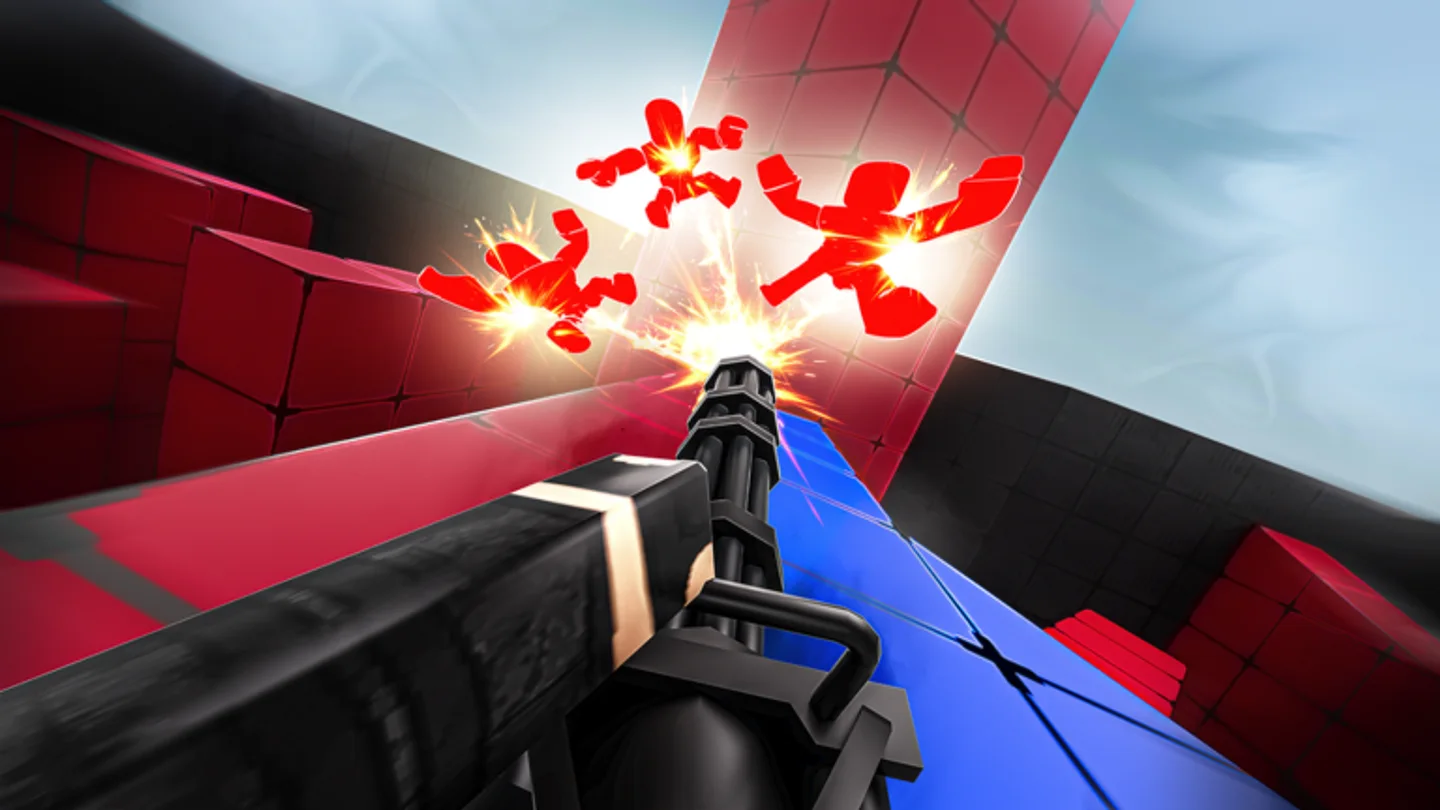
Example of a strong Roblox thumbnail: RIVALS by Nosniy Games (image from its Roblox page)
On this page6
To make a Roblox thumbnail, create a 16:9 image at 1920x1080 (from an in-game shot, an AI image tool such as Higgsfield, or both combined), keep important details away from the bottom edge, and upload it in the Creator Dashboard under Configurations › Places › your place › Thumbnails. Each game can show up to 10 images or videos, and all of them are moderated. There is no official Roblox “thumbnail maker” app; any image editor or AI generator that exports a 1920x1080 file works.
Quick facts
- Aspect ratio
- 16:9
- Ideal size
- 1920x1080 px
- Max per game
- 10 images or videos
- Formats
- .jpg .gif .png .tga .bmp
- Video quota
- 3 uploads per month
Where thumbnails appear
Thumbnails show on the Roblox Home page and at the top of your game’s detail page, next to your game icon. Roblox’s thumbnail docs list three kinds: uploaded images (free), uploaded videos (free, three uploads a month) and an auto-generated image taken from Studio’s camera position at your last publish. The auto-generated one is a placeholder; replace it.
Rules to follow
These come straight from Roblox’s best practices:
- Use 16:9 at 1920x1080. Roblox stretches displayed thumbnails to 16:9 regardless of what you upload, so a square image comes out squashed.
- Keep essential text and objects away from the bottom. Metadata like the player count can cover that strip.
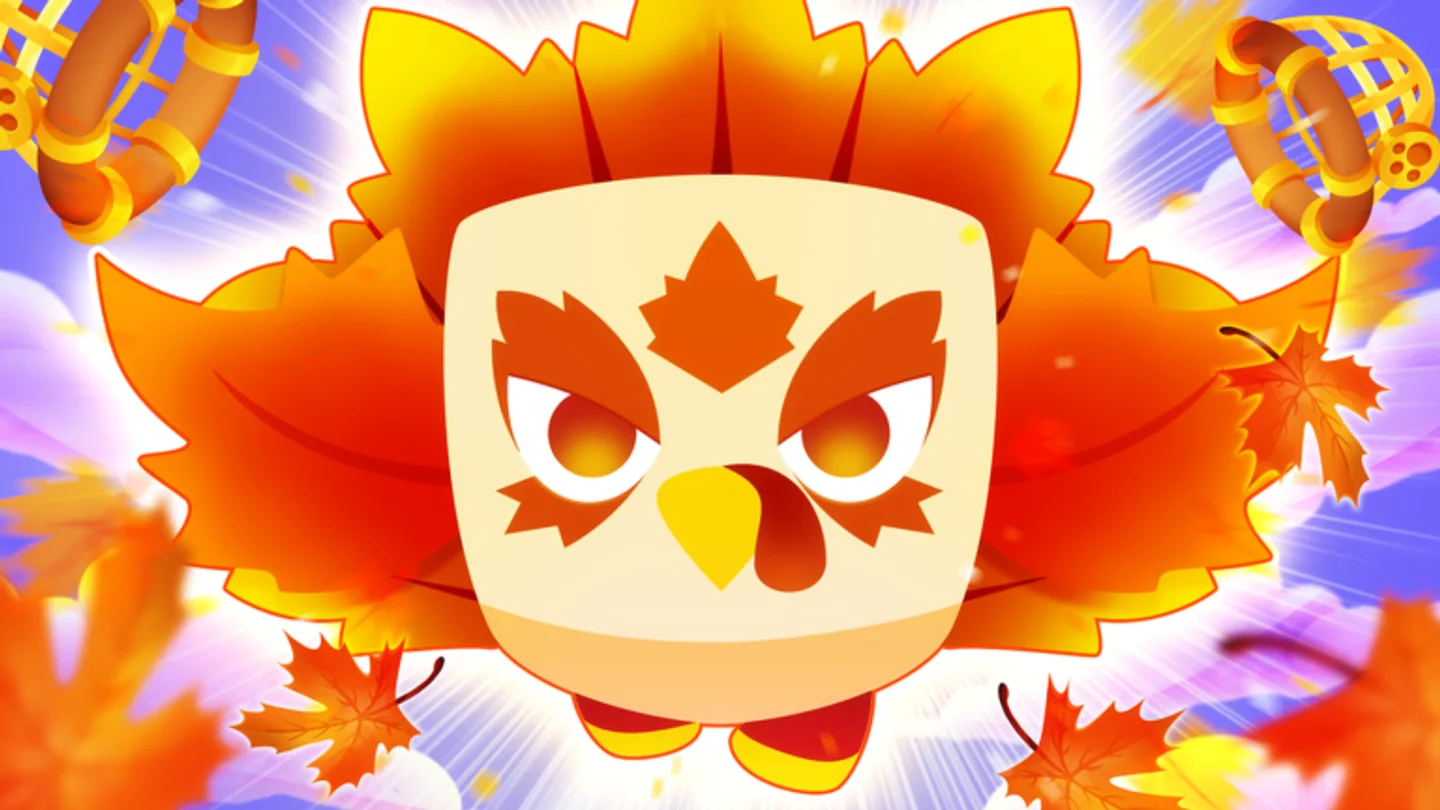
- Show what the game is. Unclear imagery or a random graphic in a corner confuses players.
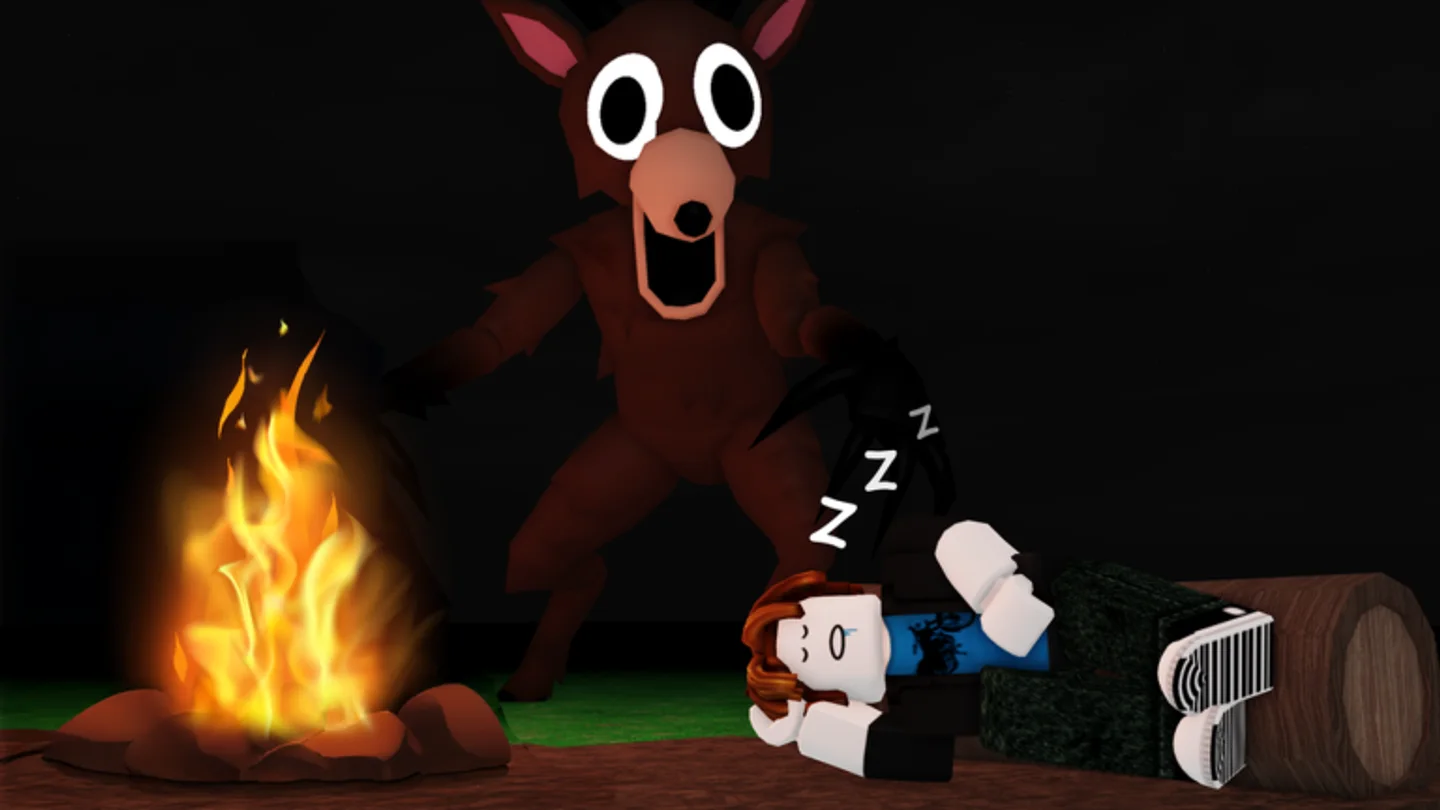
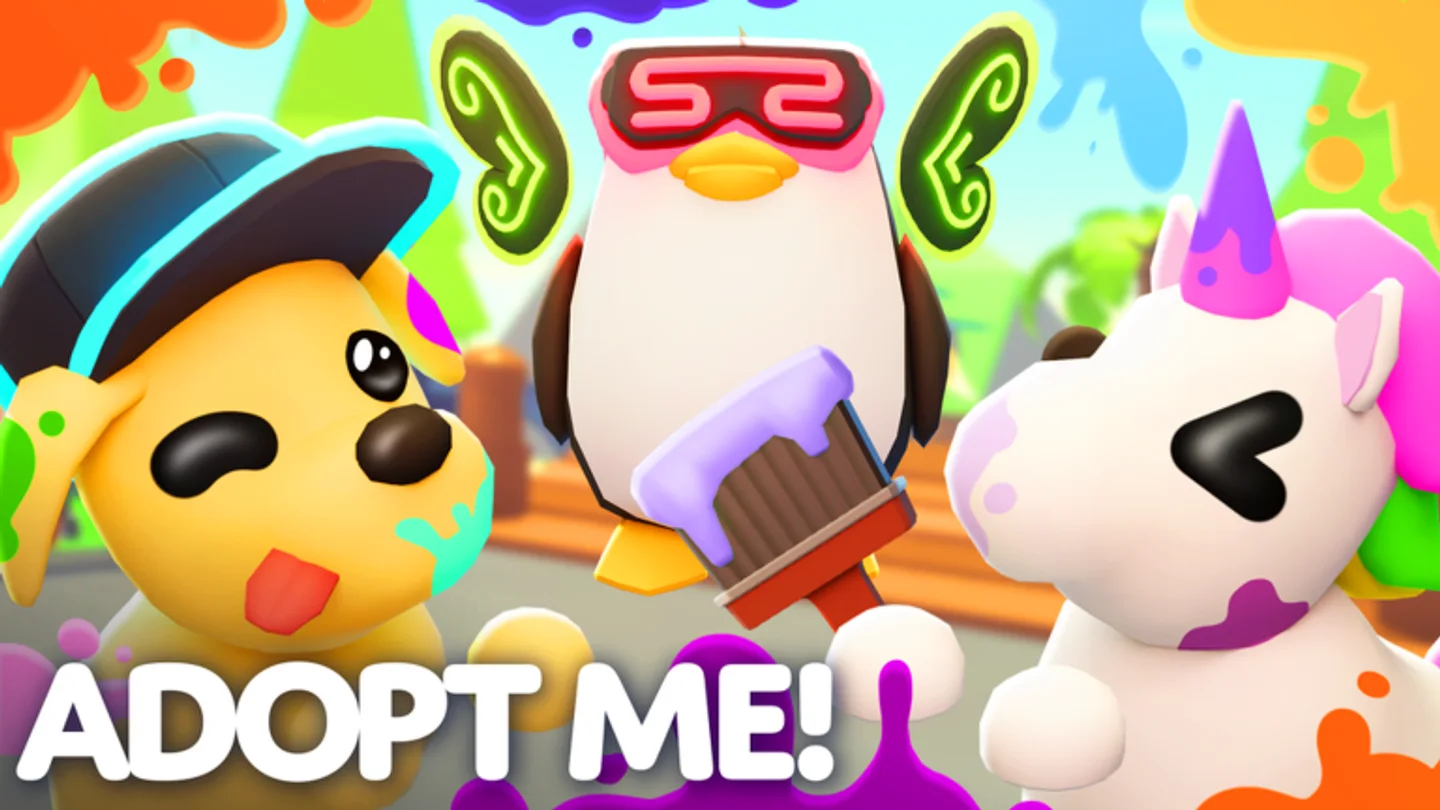
- Match the theme with color. Bright colors for comedy and fun; dark, stormy scenes for horror.

Video thumbnails have stricter rules
A video thumbnail must be authentic gameplay. Roblox rejects videos that show features your game does not have, graphics better than players will see, real-life footage, added voice-over or narration, music with lyrics, and advertising text like “50% off”. Camera work, minor color tweaks, highlight-reel editing and a logo overlay are fine. Rejected videos still count against the monthly quota of three, and video thumbnails do not play on Xbox, PlayStation or VR headsets. In short, AI-generated video belongs in your trailers and social posts, not in Roblox video thumbnails.
Making thumbnails with AI
Image thumbnails give you more room. A workflow many creators use:
- Capture real scenes from your game. Studio’s free camera (Left Shift + P during a solo playtest) lets you frame cinematic angles the normal camera cannot reach.
- Use those shots as reference in an AI image tool to produce a polished, high-energy 16:9 scene with your characters and setting.
- Composite or touch up in an editor: one focal subject, bold contrast, little or no text.
- Export at 1920x1080 and upload.
Higgsfield AI
Images and videoTurns a brief or a gameplay screenshot into 16:9 thumbnail art with several image models, and can be driven from Claude or Cursor over MCP.
- Free tier
- Paid plans from $19/mo (checked Nov 2026)
Affiliate link: we may earn a commission if you subscribe, at no extra cost to you. How this works.
Higgsfield’s image models include Nano Banana Pro, Seedream, GPT Image and Flux.2 Pro, according to its pricing page, and it also has video models and a Shorts Studio for promo clips. It does not make 3D models. Sign up through our Higgsfield (affiliate link) if you want to try it, and check current prices first: a Black Friday sale was running until November 27, 2026.
Pairing it with Claude and Roblox Studio MCP
If Claude or Cursor already controls Studio through the built-in MCP server (setup guide), add Higgsfield as a second connector. Higgsfield’s connector URL is https://mcp.higgsfield.ai/mcp; in Claude use Settings › Connectors › Add custom connector, and in Cursor add it from the Marketplace. It signs in to your Higgsfield account and spends plan credits, with no API key.
Then one chat can do both halves. Ask Claude to use the Studio MCP screen_capture tool to grab a view of your map during a playtest, then ask Higgsfield to build a thumbnail from that scene. Upload the result in the Creator Dashboard as shown below. Our how to make Roblox games with AI guide puts this into a full project workflow.
How to upload thumbnails
- In the Creator Dashboard, select your game.
- Go to Configurations › Places and select a place.
- Click Thumbnails in the left nav.
- Use the Experience Detail Page tab for the images on your game page, and the Home Page tab for what shows in Home recommendations.
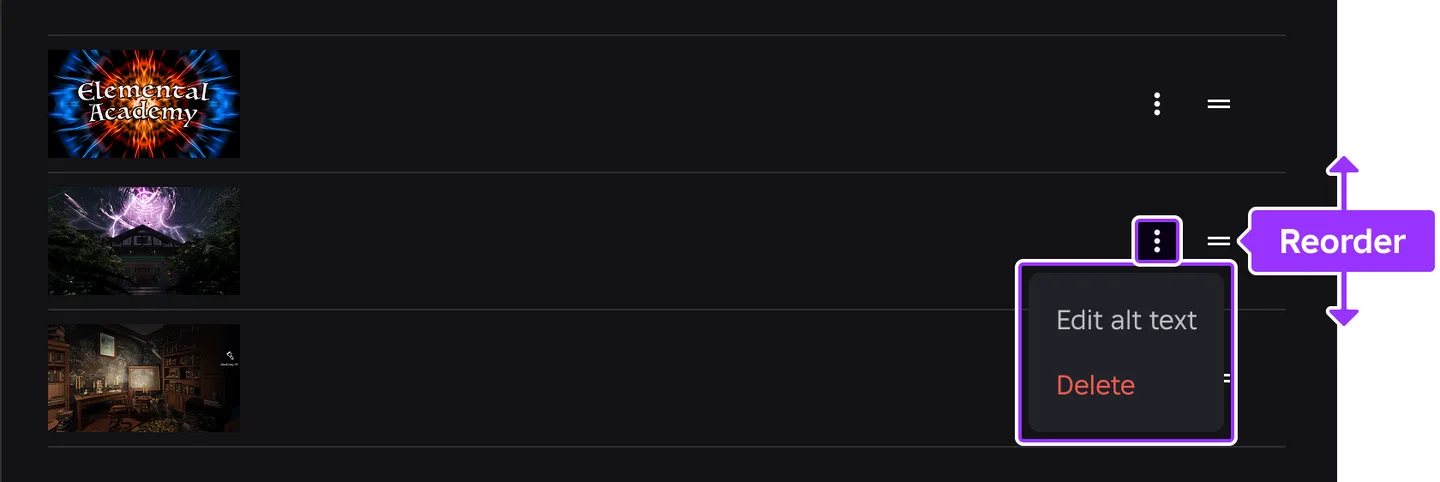
On the detail page tab you can reorder thumbnails, delete them and add alt text for accessibility. Videos go under Videos in the same place menu.
Test with thumbnail personalization
Once you have a few good images, turn on personalization. In the Home Page tab, click Edit active thumbnails, upload new images (under 3 MB and 1920x1080) or tick Active on 2 to 5 existing ones, click Save changes, then Start. Roblox shows each thumbnail to random groups of players and gives more impressions to whichever earns the best qualified play through rate for each group. After a few hours, the Thumbnail Performance table fills in with impressions, qualified plays and average playtime.
Roblox advises keeping several thumbnails active instead of picking one winner, and testing new ones with each major update. That is where an AI image tool earns its place: you can make five distinct concepts in the time one hand-painted image would take. For the whole release process, see how to publish a Roblox game, and for more image generators, best AI tools for Roblox.
Roblox Thumbnail FAQ
What size should a Roblox thumbnail be?
16:9, ideally 1920x1080 pixels. Roblox stretches every displayed thumbnail to 16:9, so other shapes look distorted.
How many thumbnails can a Roblox game have?
Up to 10 images or videos on the game's detail page. Video uploads have a monthly quota of 3.
What file types does Roblox accept for thumbnails?
Images in .jpg, .gif, .png, .tga or .bmp format. For thumbnail personalization uploads, Roblox asks for images under 3 MB and 1920x1080.
Can I use AI art for a Roblox thumbnail?
Image thumbnails are moderated against the Community Rules like any other upload. Video thumbnails are stricter: they must show authentic gameplay, so AI-made video is not allowed there.
What is thumbnail personalization?
When 2 or more Home page thumbnails are active, Roblox shows each player the one most likely to get them to play. In Roblox's testing it raised the average qualified play through rate by 8.5%.
Keep building
Every guide, newest first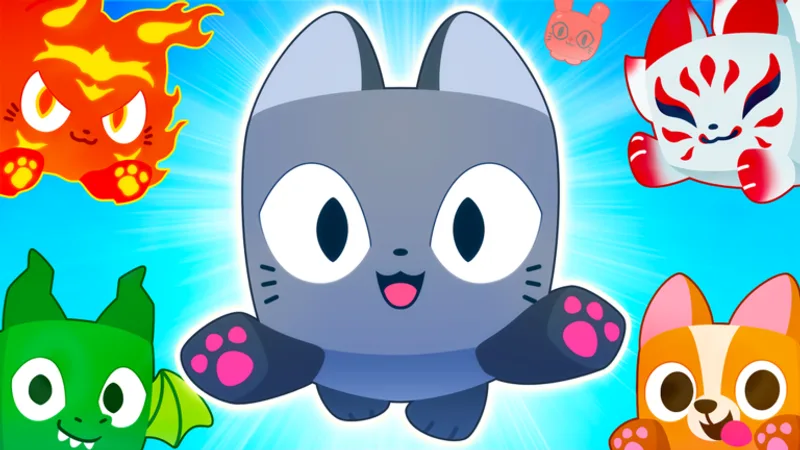 How to Make a Roblox Game Icon (Size, Rules and an AI Workflow)A Roblox game icon must be square and at least 512x512 pixels. How to design one with AI in Higgsfield, upload it in Creator Hub and pass moderation.UI and Icons5 min read
 Roblox UI Design: Build Menus and HUDs That Fit Every ScreenDesign Roblox UI that works on phone and PC: ScreenGui setup, Scale vs Offset sizing, aspect ratio constraints, list layouts and a short button script.UI and Icons4 min read
 How to Publish a Roblox Game and Release It to PlayersUse File › Publish in Roblox Studio, fill in Game details, then release with the content questionnaire, an age check and the refundable 1,000 Robux fee.Publishing and Growth4 min read
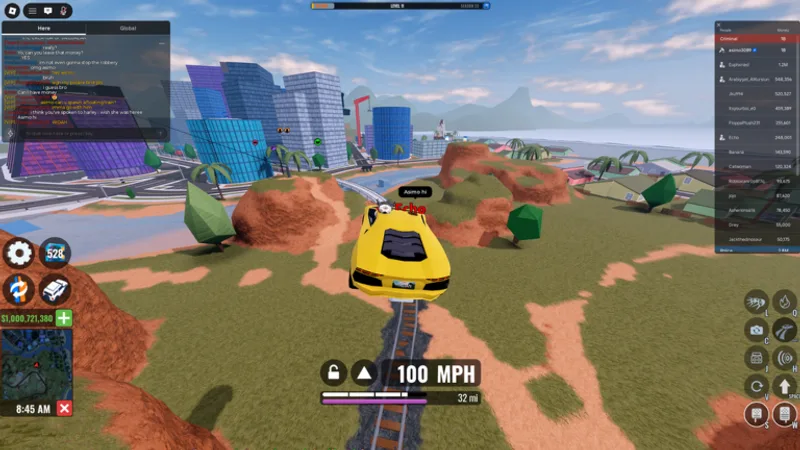
 Alex Balfanz: How Jailbreak Paid for College and Built a BusinessAlex Balfanz learned to code on Roblox at 9 and co-created Jailbreak, now over 7 billion visits. How the game grew, how it earns and what you can copy.Publishing and Growth3 min read
 Brookhaven: From Wolfpaq's Roleplay Town to a Voldex AcquisitionWolfpaq created Brookhaven in 2020 and Voldex bought it in 2025 for an undisclosed price. How the roleplay town grew, how it earns and what you can copy.Publishing and Growth3 min read
 Uplift Games: How the Adopt Me! Team Built a Roblox StudioHow Uplift Games turned Adopt Me! from a two-person Roblox project into a studio, with reported growth figures, how it earns, and steps you can copy.Publishing and Growth4 min read