Make Roblox games with AI
52 guides on Roblox Studio, Luau, maps, models and getting players, checked against Roblox's own docs.
 How to Make Roblox Games With AI, From Idea to Published GameMake a Roblox game with AI: plan with Claude, build in Studio with Assistant and MCP, make art in Higgsfield, then playtest and publish. Every step in order.AI Tools5 min read
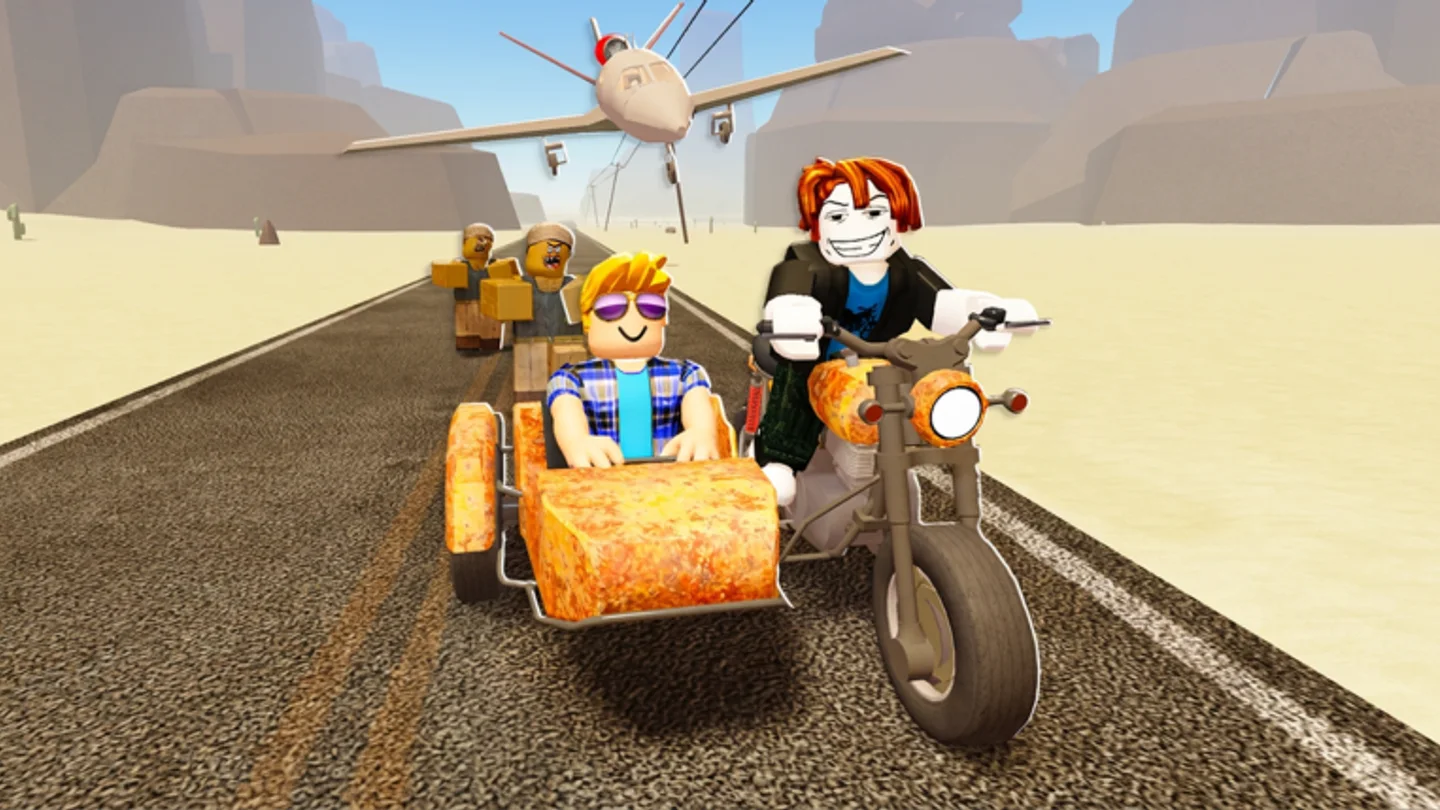
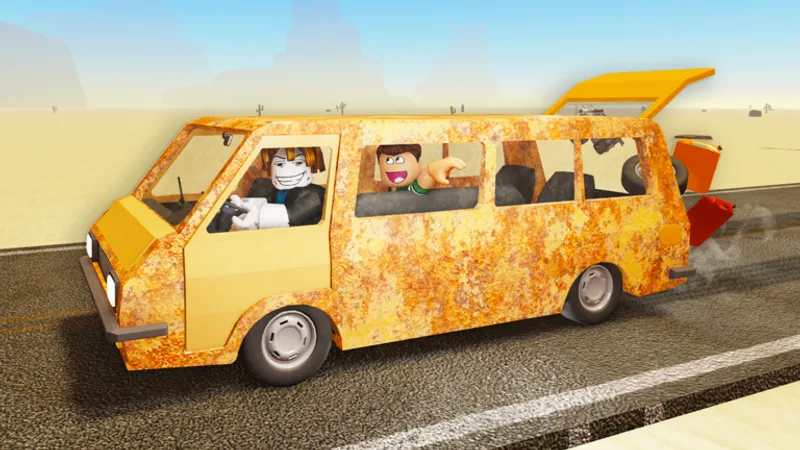
Image: a dusty trip by Jandel's Road Trip (Roblox)
 Roblox Studio MCP: Connect Claude, Claude Code or Cursor to StudioTurn on Roblox Studio's built-in MCP server in Assistant, then connect Claude Desktop, Claude Code or Cursor. Config for Windows and Mac, tools, Higgsfield.AI Tools5 min read
 The Best AI Tools for Roblox Creators (November 2026)The AI tools worth using for Roblox games: Roblox's built-in AI, Claude and Cursor for Luau, Meshy for 3D, Higgsfield for icons and video, ElevenLabs for audio.AI Tools3 min read
Latest guides
All 52 guides- Alex Balfanz: How Jailbreak Paid for College and Built a BusinessPublishing and Growth
- Brookhaven: From Wolfpaq's Roleplay Town to a Voldex AcquisitionPublishing and Growth
- How to Make a Roblox RNG Game: Rarity Tables, Rolls and LuckGame Types
- How to Make a Roblox Battlegrounds Game: Moves, Hitboxes and CooldownsGame Types
- How to Make a Roblox Survival Game: Day and Night, Hunger and CampfiresGame Types
- How to Animate in Roblox Studio: Animation Editor, Capture and AIAnimation and Video
Pick a game type
How each genre works, the systems it needs in Luau and how AI tools speed the build up.
All 13 game types Obby6 min read
 Tycoon6 min read
 Simulator6 min read
 Horror5 min read
 FPS4 min read
 Tower Defense5 min read
 RNG4 min read
 Roleplay3 min read
 Battlegrounds3 min read
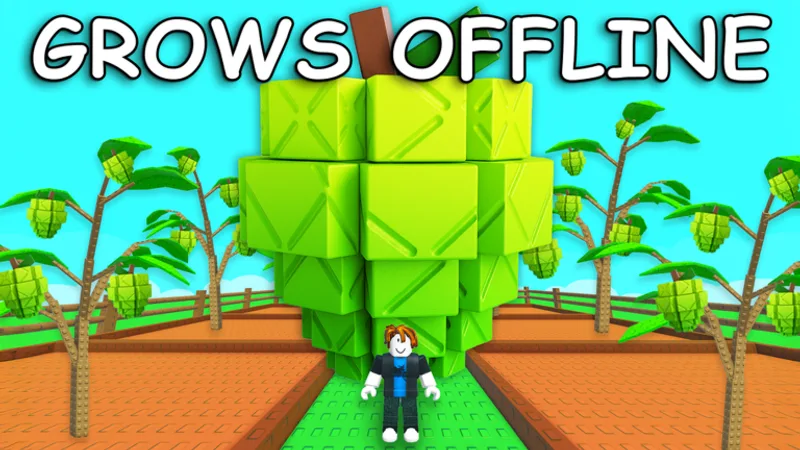 Farming5 min read
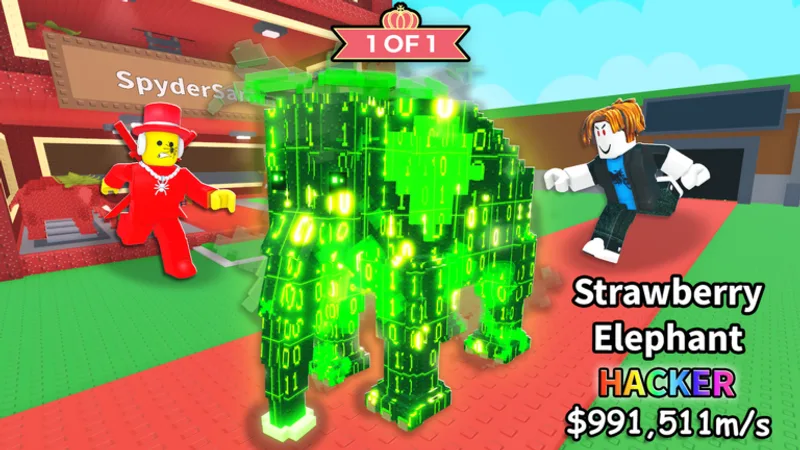 Steal6 min read
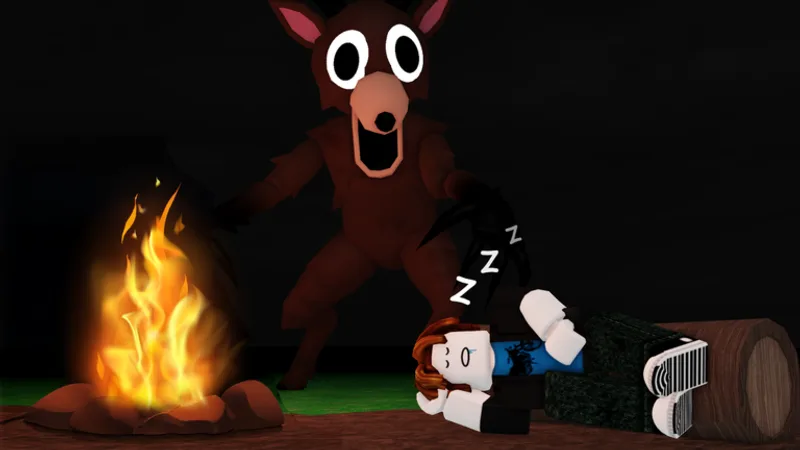 Survival5 min read
Images are official thumbnails of popular Roblox experiences, shown as examples of each genre. Credits are on each guide.
Opus Clip
Images and videoCutting a long Roblox video into vertical Shorts with AI clipping, 9:16 reframing and animated captions.
- Free tier
- Starter from $15/mo (checked Nov 2026)
Affiliate link
Higgsfield AI
Images and videoMaking game icons, thumbnails and promo videos for your Roblox game.
- Free tier
- Paid plans from $19/mo (checked Nov 2026)
Affiliate link
ElevenLabs
AudioMaking voice lines, sound effects and music.
- Free tier
- Paid plans from $6/mo (checked Nov 2026)
Affiliate link
Meshy
3D modelsTurning text or an image into a textured 3D model you can rig.
- Free tier
- Pro from $20/mo billed monthly (checked Nov 2026)
Cards marked "Affiliate link" pay us a commission if you subscribe, at no extra cost to you. It does not change what we write. How this works.
 How to Make a Roblox Game: The Full Process, With and Without AIInstall free Roblox Studio, start from a template, build, script, test, then publish from File › Publish. Every stage explained, plus where AI tools help.Beginners7 min read
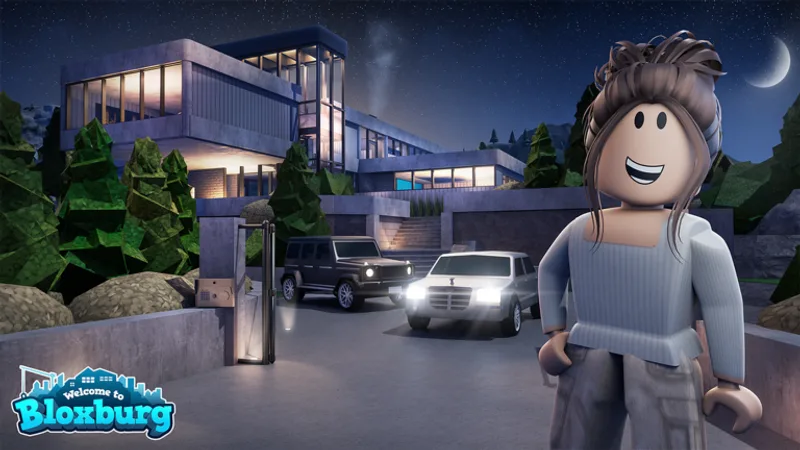 How to Make a Roblox Game Step by Step: Your First Obby in One AfternoonA click-by-click beginner tutorial: install Roblox Studio, open Baseplate, build an obby, add a kill brick script, playtest with F5 and publish it privately.Beginners4 min read
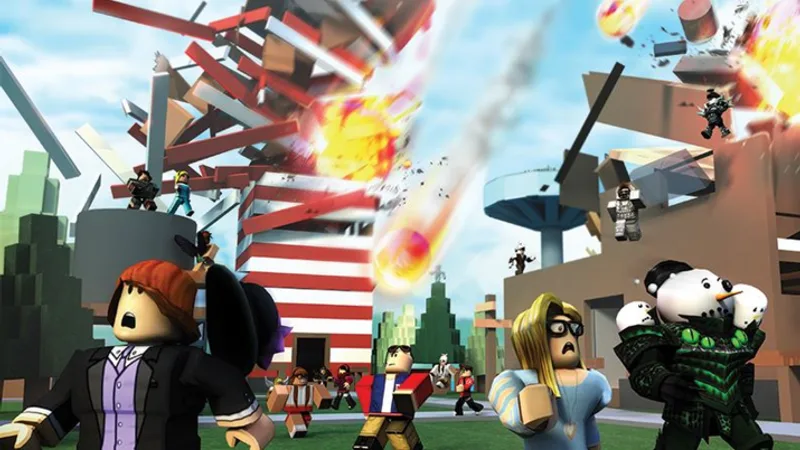 How to Publish a Roblox Game and Release It to PlayersUse File › Publish in Roblox Studio, fill in Game details, then release with the content questionnaire, an age check and the refundable 1,000 Robux fee.Publishing and Growth4 min read
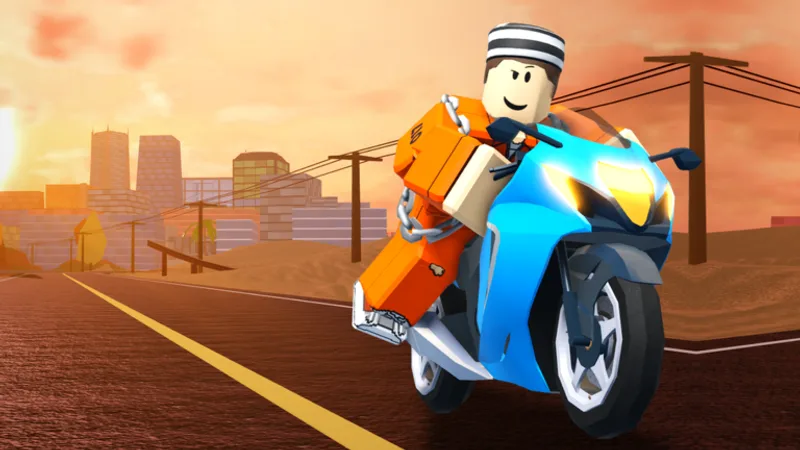 How to Script in Roblox: A Beginner Luau TutorialLearn to script in Roblox Studio with Luau: where scripts go, your first kill brick, a points leaderboard, RemoteEvents and saving data, with official code.Scripting4 min read
AI Tools
Roblox Assistant, Roblox Build, the Studio MCP and outside AI tools for code, models and art.
All 13 guides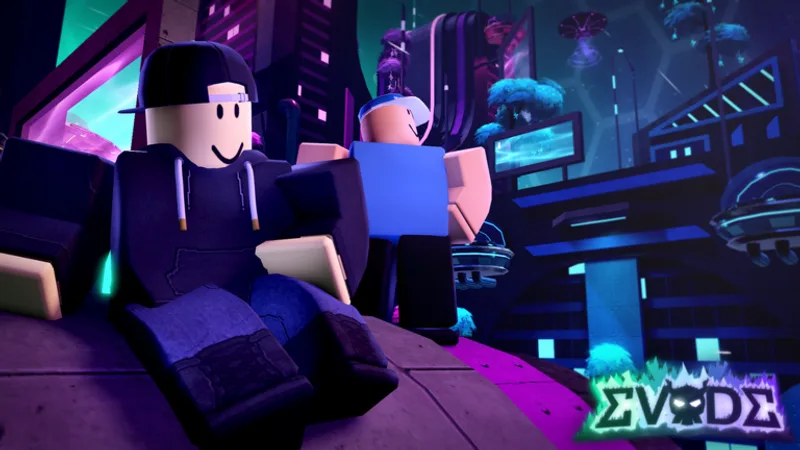 Roblox AI: Every AI Feature in Roblox and Roblox StudioRoblox AI covers Assistant, Code Assist, mesh, material and texture generators, Avatar Setup, the Studio MCP server and Build. What each does and where it is.AI Tools5 min read
 Roblox Assistant: How to Use the AI Helper in Roblox StudioOpen Roblox Assistant from the mezzanine bar in Studio and type a request. It builds objects, writes scripts and inserts assets. Commands, Plan mode, Skills.AI Tools4 min read
 Roblox AI Game Maker: Every Way to Make a Roblox Game With AIThe real Roblox AI game makers: Build on mobile, Assistant in Studio, Studio MCP with Claude or Cursor, plus Higgsfield for art, video and fast prototypes.AI Tools4 min read
 How to Make Roblox Games With AI, From Idea to Published GameMake a Roblox game with AI: plan with Claude, build in Studio with Assistant and MCP, make art in Higgsfield, then playtest and publish. Every step in order.AI Tools5 min readRoblox Studio MCP: Connect Claude, Claude Code or Cursor to StudioTurn on Roblox Studio's built-in MCP server in Assistant, then connect Claude Desktop, Claude Code or Cursor. Config for Windows and Mac, tools, Higgsfield.AI Tools5 min read
Scripting
Luau from zero: where scripts go, events, saving data, and getting good code out of AI.
All 5 guides How to Script in Roblox: A Beginner Luau TutorialLearn to script in Roblox Studio with Luau: where scripts go, your first kill brick, a points leaderboard, RemoteEvents and saving data, with official code.Scripting4 min read
 Rojo for Roblox: Script in VS Code and Sync to StudioSet up Rojo for Roblox: install with Rokit or the VS Code extension, add the Studio plugin, run rojo serve, click Connect, then build place files.Scripting4 min read
 Roblox AI Script Generator: Write Luau Scripts With AIWays to generate Roblox scripts with AI: Studio Assistant, Code Assist, and Claude or Cursor through MCP, plus prompts and checks before you trust the code.Scripts Library4 min read
 Roblox Studio Scripts: 13 Free Copy-Paste Luau Scripts Checked Against the DocsFree copy-paste Luau scripts for Roblox Studio: kill brick, leaderstats, coins, saving, doors, teleports, game passes and more, each checked against the docs.Scripts Library9 min read
Scripts Library
Free copy and paste Luau scripts, checked against the Roblox docs, plus tools to write your own.
All 3 guidesRoblox AI Script Generator: Write Luau Scripts With AIWays to generate Roblox scripts with AI: Studio Assistant, Code Assist, and Claude or Cursor through MCP, plus prompts and checks before you trust the code.Scripts Library4 min readRoblox Studio Scripts: 13 Free Copy-Paste Luau Scripts Checked Against the DocsFree copy-paste Luau scripts for Roblox Studio: kill brick, leaderstats, coins, saving, doors, teleports, game passes and more, each checked against the docs.Scripts Library9 min readRojo for Roblox: Script in VS Code and Sync to StudioSet up Rojo for Roblox: install with Rokit or the VS Code extension, add the Studio plugin, run rojo serve, click Connect, then build place files.Scripting4 min read How to Make a Map in Roblox Studio (Terrain, Heightmaps and AI)Make a map in Roblox Studio with the Terrain Editor: Generate, heightmap Import, sculpt and paint tools, plus how Assistant and the Studio MCP help fill it in.Building and Maps4 min read
 Roblox Lighting: Every Setting Explained, With Presets That WorkRoblox lighting explained: LightingStyle, ClockTime, Ambient, shadows, Atmosphere and post-processing, with day, sunset and horror setups to copy into Studio.Building and Maps4 min read
 Roblox Studio Update Notes: November 18 to 24, 2026Roblox Studio update notes for November 18 to 24, 2026, sorted by what you can ship now and what is still in beta, with menu paths, limits and API names.Building and Maps4 min readHow to Make a Roblox Game Step by Step: Your First Obby in One AfternoonA click-by-click beginner tutorial: install Roblox Studio, open Baseplate, build an obby, add a kill brick script, playtest with F5 and publish it privately.Beginners4 min read
 Roblox Assets and the Toolbox: Find Free Models SafelyUse the Roblox Studio Toolbox and Creator Store for free assets, manage your own with Asset Manager, import 3D files and audio, and spot unsafe models.Assets and Models4 min read
 Roblox Assets and the Toolbox: Find Free Models SafelyUse the Roblox Studio Toolbox and Creator Store for free assets, manage your own with Asset Manager, import 3D files and audio, and spot unsafe models.Assets and Models4 min read
 Blender to Roblox: Export Settings and Import StepsMove models from Blender into Roblox Studio: official FBX export settings, 3D Importer steps, triangle and texture limits, and Roblox's Blender plugin.Assets and Models4 min read
 Meshy AI to Roblox: Generate a 3D Model and Import It Into StudioMake a model in Meshy, export FBX or GLB, keep it under 20,000 triangles, and bring it into Roblox Studio with the 3D Importer. Settings, textures and fixes.Assets and Models4 min read
 The Best AI 3D Model Generators for Roblox StudioWhich AI 3D model generators work for Roblox: Roblox's own mesh generation, Meshy, Rodin, Scenario and Tripo, compared on export formats, free tiers and price.Assets and Models3 min read
Animation and Video
The Animation Editor, story videos, Shorts and recording Roblox footage.
All 3 guides How to Animate in Roblox Studio: Animation Editor, Capture and AIOpen the Animation Editor from the Avatar tab, pose a rig on the timeline, set looping and priority, publish to Roblox, then play it with an Animator in Luau.Animation and Video5 min read
 How to Make Viral Roblox Animations: Story Videos and ShortsMake Roblox animation story videos and Shorts: animate in Studio or Moon Animator, record, add AI voices, edit, then hook, caption and loop for YouTube.YouTube and Shorts6 min read
 How to Make an "In This Town" Roblox VideoMake an In This Town Roblox Short: pick a strange town rule, script the escalation, build the town in Studio, voice it, caption it and end on a comment hook.YouTube and Shorts5 min read
 Roblox UI Design: Build Menus and HUDs That Fit Every ScreenDesign Roblox UI that works on phone and PC: ScreenGui setup, Scale vs Offset sizing, aspect ratio constraints, list layouts and a short button script.UI and Icons4 min read
 How to Make a Roblox Game Icon (Size, Rules and an AI Workflow)A Roblox game icon must be square and at least 512x512 pixels. How to design one with AI in Higgsfield, upload it in Creator Hub and pass moderation.UI and Icons5 min read
 Roblox Thumbnail Maker: How to Make Game Thumbnails That Get ClicksRoblox thumbnails are 16:9, ideally 1920x1080, up to 10 per game. Make them with AI in Higgsfield or from in-game shots, then upload in Creator Hub.UI and Icons4 min read
 How to Make a Roblox Horror Game: Darkness, Sound and a MonsterMake a Roblox horror game: dark lighting and fog, a flashlight, a door with a ProximityPrompt, a monster that chases players, and AI tools that build it faster.Game Types5 min readHow to Make Viral Roblox Animations: Story Videos and ShortsMake Roblox animation story videos and Shorts: animate in Studio or Moon Animator, record, add AI voices, edit, then hook, caption and loop for YouTube.YouTube and Shorts6 min read
 Roblox Clipping: How to Make Money Clipping Roblox VideosHow Roblox clipping pays: join permission-based campaigns like Whop Content Rewards, cut Shorts with Opus Clip, post, track views and skip clipping scams.Making Money6 min read
Publishing and Growth
Publish a game, set it up so players find it, and improve your icon and thumbnails.
All 8 guidesHow to Publish a Roblox Game and Release It to PlayersUse File › Publish in Roblox Studio, fill in Game details, then release with the content questionnaire, an age check and the refundable 1,000 Robux fee.Publishing and Growth4 min read The Richest Roblox Developers and How They Got RichWho are the richest Roblox developers? The studios behind Adopt Me!, Jailbreak, Grow a Garden and Brookhaven, with only reported figures and the real odds.Publishing and Growth4 min read
 Uplift Games: How the Adopt Me! Team Built a Roblox StudioHow Uplift Games turned Adopt Me! from a two-person Roblox project into a studio, with reported growth figures, how it earns, and steps you can copy.Publishing and Growth4 min read
 Alex Balfanz: How Jailbreak Paid for College and Built a BusinessAlex Balfanz learned to code on Roblox at 9 and co-created Jailbreak, now over 7 billion visits. How the game grew, how it earns and what you can copy.Publishing and Growth3 min read
 Roblox DevEx: Rate, Requirements and How to Cash Out RobuxRoblox DevEx pays 0.0038 USD per Earned Robux ($114 per 30,000) as of November 2026. See the eligibility rules, what counts as Earned Robux and the 18+ rate.Making Money4 min read
 How to Make $100K a Month on Roblox: The Real Math and the Real Odds$100K a month on Roblox takes about 26.3 million Earned Robux at the 0.0038 DevEx rate. See the math, Roblox's own earnings data and how few creators get there.Making Money4 min readRoblox Clipping: How to Make Money Clipping Roblox VideosHow Roblox clipping pays: join permission-based campaigns like Whop Content Rewards, cut Shorts with Opus Clip, post, track views and skip clipping scams.Making Money6 min read
 How to Make Viral Roblox Animations: Story Videos and ShortsMake Roblox animation story videos and Shorts: animate in Studio or Moon Animator, record, add AI voices, edit, then hook, caption and loop for YouTube.YouTube and Shorts6 min readHow to Make an "In This Town" Roblox VideoMake an In This Town Roblox Short: pick a strange town rule, script the escalation, build the town in Studio, voice it, caption it and end on a comment hook.YouTube and Shorts5 min readRoblox Clipping: How to Make Money Clipping Roblox VideosHow Roblox clipping pays: join permission-based campaigns like Whop Content Rewards, cut Shorts with Opus Clip, post, track views and skip clipping scams.Making Money6 min read
Trends and News
New Studio features, new AI tools and the game types rising on the charts.
All 8 guidesRoblox AI: Every AI Feature in Roblox and Roblox StudioRoblox AI covers Assistant, Code Assist, mesh, material and texture generators, Avatar Setup, the Studio MCP server and Build. What each does and where it is.AI Tools5 min readHow to Make $100K a Month on Roblox: The Real Math and the Real Odds$100K a month on Roblox takes about 26.3 million Earned Robux at the 0.0038 DevEx rate. See the math, Roblox's own earnings data and how few creators get there.Making Money4 min read Roblox Build: How to Make a Roblox Game With AI on Your PhoneRoblox Build turns a typed idea into a playable 2D or 2.5D Roblox game in the mobile app. How it works, prompts, credits, publishing, limits and who can use it.AI Tools6 min read
 Make a Game With Higgsfield Games and Claude Over MCP, Then Bring the Assets to RobloxConnect Claude to the Higgsfield MCP to prototype a game idea and generate art fast, then move images, textures and video into Roblox Studio. What runs where.AI Tools5 min read
Tools and Reviews
Roundups and comparisons of AI tools, model generators, Rojo and laptops.
All 5 guides Best Laptop for Roblox Studio (Plus a Mouse and Drawing Tablet)Roblox Studio needs Windows 10 or macOS 10.14 and 3 GB of RAM, with 8 GB recommended. Laptops, mice and tablets that meet that, checked against the specs.Tools and Reviews3 min read
 Roblox Build vs Higgsfield Games: Which AI Game Maker Should You Use?Roblox Build publishes simple 2D games to Roblox from your phone. Higgsfield Games builds web prototypes with art. Where each runs, cost, limits, which to use.Tools and Reviews3 min readThe Best AI Tools for Roblox Creators (November 2026)The AI tools worth using for Roblox games: Roblox's built-in AI, Claude and Cursor for Luau, Meshy for 3D, Higgsfield for icons and video, ElevenLabs for audio.AI Tools3 min readThe Best AI 3D Model Generators for Roblox StudioWhich AI 3D model generators work for Roblox: Roblox's own mesh generation, Meshy, Rodin, Scenario and Tripo, compared on export formats, free tiers and price.Assets and Models3 min readRojo for Roblox: Script in VS Code and Sync to StudioSet up Rojo for Roblox: install with Rokit or the VS Code extension, add the Studio plugin, run rojo serve, click Connect, then build place files.Scripting4 min read
Scripts library
Open the libraryFree Luau scripts for the things nearly every game needs. Each one says where it goes and was checked against the Roblox Creator Docs.
Copy one, change a value, press Play and see what happens. That is how most people learn to script.
local lava = script.Parent

local function kill(otherPart)
	local partParent = otherPart.Parent
	local humanoid = partParent:FindFirstChild("Humanoid")
	if humanoid then
		humanoid.Health = 0
	end
end

lava.Touched:Connect(kill)
New here? The beginner path
Four guides, in order, from an empty Studio to a published game.
- Build a first gameStudio installed, a baseplate, parts, a script and a play test.
- Turn on the AIAsk Roblox Assistant to write code and build for you inside Studio.
- Connect Claude or CursorLet an outside AI read and change your place through the Studio MCP.
- Publish itPut the game on Roblox with an icon, thumbnails and the right settings.
How these guides are checked
Every menu name, button and limit on this site is checked against the Roblox Creator Docs, the official DevForum or the tool maker's own site, and each guide shows when it was last updated. When we could not confirm something, the page says so. Some links to AI tools and Amazon are affiliate links; see the affiliate disclosure. More on the about page.