

How to Make Viral Roblox Animations: Story Videos and Shorts
Make Roblox animation story videos and Shorts: animate in Studio or Moon Animator, record, add AI voices, edit, then hook, caption and loop for YouTube.
Image: untitled tag game by _create (Roblox)
On this page8
To make a Roblox animation video that people finish and share, write a short story with a clear hook, animate your characters in Roblox Studio (Animation Editor or Moon Animator 2), record the scene from a scripted camera, add a voice and sound, then cut it vertical with captions and an ending that loops back to the start. Everything below follows that order, and every YouTube tip comes from YouTube’s own help pages rather than guesswork about the algorithm.
Quick facts
- Animation tools
- Studio Animation Editor (free), Moon Animator 2 plugin
- Shorts length
- Up to 3 minutes, vertical (YouTube Help)
- Shorts upload
- Max 1080p, title up to 100 characters
- Thumbnail
- 9:16 for Shorts, JPG or PNG, up to 50 MB
Start with the story, not the software
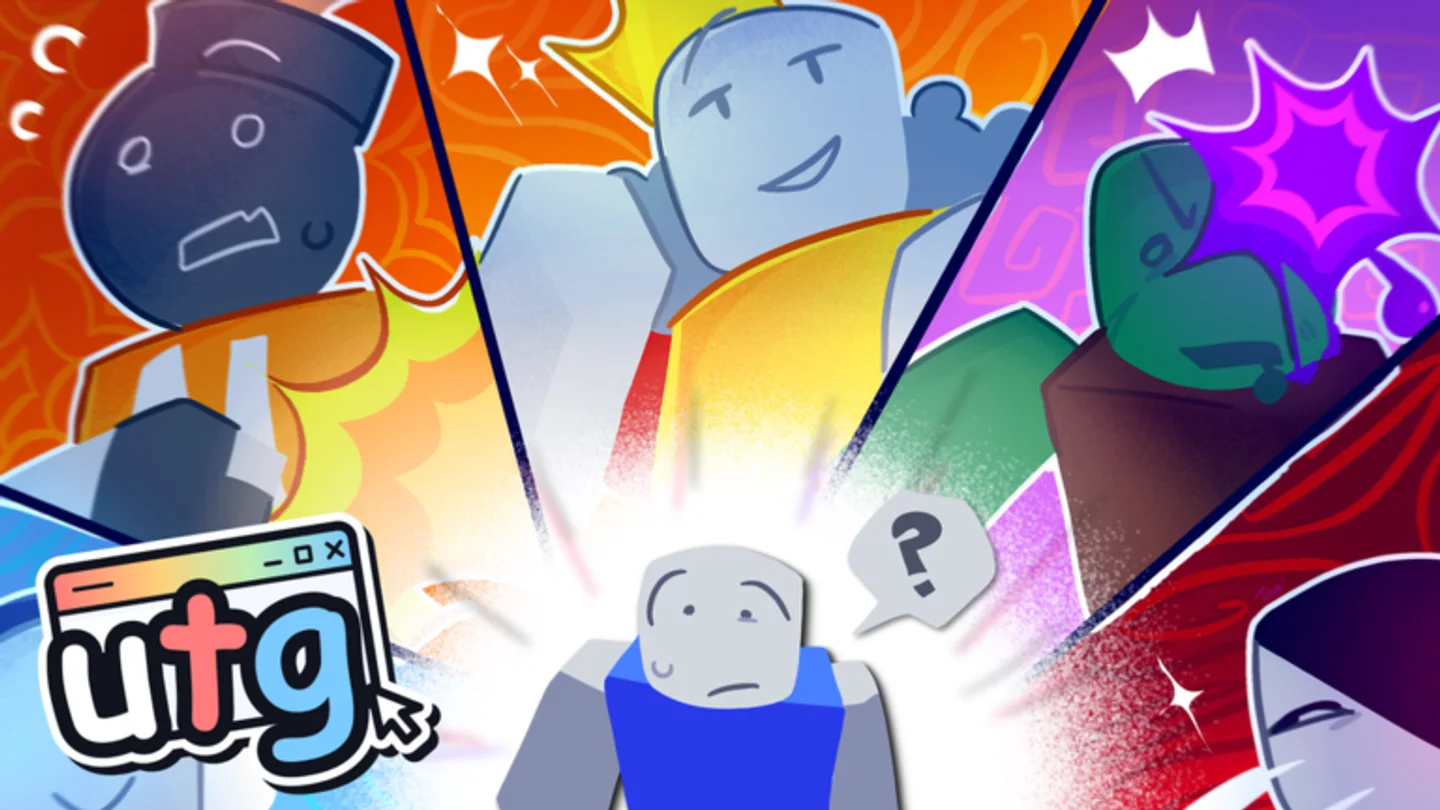
Roblox story channels live or die on the premise. Before you open Studio, write the whole thing as a script: who the main character is, what goes wrong, how it escalates, and the last line. Shorts are watched on a phone with a thumb ready to swipe, so the first sentence has to state the situation. “My mom sold my Roblox account” works better than a slow intro of the character walking into a house.
A simple structure that suits Shorts:
- Hook: the strange situation in one line, with a matching image on screen.
- Setup: two or three quick beats that explain the rules of the story.
- Escalation: each beat a little bigger or weirder than the last.
- Twist or payoff.
- Ending that leads back into the first line, so a replay feels natural.
Read the script out loud with a timer. Long sentences slow the video down more than you expect. If you want a ready format to practice on, our guide to the In This Town Roblox video walks through one of the most copied story formats on Roblox Shorts.
Animate your characters in Studio
Roblox’s own Animation Editor is free and built in. According to the Creator Docs, you open it from the Avatar tab (or the Window › Avatar menu), and it only works on rigs, so insert a character with the Rig Generator first. You set poses as keyframes on a timeline and Studio fills in the motion between them.
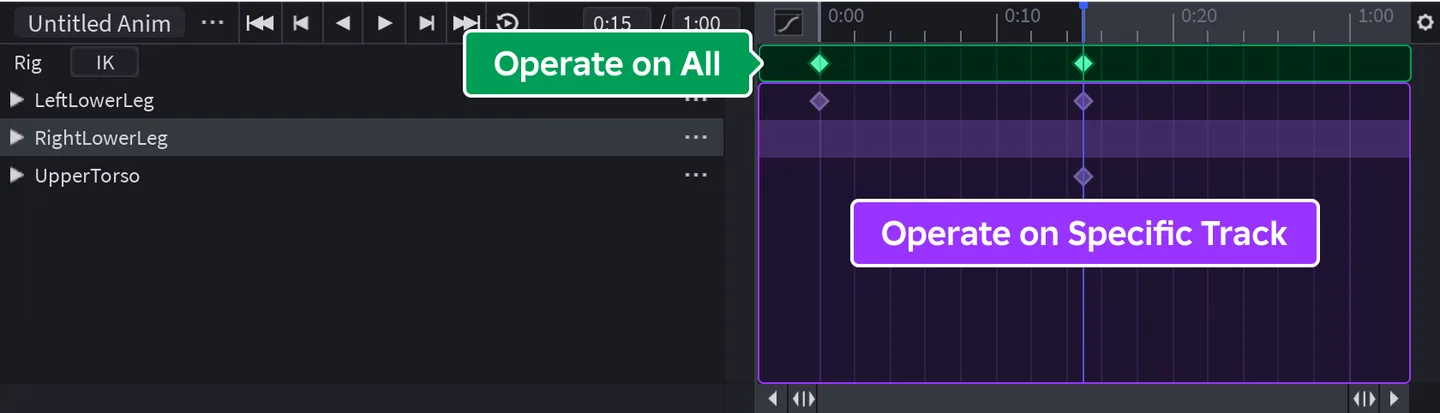
For story videos you usually need many short clips: a walk, a shocked jump, a point, a sit. Save each one (Save stores it in ServerStorage; Publish to Roblox uploads it). The docs also describe Animation Capture: body capture from an uploaded video clip under 15 seconds for R15 rigs, and face capture from a webcam on supported heads. That is a fast way to get natural gestures without posing every frame. Our full guide on how to animate in Roblox Studio covers each step.
Moon Animator 2
Many Roblox story creators use Moon Animator 2, a Studio plugin by xsixx listed on the Roblox Creator Store. Creators pick it because it can animate several rigs, parts and the camera in one timeline, which is handy for cutscene style shots. Check the store listing for the current price and version before you buy, since it changes with sales. Community guides on the DevForum explain the interface; they are unofficial, so expect some details to be out of date.
Set the stage and record
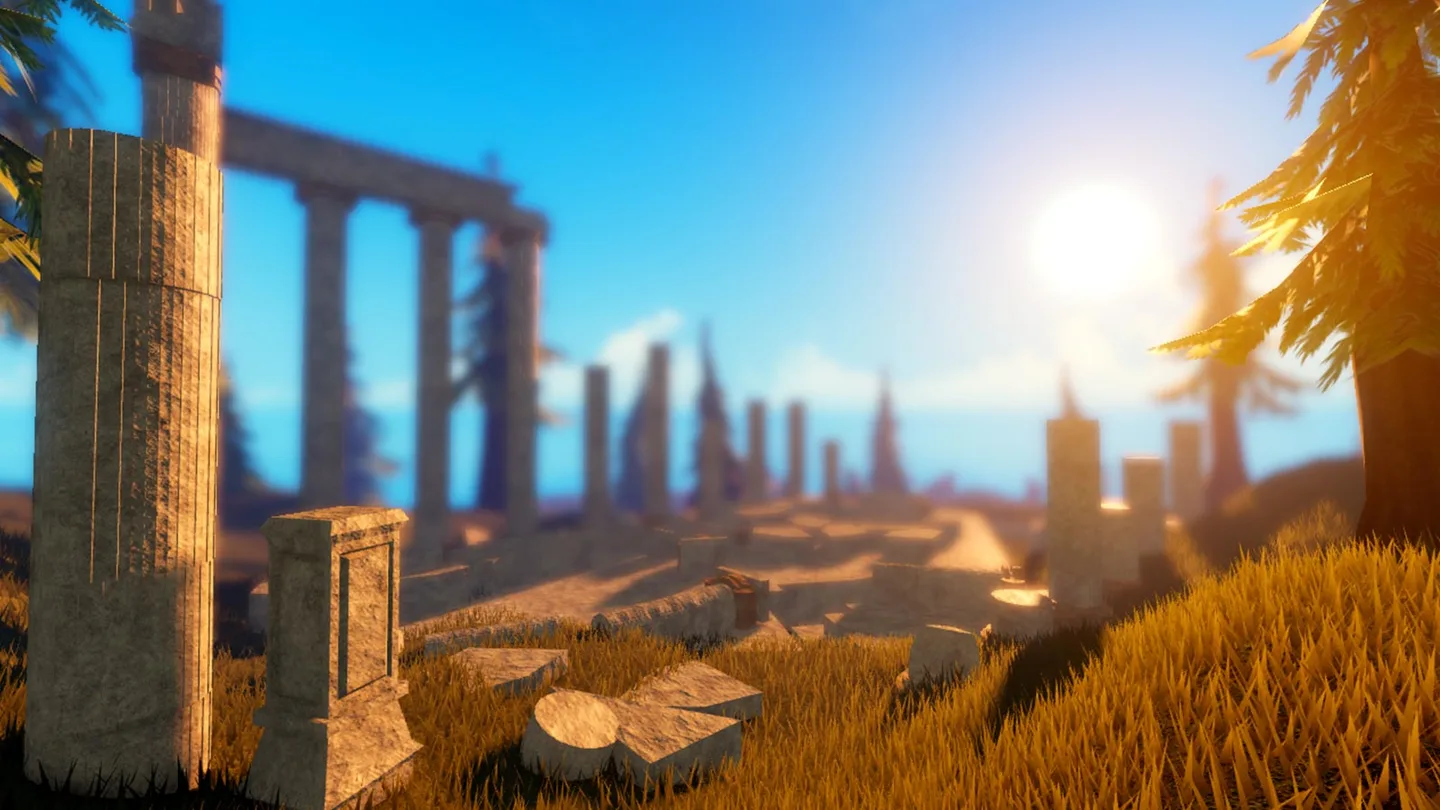
Build a small set that matches the story (a bedroom, a school, a street) and light it so faces read clearly. Lighting and post-processing make a big difference to how “cinematic” the result looks. A depth of field effect blurs the background and keeps the eye on the characters:
To record, play the animations in Studio and capture the viewport with a screen recorder such as OBS Studio or your operating system’s built-in recorder. A few habits help:
- Animate the camera (Moon Animator can animate it) or move it with a script, so shots are smooth instead of hand-dragged.
- Hide Studio panels and record the viewport large, at the highest resolution your monitor allows.
- Record each shot separately with a second of padding at both ends. Editing is far easier with clean takes.
- For vertical Shorts, frame characters in the center of the screen, because you will crop the sides.
Voices, sound and AI help
Story Shorts are usually narrated, with each character given a distinct voice. If you do not voice them yourself, text to speech is the common route.
ElevenLabs
AudioNarration and character voices for story videos, plus sound effects, from typed lines.
- Free tier
- Paid plans from $6/mo (checked Nov 2026)
Affiliate link: we may earn a commission if you subscribe, at no extra cost to you. How this works.
Generate each line separately so you can retime it in the edit, and keep the same voice for the same character in every episode so viewers recognize them. Add short sound effects on actions and quiet background music under the voice.
AI image and video tools are useful around the animation: title cards, a stylized intro shot, backgrounds and thumbnail art.
Higgsfield AI
Images and videoThumbnail art, stylized intro shots and short promo clips for your Roblox videos.
- Free tier
- Paid plans from $19/mo (checked Nov 2026)
Affiliate link: we may earn a commission if you subscribe, at no extra cost to you. How this works.
Higgsfield makes images and video, not 3D models, so it supports your edit rather than replacing the Studio animation. Our roundup of the best AI tools for Roblox compares the alternatives.
Edit for the Shorts format
Cut in any editor (CapCut, DaVinci Resolve, Premiere). YouTube’s Shorts help page says Shorts are vertical videos up to 3 minutes, uploads go up to 1080p, and titles can be up to 100 characters. It also points to a “Get feedback” option in the YouTube app that analyzes a Short’s hook and pacing, which is worth running on drafts.
Editing rules that follow from how Shorts are watched:
- Put the hook in the first second, both spoken and as on-screen text.
- Cut every pause. A new shot or a new line roughly every couple of seconds keeps the pace up.
- Add captions. Many people watch with the sound off. Burn them into the video in large, high contrast text, and keep them away from the bottom of the frame where the app’s buttons sit. YouTube’s captions help also explains adding a caption track.
- End on a frame or line that flows into the opening, so the loop feels smooth.
If you already have a long Roblox video, an AI clipping tool can pull vertical Shorts out of it for you. Opus Clip picks clips from the spoken words, reframes them to 9:16 and adds animated captions; its free plan watermarks the animated caption templates, so check the output before you post.
Opus Clip
Images and videoCuts a long Roblox video into 9:16 Shorts with AI clipping and animated captions.
- Free tier
- Starter from $15/mo (checked Nov 2026)
Affiliate link: we may earn a commission if you subscribe, at no extra cost to you. How this works.
The same tool is what most people use for paid clipping campaigns; our Roblox clipping guide covers how those work and how to stay on the right side of permission.
Thumbnails and titles
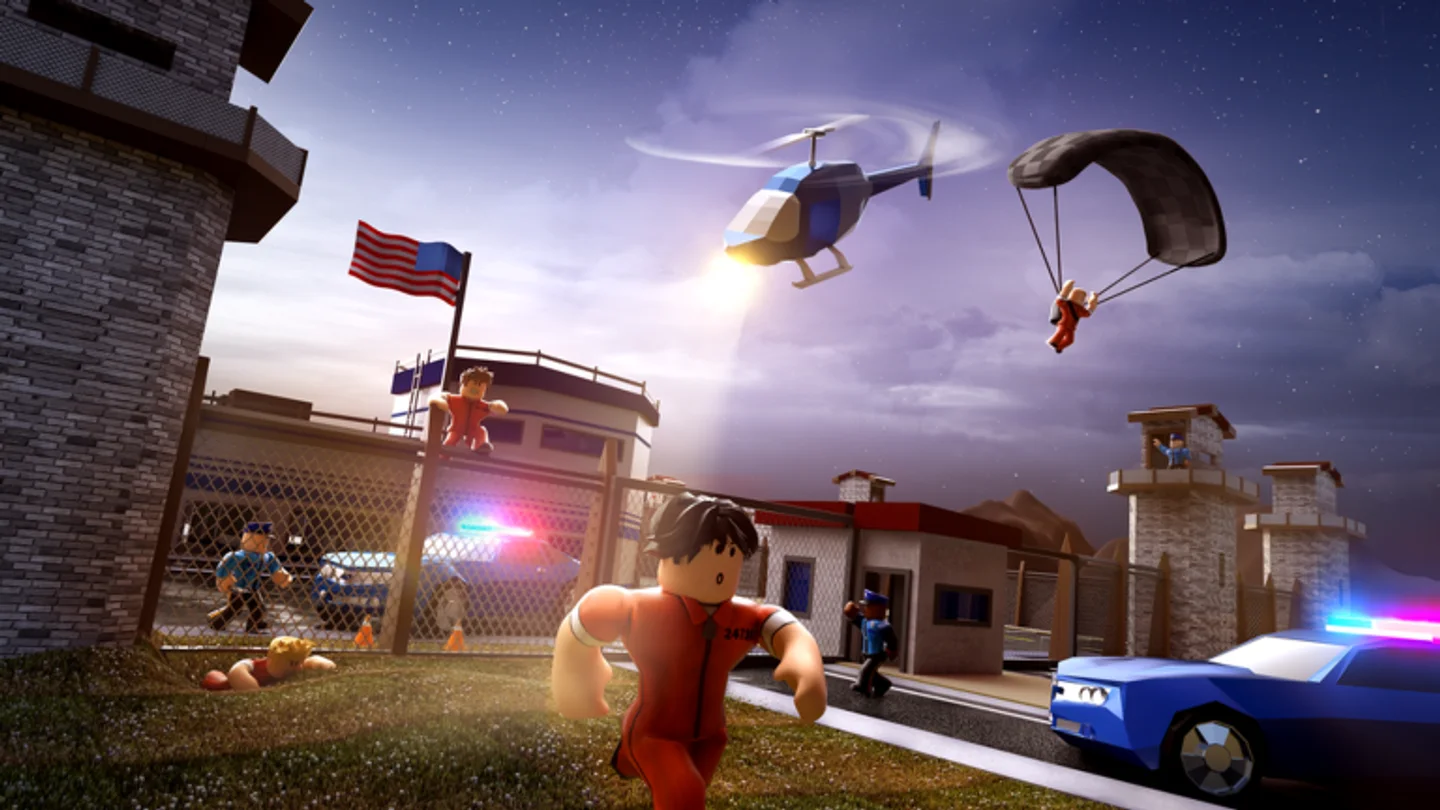
YouTube’s thumbnail help lists JPG or PNG up to 50 MB, a 16:9 ratio for regular videos and 9:16 for Shorts, and says custom thumbnails need a verified account. A good Roblox thumbnail shows one face with a clear emotion and one object that hints at the story, with very few words.
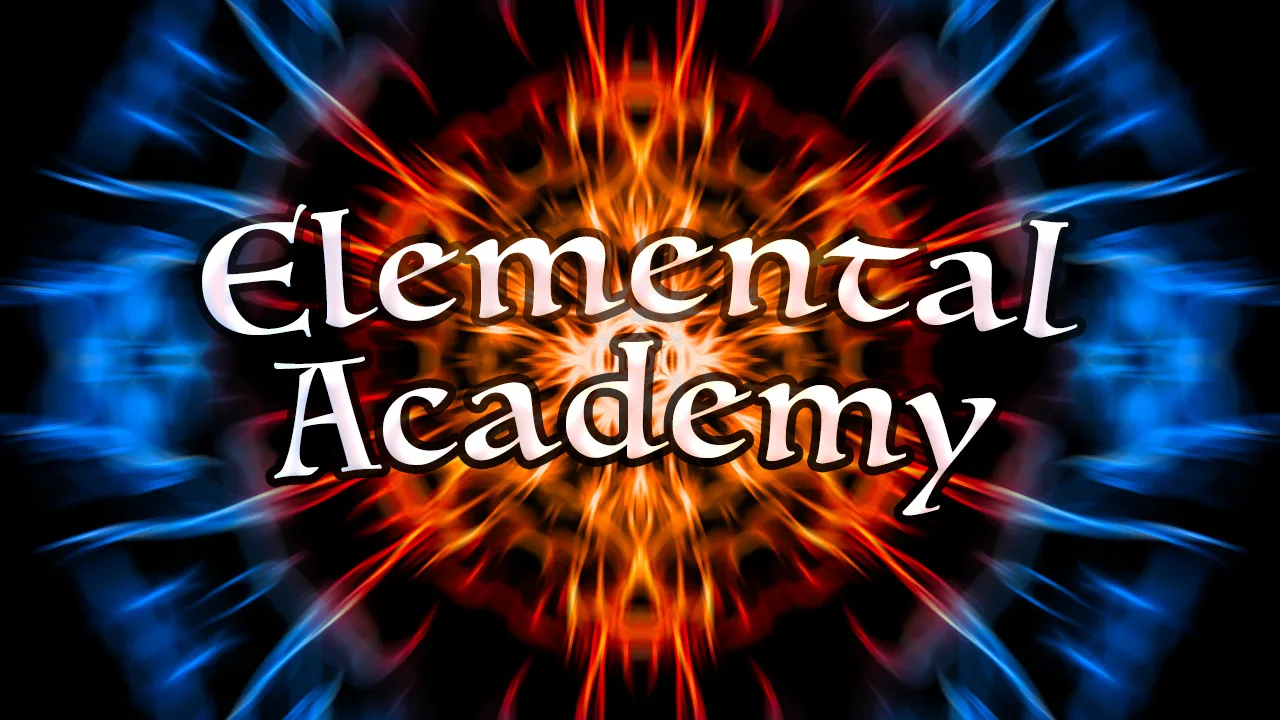
That example is from Roblox’s guidance for experience thumbnails, but the same ideas (high resolution, readable at a small size, one clear subject) carry over to video. See our Roblox thumbnail maker guide for a full workflow.
Growing the channel, by YouTube’s own advice
YouTube’s Creators site and help center stress the same basics: post consistently, study your analytics (where viewers drop off in retention, which videos bring subscribers) and make the next video better based on that. We will not quote view counts or “algorithm secrets” here, because YouTube has not published any and invented numbers do more harm than good. The practical loop is simple: make a Short, check where viewers leave, fix that moment in the next one.
Viral Roblox Animations FAQ
What do people use to make Roblox animation videos?
Most creators animate rigs in Roblox Studio with the built-in Animation Editor or the Moon Animator 2 plugin, record the scene with a screen recorder, then edit, voice and caption it in a video editor.
How long can a YouTube Short be?
YouTube's help center says Shorts can be up to 3 minutes long and should be vertical video. See Get started creating YouTube Shorts.
Is Moon Animator free?
Moon Animator 2 by xsixx is listed on the Roblox Creator Store. Check the listing for its current price before you rely on it, because we could not confirm one in November 2026.
Can I use AI voices in Roblox animation videos?
Yes, many creators voice their stories with text to speech tools like ElevenLabs. Check the tool's plan terms for commercial use before you monetize.
What size should a Shorts thumbnail be?
YouTube lists 9:16 for Shorts thumbnails, JPG or PNG, up to 50 MB, and you need a verified account to upload a custom one. More in our Roblox thumbnail guide.
Keep building
Every guide, newest first How to Make an "In This Town" Roblox VideoMake an In This Town Roblox Short: pick a strange town rule, script the escalation, build the town in Studio, voice it, caption it and end on a comment hook.YouTube and Shorts5 min read
 Roblox Clipping: How to Make Money Clipping Roblox VideosHow Roblox clipping pays: join permission-based campaigns like Whop Content Rewards, cut Shorts with Opus Clip, post, track views and skip clipping scams.Making Money6 min read
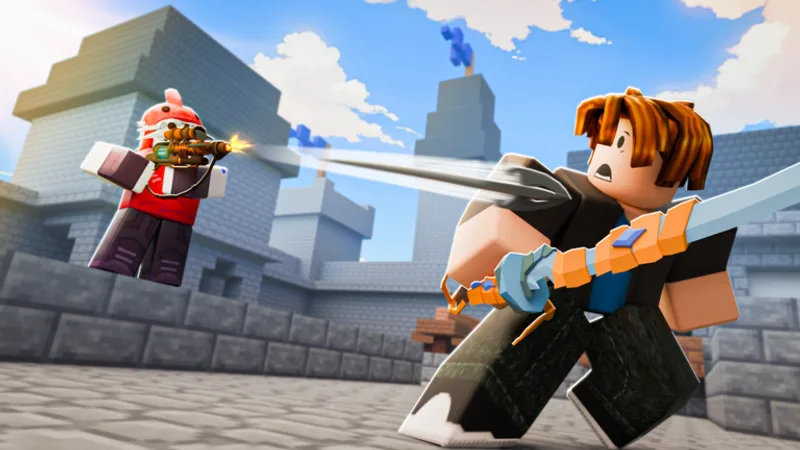 How to Animate in Roblox Studio: Animation Editor, Capture and AIOpen the Animation Editor from the Avatar tab, pose a rig on the timeline, set looping and priority, publish to Roblox, then play it with an Animator in Luau.Animation and Video5 min read
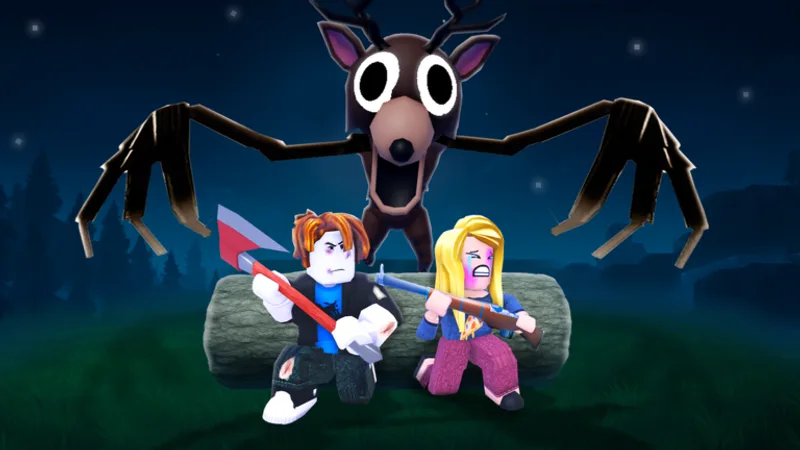 How to Make a Roblox Horror Game: Darkness, Sound and a MonsterMake a Roblox horror game: dark lighting and fog, a flashlight, a door with a ProximityPrompt, a monster that chases players, and AI tools that build it faster.Game Types5 min read
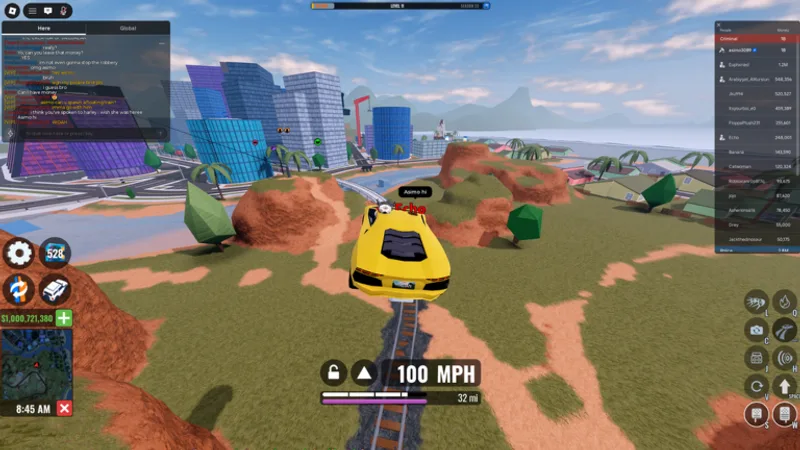 Roblox UI Design: Build Menus and HUDs That Fit Every ScreenDesign Roblox UI that works on phone and PC: ScreenGui setup, Scale vs Offset sizing, aspect ratio constraints, list layouts and a short button script.UI and Icons4 min read
 The Best AI 3D Model Generators for Roblox StudioWhich AI 3D model generators work for Roblox: Roblox's own mesh generation, Meshy, Rodin, Scenario and Tripo, compared on export formats, free tiers and price.Assets and Models3 min read