

The Best AI 3D Model Generators for Roblox Studio
Which AI 3D model generators work for Roblox: Roblox's own mesh generation, Meshy, Rodin, Scenario and Tripo, compared on export formats, free tiers and price.
Image: Driving Empire by Driving Empire by Voldex (Roblox)
On this page9
For most Roblox creators, the best AI 3D model generator to start with is the one already in Studio: ask Assistant to generate a mesh and it lands in your place with no import. When you need more control over style, textures or rigging, Meshy is the strongest confirmed outside option, with FBX and GLB export, a free tier and a $20 a month Pro plan (November 2026). Rodin and Scenario are good alternatives. Whatever you use, Roblox only cares about two things: a supported file format and under 20,000 triangles per mesh.
Roblox’s rules for any generator
- Formats: Studio’s 3D Importer takes .fbx, .obj and .gltf. .glb imports too, with a different hierarchy than .fbx.
- Triangles: no single mesh may exceed 20,000.
- Textures: Roblox’s texture specs cap maps at 1024x1024.
- Animation: allowed on any .fbx mesh export.
FBX and glTF carry multiple meshes, PBR textures and rigs, so prefer those over OBJ.
Comparison table
| Tool | What it does | Exports | Free tier | Paid from (Nov 2026) |
|---|---|---|---|---|
| Roblox Assistant | Text or image to mesh, procedural models, inside Studio | Lands in your place | Roblox lists no price | Not published |
| Meshy | Text-to-3D, image-to-3D, AI texturing, rigging and animation | FBX, OBJ, GLB, USDZ, STL, Blend, 3MF | 100 credits/month, CC BY 4.0 | Pro $20/mo monthly |
| Rodin (Hyper3D) | Image-to-3D (one image plus optional views), text-to-3D | FBX, OBJ, GLB, GLTF, STL, USDZ | Free credits and a 7-day trial | Not listed on homepage |
| Scenario | Game asset images and 3D meshes with PBR textures, custom style training | GLB, OBJ, FBX, STL, VOX | 50 daily credits, personal use only | Starter $15/mo |
| Tripo | Text or image to 3D | Not confirmed | Not confirmed | Not confirmed |
| Blender | Free cleanup and export, not AI | FBX, OBJ, GLB | Free | Free |
We could not read Tripo’s, Kaedim’s or CSM’s pricing pages when we checked, so those details are left out rather than guessed.
Roblox’s built-in mesh generation
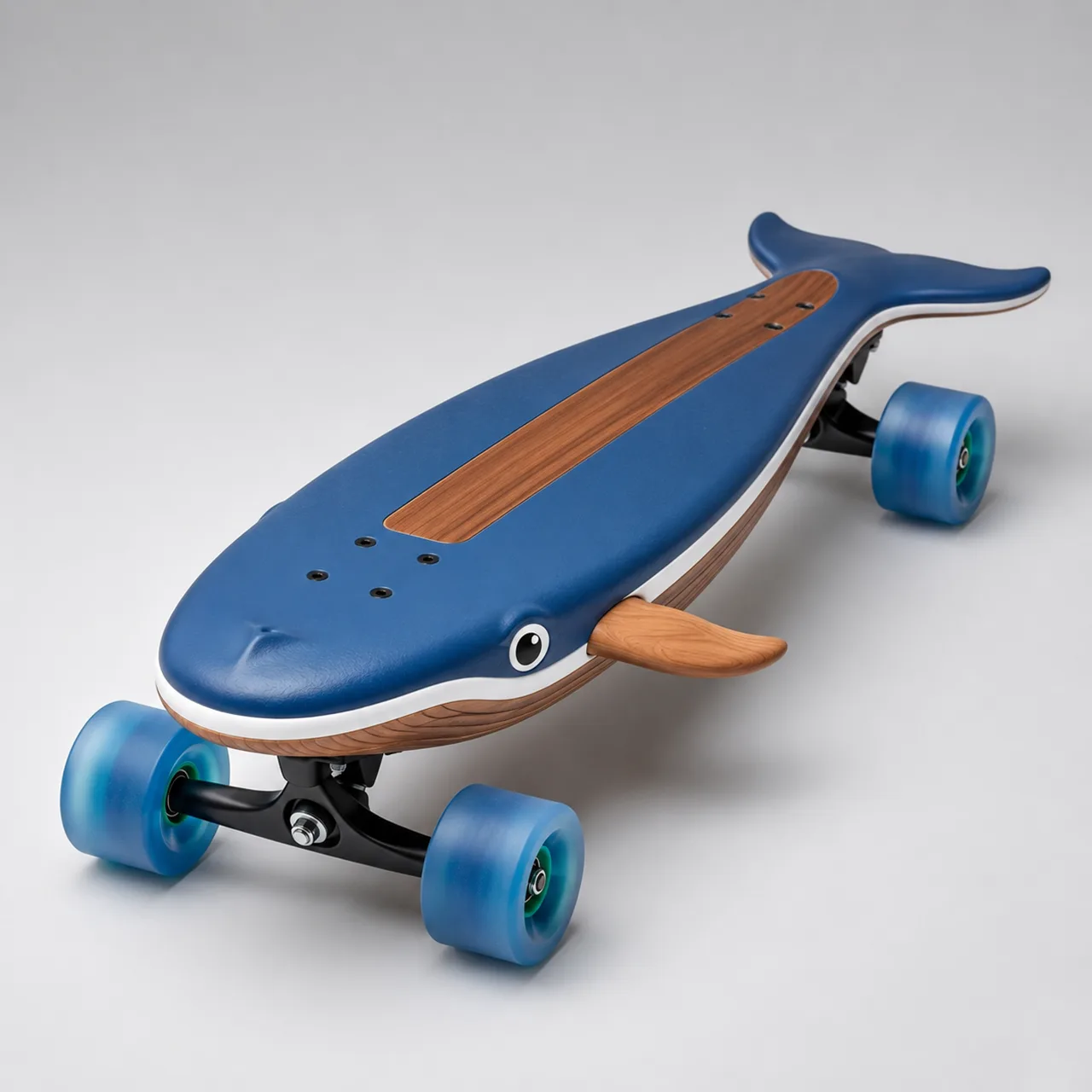
Assistant generates meshes with /generate_mesh <prompt> or a plain request. You can use a text prompt or an image, not both, and a selected Part acts as the bounding box. The default triangle cap is 10,000, safely under the import limit. Procedural models (/generate_procedural_model) are limited to 50 per rolling 24 hours and land in a GeneratedFolder. Assistant can also split a generated model into up to eight named parts.
The same tools are exposed through the Studio MCP server (generate_mesh, generate_procedural_model, generate_avatar), so Claude or Cursor can generate models for you. See Roblox Studio MCP and Roblox Assistant.
Meshy
Meshy
3D modelsThe most complete confirmed feature list: textures, rigging, animation and Roblox-friendly exports.
- Free tier
- Pro from $20/mo billed monthly (checked Nov 2026)
- Exports FBX, OBJ, GLB, USDZ, STL
Meshy handles text or image input, textures the result, and can rig and animate it. The free plan’s CC BY 4.0 license means you must credit Meshy, which matters if you sell game passes on a game built with free-plan models. Our Meshy to Roblox guide walks through export settings and import.
Rodin (Hyper3D)
Rodin (Hyper3D)
3D modelsGood when you have reference images, since it can use several views of one object.
- Free tier
- Exports FBX, OBJ, GLB, GLTF, STL, USDZ
Rodin builds models from one image, with optional extra views, or from text, and exports FBX, OBJ, GLB and GLTF. It offers free credits and a seven-day trial; its homepage did not list a paid price when we checked.
Scenario
Scenario
3D modelsKeeps a whole set of props in one art style by training on your own references.
- Free tier
- Paid plans from $15/mo (checked Nov 2026)
- Exports GLB, OBJ, FBX, STL
Scenario is built for game asset sets. It makes both images and 3D meshes with PBR textures, and custom style training is on the Pro plan ($45). Its 50 free daily credits are for personal or evaluation use only; commercial use needs a paid plan.
Tripo
Tripo
3D modelsAnother text and image to 3D option worth trying.
Tripo’s pages blocked our fetch, so we have not confirmed its formats, free tier or price. Check those on its site, and confirm it exports FBX or GLB before you rely on it for Roblox.
A workflow that saves credits
- Search the Toolbox first. A free model may already exist (check its scripts for
require(with a number before using it). - Try Assistant’s mesh generation for simple props.
- For hero objects, make a clean concept image, then run image-to-3D in Meshy or Rodin.
- Reduce triangles and fix scale in Blender.
- Import with File > Import, then retexture with Studio’s Texture Generator if needed.
For the rest of the AI toolkit (code, art, audio), see best AI tools for Roblox, and for free models from the Creator Store, the Roblox assets and Toolbox guide.
AI 3D Generators for Roblox FAQ
What is the best AI 3D model generator for Roblox?
Roblox's own mesh generation in Assistant is the easiest because there is no import. For more control, Meshy exports FBX and GLB with textures and rigging and has a free tier.
What formats does Roblox Studio import?
The 3D Importer accepts .fbx, .obj and .gltf, and .glb also imports. Each mesh must be under 20,000 triangles.
Can I use free AI models in a published Roblox game?
Check each tool's license. Meshy's free plan uses CC BY 4.0, which requires credit, and Scenario's free credits are for personal or evaluation use only.
Does Higgsfield make 3D models?
No. Higgsfield makes images and video. Use it for icons and trailers, see best AI tools for Roblox.
Keep building
Every guide, newest first Meshy AI to Roblox: Generate a 3D Model and Import It Into StudioMake a model in Meshy, export FBX or GLB, keep it under 20,000 triangles, and bring it into Roblox Studio with the 3D Importer. Settings, textures and fixes.Assets and Models4 min read
 Blender to Roblox: Export Settings and Import StepsMove models from Blender into Roblox Studio: official FBX export settings, 3D Importer steps, triangle and texture limits, and Roblox's Blender plugin.Assets and Models4 min read
 The Best AI Tools for Roblox Creators (November 2026)The AI tools worth using for Roblox games: Roblox's built-in AI, Claude and Cursor for Luau, Meshy for 3D, Higgsfield for icons and video, ElevenLabs for audio.AI Tools3 min read
 Roblox Build vs Higgsfield Games: Which AI Game Maker Should You Use?Roblox Build publishes simple 2D games to Roblox from your phone. Higgsfield Games builds web prototypes with art. Where each runs, cost, limits, which to use.Tools and Reviews3 min read
 Roblox Assets and the Toolbox: Find Free Models SafelyUse the Roblox Studio Toolbox and Creator Store for free assets, manage your own with Asset Manager, import 3D files and audio, and spot unsafe models.Assets and Models4 min read
 Best Laptop for Roblox Studio (Plus a Mouse and Drawing Tablet)Roblox Studio needs Windows 10 or macOS 10.14 and 3 GB of RAM, with 8 GB recommended. Laptops, mice and tablets that meet that, checked against the specs.Tools and Reviews3 min read