

How to Make an "In This Town" Roblox Video
Make an In This Town Roblox Short: pick a strange town rule, script the escalation, build the town in Studio, voice it, caption it and end on a comment hook.
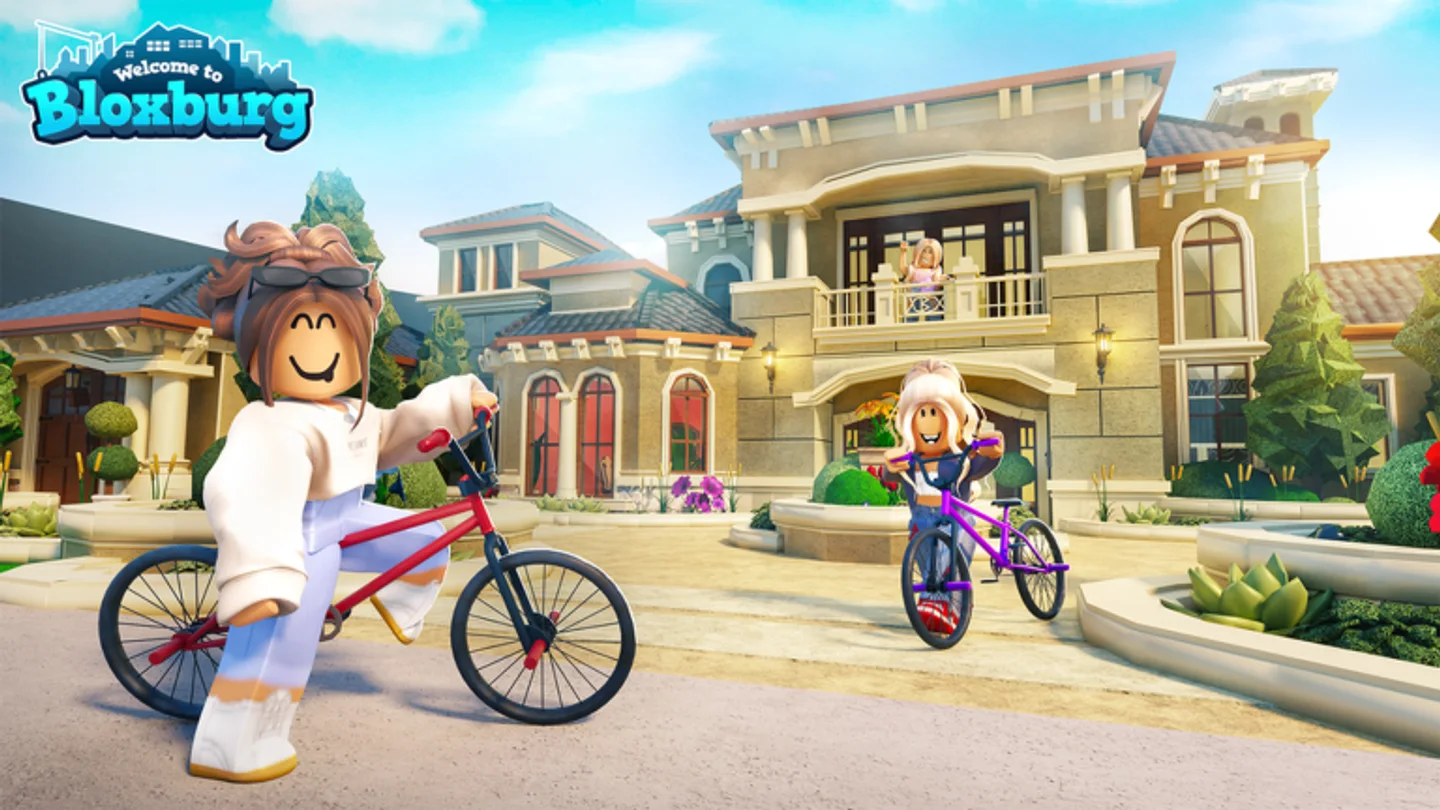
Image: Welcome to Bloxburg by Bloxburg Development (Roblox)
On this page10
To make an “In This Town” Roblox video, choose one strange rule (“In this town, nobody can say their own name”), drop a new kid into the town, show the rule through quick gags, have the kid break it, then reveal the funny or creepy reason the rule exists. You build the town and animate the characters in Roblox Studio, narrate it in first person, caption every line and end on a question that gets viewers commenting. The steps below cover each part in your own style.
Quick facts
- Format
- First person story built on one town rule
- Typical length
- Under a minute to about two minutes
- Tools
- Roblox Studio, screen recorder, editor, voice
- Shorts limit
- Up to 3 minutes, vertical (YouTube Help)
Where the format comes from
The best known channel for this format is Gelo Stories, which posts Roblox animations titled “In This Town, …” with premises such as Everyone Is a Monster… Except Me, You Can Change Your Family and You Can Trade Your Body Parts, plus long compilations of town stories. Other channels make their own versions: CusterkTWO, Bloxolox, robloxtown777 and In Town Stories. Watch a few to get a feel for the rhythm, then put them away before you write. The goal is your own story inside a shared shape.
How the format works
In our own words, the shape goes like this. A narrator, usually the new kid in town, tells the story as “I.” The first line states the rule. The next few beats show how the townspeople live around it, and those are the jokes: if nobody may touch the ground, people ride pogo sticks to work and the mailman uses a zip line. Then the narrator slips up or gets curious, clues pile up, someone disappears, and a reveal explains the rule. The best reveals flip the tone. A scary rule turns out to have a silly or sweet reason, and an authority figure such as the mayor gets the last joke.
Step 1: Pick a premise
A good rule is short, visual and easy to break by accident. Test ideas against three questions:
- Can you say it in under ten words?
- Can you show it on screen in one shot, without explaining?
- Does it suggest at least five funny ways people work around it?
“Nobody is allowed to sleep inside” passes. “Everyone must follow the tax code” does not, because nobody can picture it. Write ten rules, then keep the one with the best workaround gags and a reveal you can explain in one sentence.
Step 2: Script the structure
Write the full script before building anything. A structure that fits the format:
- Rule (first second): “In this town, …” with the rule shown on screen.
- Arrival: you move in, a neighbor warns you.
- Gags: three to five quick examples of life under the rule, each a bit bigger.
- The slip: you break the rule, or see someone break it.
- Mystery: clues, a missing person, a midnight trip somewhere off limits.
- Reveal: the true reason for the rule.
- Punchline: one final line, often from the mayor or a parent.
- Hook: a question for the comments, and a last shot that leads back to the first.
Keep narration lines short. Read the script aloud with a timer, and cut any line that does not move the story or land a joke.
Step 3: Build the town set in Studio
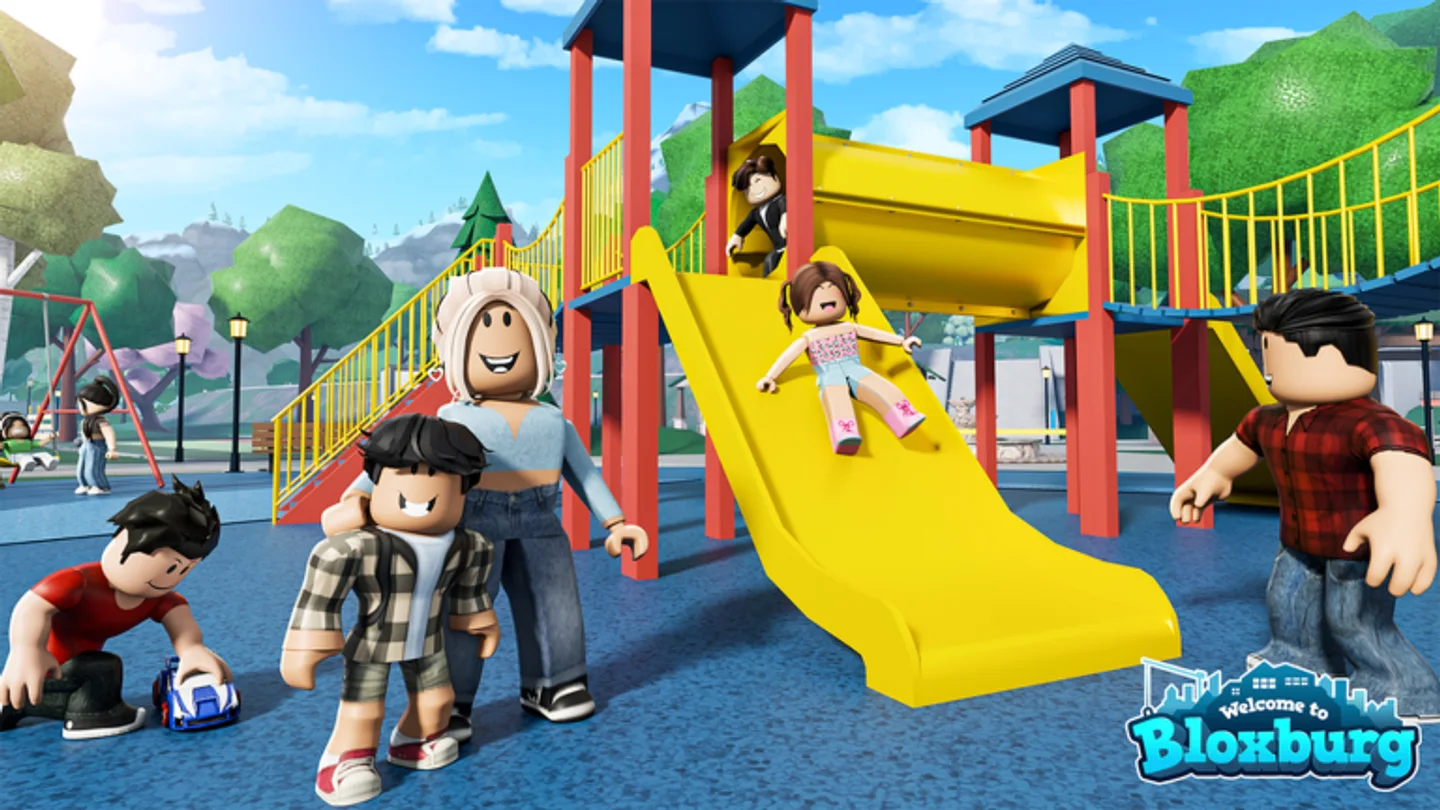
You need fewer locations than you think: the main street, your house, the mayor’s office, and the place where the reveal happens. Build them in Roblox Studio with parts and terrain, and give the town one look (one color palette, one roof style) so it reads as a single place. The terrain tools handle hills and grass quickly.
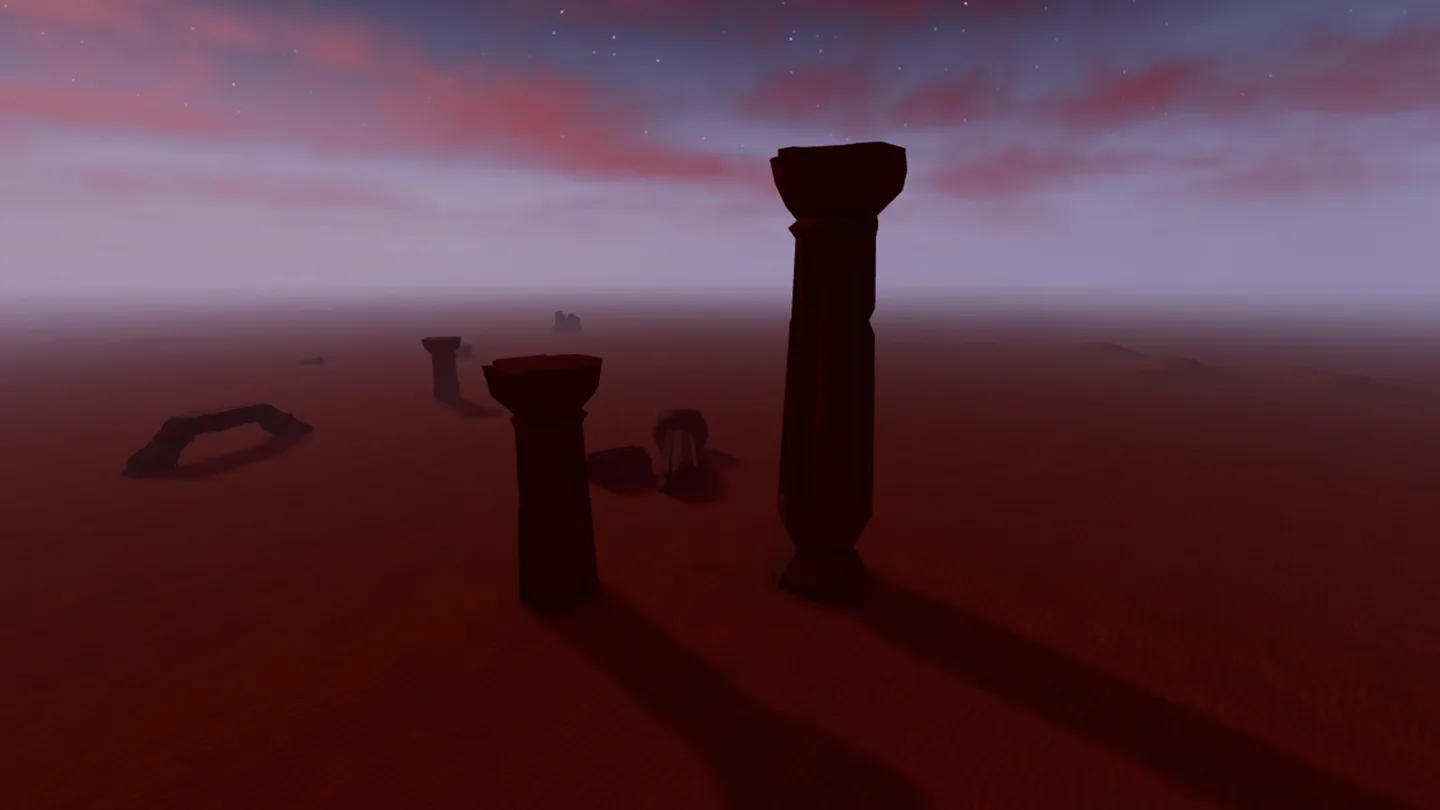
Lighting sells the mood shift between day gags and the night mystery. Roblox’s Lighting service lets you change the time of day per scene:
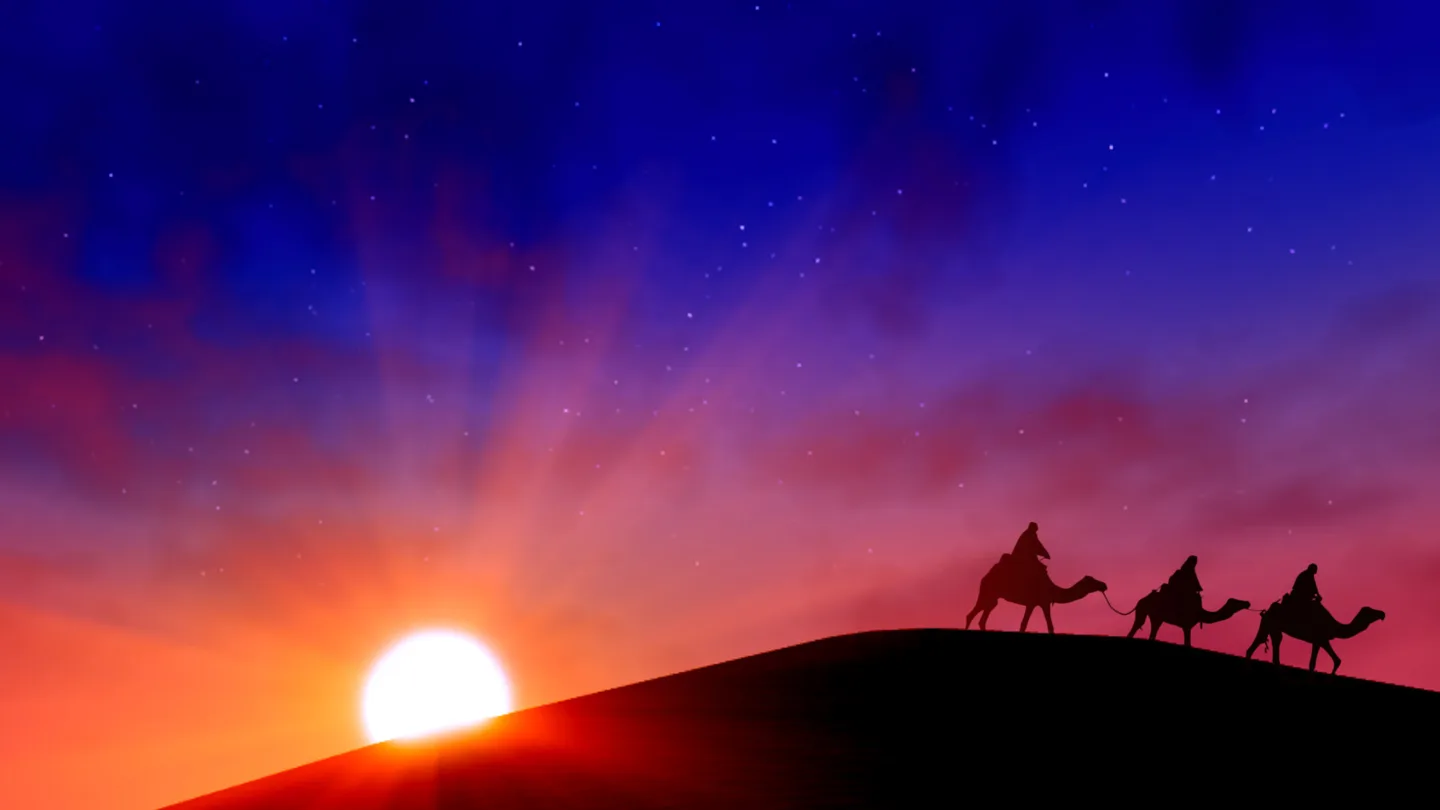
Atmosphere adds haze and sky color for sunrise or sunset establishing shots:
Build the set pieces your gags need first, then fill in background houses. Anything that only appears behind a character can be simple blocks.
Step 4: Characters and animation
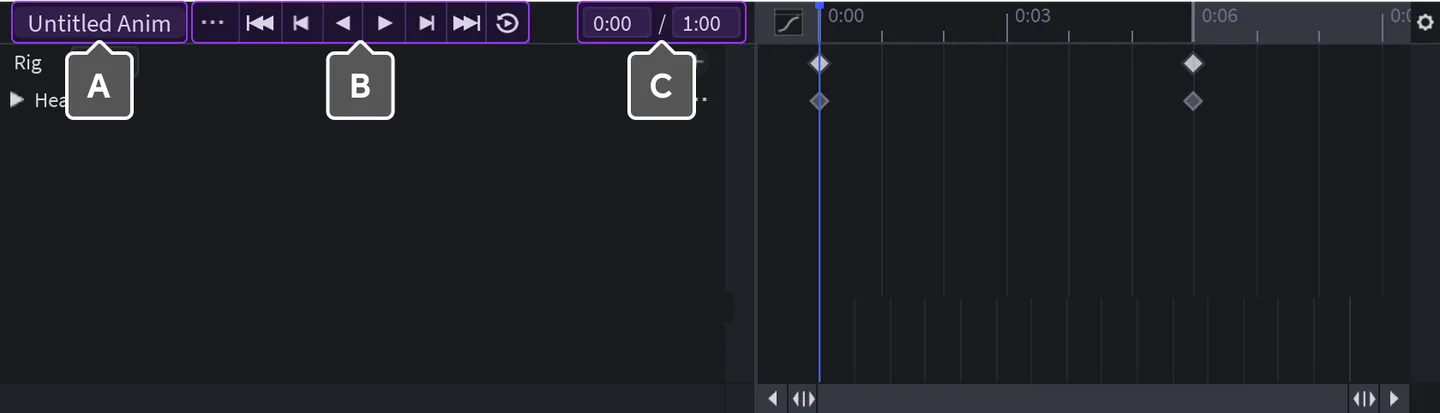
Keep the cast small: you, a neighbor or friend, the mayor and whatever the reveal is. Give each character one strong visual trait (a hat, a sash, a color) so viewers recognize them in a split second on a phone. Animate with the Studio Animation Editor or Moon Animator 2; our guide on how to animate in Roblox Studio covers rigs, keyframes and saving.
Lessons that save a lot of reshoots:
- Keep faces toward the camera. A character with its back turned during an important line loses the moment.
- Watch for props in front of heads and limbs passing through each other or the ground. Scrub every shot before you record.
- If the reveal is a giant, show scale with something familiar (a house, a car) in the same frame, and make sure the small character is still visible.
Step 5: Voice
The format is narrated, so the voice carries it. Record it yourself or use a text to speech tool, and give each speaking character a different voice that stays the same across episodes. Record lines one by one so you can retime them. Place sound effects just after a spoken word, not on top of it, or the line gets hard to hear and auto captions may mishear it. Our viral Roblox animations guide covers AI voice tools.
ElevenLabs
AudioNarrator and character voices from typed lines, plus sound effects for the town; the free plan does not list a commercial license, so check the plan before you monetize.
- Free tier
- Paid plans from $6/mo (checked Nov 2026)
Affiliate link: we may earn a commission if you subscribe, at no extra cost to you. How this works.
Step 6: Pacing and captions
Cut to a new shot every one to two seconds during the gags, and let the reveal breathe a little longer. Burn in large captions that follow the narration word by word, keep them clear of faces and of the bottom of the screen where the app’s buttons sit, and check spelling of character and town names by hand. YouTube’s Shorts help says Shorts can run up to 3 minutes and must be vertical, so frame everything for 9:16.
If you also post a longer “In This Town” story, a clipping tool can turn it into several vertical cuts. Opus Clip finds clips from the dialogue, reframes them to 9:16 and captions them, which saves the manual work for each Short.
Opus Clip
Images and videoTurns a longer town story into captioned 9:16 Shorts.
- Free tier
- Starter from $15/mo (checked Nov 2026)
Affiliate link: we may earn a commission if you subscribe, at no extra cost to you. How this works.
Step 7: The comment and subscriber hook
End inside the story instead of on a plain end card. Ask a question the story sets up (“Which rule would you break first? Comment it”), or have a character make the call to action as a joke. Then cut back to the opening shot so the replay feels continuous. A subscriber gag that fits the town works too, such as a town that grows a house for every new subscriber. Keep it light; the story is what makes people stay.
In This Town Roblox Video FAQ
What is an In This Town Roblox video?
It is a Roblox animation story that opens with a strange rule, such as "In this town, nobody is allowed to look up," then follows a newcomer who breaks the rule and finds out why it exists.
Who made the In This Town format popular?
Gelo Stories is the best known channel for it, with many "In This Town" Roblox animations and compilations. Channels such as CusterkTWO, Bloxolox, robloxtown777 and In Town Stories post their own takes.
How long should an In This Town video be?
Popular examples range from under a minute to a couple of minutes. YouTube allows Shorts up to 3 minutes, so pick the length your story needs and cut every slow beat.
Can I copy another channel's In This Town video?
Use the format, not their work. Write your own rule, story, characters and set, and never reuse another creator's frames, voice lines or scripts.
What software do I need?
Roblox Studio to build the town and animate (Animation Editor or Moon Animator 2), a screen recorder, a video editor, and a voice, either your own or a text to speech tool. See viral Roblox animations.
Keep building
Every guide, newest first How to Make Viral Roblox Animations: Story Videos and ShortsMake Roblox animation story videos and Shorts: animate in Studio or Moon Animator, record, add AI voices, edit, then hook, caption and loop for YouTube.YouTube and Shorts6 min read
 How to Animate in Roblox Studio: Animation Editor, Capture and AIOpen the Animation Editor from the Avatar tab, pose a rig on the timeline, set looping and priority, publish to Roblox, then play it with an Animator in Luau.Animation and Video5 min read
 Roblox Clipping: How to Make Money Clipping Roblox VideosHow Roblox clipping pays: join permission-based campaigns like Whop Content Rewards, cut Shorts with Opus Clip, post, track views and skip clipping scams.Making Money6 min read
 The Best AI 3D Model Generators for Roblox StudioWhich AI 3D model generators work for Roblox: Roblox's own mesh generation, Meshy, Rodin, Scenario and Tripo, compared on export formats, free tiers and price.Assets and Models3 min read
 Blender to Roblox: Export Settings and Import StepsMove models from Blender into Roblox Studio: official FBX export settings, 3D Importer steps, triangle and texture limits, and Roblox's Blender plugin.Assets and Models4 min read
 How to Make a Map in Roblox Studio (Terrain, Heightmaps and AI)Make a map in Roblox Studio with the Terrain Editor: Generate, heightmap Import, sculpt and paint tools, plus how Assistant and the Studio MCP help fill it in.Building and Maps4 min read