


How to Make a Roblox Tycoon: Droppers, Cash and Buy Buttons
Make a Roblox tycoon: a dropper that spawns ore, a collector that pays cash, buy buttons for upgrades, and how Assistant and the Studio MCP speed it up.
Example of a polished tycoon game: War Tycoon by KizmoTek Studio (image from its Roblox page)
On this page11
To make a Roblox tycoon, give each player a plot, add a dropper that spawns ore parts on a timer, a collector part that destroys the ore and adds cash to the player’s leaderstats, and buy buttons that spend cash on more droppers and decorations. All money logic runs in server Scripts in ServerScriptService. Once the loop of earn, buy, earn faster works for one plot, you copy it to the others and add saving.
Roblox lists Tycoon as a subgenre of Simulation on its genre page. The genre is a clean introduction to game economies, which Roblox covers in its design docs on core loops and balancing virtual economies.
Quick facts
- Core loop
- Earn cash, buy upgrade, earn cash faster
- Main pieces
- Plot, dropper, collector, buy buttons
- Where code runs
- Server Scripts in ServerScriptService
- Saving
- DataStoreService with pcall
What top tycoons do
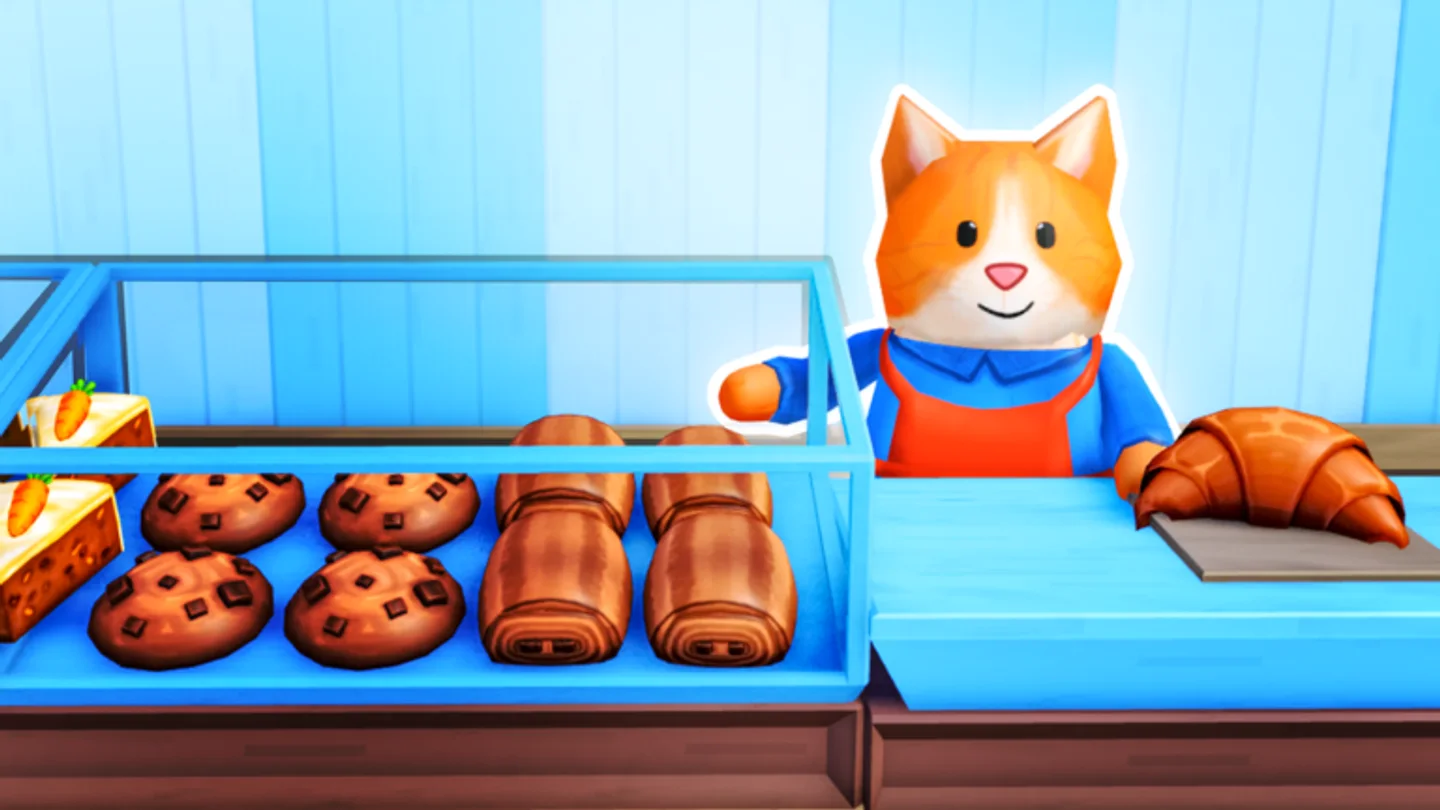
Two tycoons on Roblox’s charts in late November 2026 show how wide the genre goes. War Tycoon by KizmoTek Studio turns the plot into a military base: the droppers fund vehicles, aircraft and weapons, and other players can attack your base, so the tycoon feeds straight into combat. Build a Bakery by the Baking Community group keeps the same earn and buy loop but swaps conveyors for ovens and display cases, with a cozy art style and no fighting at all.
What they share is the part worth copying. Every purchase is visible on the plot, so players can see their progress from across the map. The first few buttons are cheap and come fast, then prices stretch out once the player is hooked. And each game adds one twist on top of the loop (combat in one, a shop theme in the other) instead of rebuilding the loop itself.

The core loop
A tycoon is a growth curve the player watches climb. Cash comes in at a steady rate, the next upgrade costs a little more than the player has, and buying it raises the income. If the wait between purchases gets too long, players leave. If it is too short, they finish in ten minutes. Tuning prices is most of the design work.
Step 1: Cash on the leaderboard
Every tycoon starts with a cash value. This Script in ServerScriptService follows Roblox’s leaderstats pattern:
local Players = game:GetService("Players")

Players.PlayerAdded:Connect(function(player)
    local leaderstats = Instance.new("Folder")
    leaderstats.Name = "leaderstats"
    leaderstats.Parent = player

    local cash = Instance.new("IntValue")
    cash.Name = "Cash"
    cash.Value = 0
    cash.Parent = leaderstats
end)
Step 2: The plot, dropper and collector
Build one plot as a Model in Workspace named Plot1. Inside it place a Dropper part (where ore appears), a conveyor or slope leading away, and a Collector part at the end. Add an ObjectValue named Owner to the plot so scripts know whose plot it is. Anchor everything except the ore.
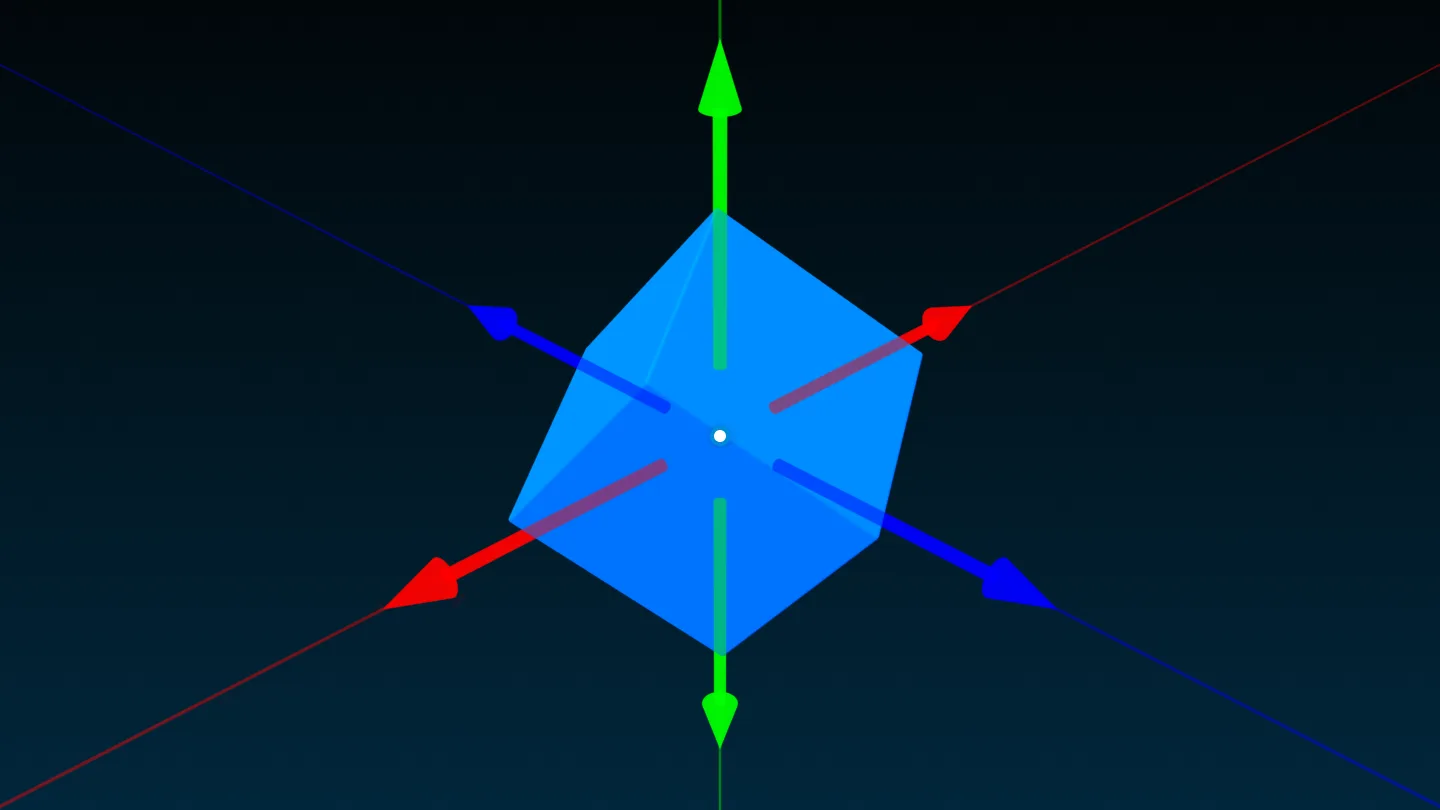
This server Script spawns ore and pays the owner when it reaches the collector:
local plot = workspace:WaitForChild("Plot1")
local dropper = plot:WaitForChild("Dropper")
local collector = plot:WaitForChild("Collector")
local owner = plot:WaitForChild("Owner") -- ObjectValue

local ORE_VALUE = 5

task.spawn(function()
    while true do
        local ore = Instance.new("Part")
        ore.Size = Vector3.new(1, 1, 1)
        ore.Position = dropper.Position - Vector3.new(0, 2, 0)
        ore:SetAttribute("Value", ORE_VALUE)
        ore.Parent = plot
        task.wait(2)
    end
end)

collector.Touched:Connect(function(hit)
    local value = hit:GetAttribute("Value")
    if not value then return end
    hit:Destroy()
    local player = owner.Value
    if player then
        player.leaderstats.Cash.Value += value
    end
end)
The attribute marks a part as ore, so the collector ignores players and other parts. Destroying the ore right away also stops it from paying twice.
Step 3: Buy buttons
A buy button is a part with a price. When the owner steps on it and has enough cash, the server takes the cash, shows the hidden upgrade and removes the button. Store the price as a number attribute named Price and point an ObjectValue named Unlocks at the hidden model.
local Players = game:GetService("Players")
local plot = workspace:WaitForChild("Plot1")
local owner = plot:WaitForChild("Owner")
local buttons = plot:WaitForChild("Buttons")

for _, button in buttons:GetChildren() do
    local target = button:FindFirstChild("Unlocks").Value
    target.Parent = game:GetService("ServerStorage") -- hide until bought

    local bought = false
    button.Touched:Connect(function(hit)
        if bought then return end
        local player = Players:GetPlayerFromCharacter(hit.Parent)
        if not player or player ~= owner.Value then return end
        local price = button:GetAttribute("Price")
        local cash = player.leaderstats.Cash
        if cash.Value >= price then
            bought = true
            cash.Value -= price
            target.Parent = plot
            button:Destroy()
        end
    end)
end
Moving the upgrade into ServerStorage hides it from everyone, and moving it back makes it appear. Claiming a plot is a door part that sets owner.Value = player on first touch if it is empty.
Step 4: Saving
Without saving, every tycoon resets when the player leaves. Roblox’s data store docs say to call GetAsync and SetAsync from a server Script and wrap them in pcall() because they are network calls. To test in Studio you need File > Experience Settings > Security > Enable Studio Access to API Services, which only works on a published game. Roblox advises using a test copy, not your live game. Save cash and the list of bought buttons, then on join rebuild the plot from that list.
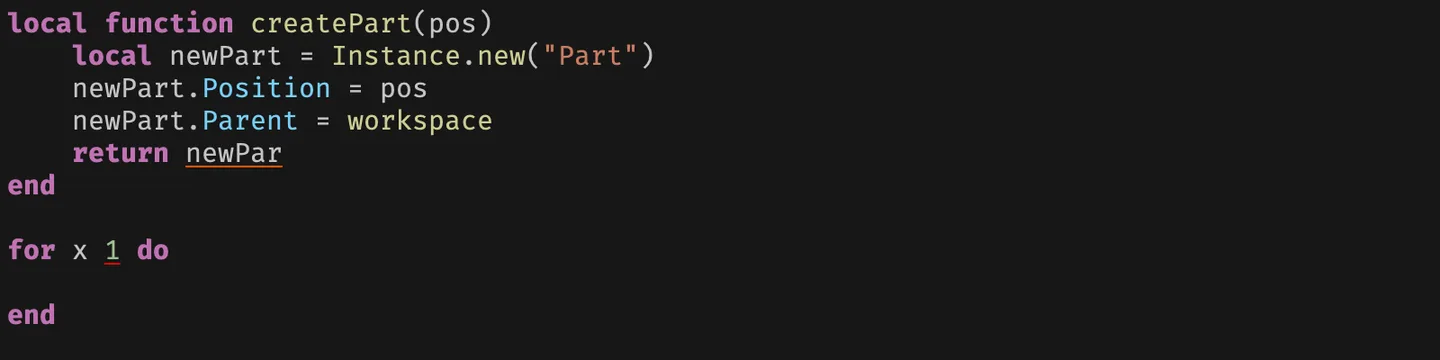
Script Analysis flags typos like a misspelled service before you even playtest, which helps once the tycoon has a dozen scripts.
Balancing prices
Write your upgrades in a simple table before you build them: name, price, and how much income it adds. A common starting point is to make each price take a little longer to earn than the last one. Then play your own tycoon from zero with a timer running. Note the moments you got bored waiting and the moments you had more cash than things to buy. Both mean a price is off.
Keep the numbers in one place. Putting every price in a ModuleScript in ServerScriptService, which scripts load with require(), means you can rebalance the whole game by editing one file instead of fifty button attributes.
Build it faster with AI
Roblox’s Build with Assistant docs use a tycoon as an example prompt: “Plan a simple game where players build a pizza restaurant. They earn money from customers, then spend it on upgrades like faster ovens and more tables. The goal is to reach a revenue milestone.” Use Planning Mode (/plan), edit the plan’s prices and upgrade list before clicking Build, and then check the generated scripts against the server rule above.
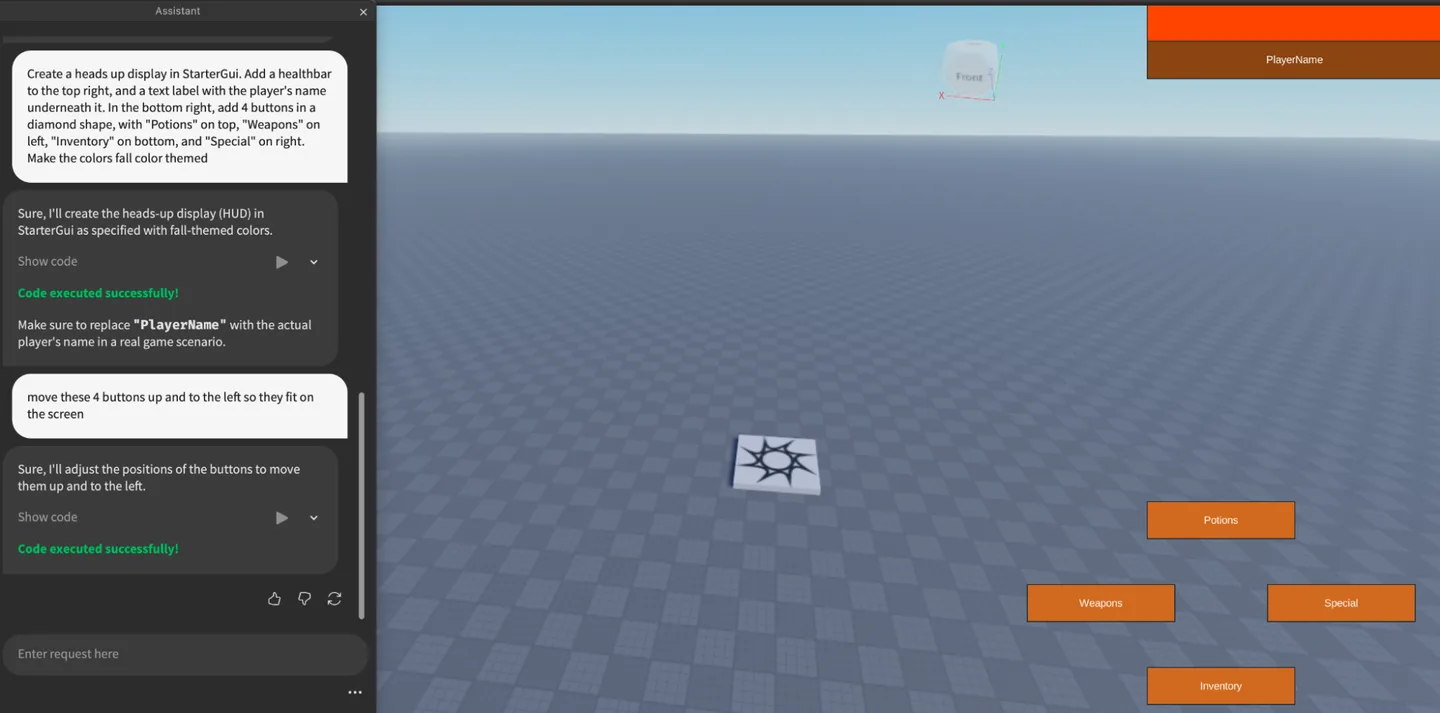
Tycoons are repetitive, which suits AI well. Through the Roblox Studio MCP, a client like Claude or Cursor can run execute_luau in Edit mode to duplicate Plot1 into eight plots, renumber the buttons and set prices along a curve you describe. Assistant can also generate decoration models with /generate_procedural_model, which Roblox limits to 50 per rolling 24-hour window.
Cursor
CodeGood for editing many tycoon scripts at once through the Studio MCP or Script Sync.
- Free tier
Monetizing a tycoon
Roblox gives you two products to sell. A game pass (Roblox’s docs now call them passes) charges a one time Robux fee for a permanent perk, such as a 2x cash multiplier or an extra auto collector. You create one on the Creator Dashboard under Monetization > Passes > Create pass, with an icon up to 512x512, and check ownership in a server Script with MarketplaceService:UserOwnsGamePassAsync(). A developer product can be bought again and again, which fits cash bundles or a one time instant upgrade, and you grant it in MarketplaceService.ProcessReceipt. Since May 30, 2026, Roblox has switched off selling passes and developer products across games, so sell them inside the game they belong to.
You can sell upgrades such as a faster dropper or a cash multiplier as game passes or developer products, which you set up on the Creator Dashboard. Keep anything you sell away from making the free path feel broken. For the money side after launch, see Roblox DevEx, and for the first-game basics, how to make a Roblox game.
Promoting your tycoon
Your icon and thumbnails do the selling on the Home page before anyone plays. Show the base at its most built up, since that is the promise of the genre. The Roblox game icon and Roblox thumbnail maker guides cover sizes and rules.
Short vertical videos are the other channel. A time lapse of an empty plot turning into a full base is easy to record in Studio and fits a Short well. If you record longer play sessions, a clipping tool can cut them into Shorts with captions.
Opus Clip
Images and videoCuts a long tycoon play session into vertical Shorts with captions.
- Free tier
- Starter from $15/mo (checked Nov 2026)
Affiliate link: we may earn a commission if you subscribe, at no extra cost to you. How this works.
For hooks, captions and posting, see how to make viral Roblox animations.
Roblox Tycoon FAQ
What scripts does a Roblox tycoon need?
At minimum a leaderstats script for cash, a dropper that spawns parts, a collector that turns them into cash, and buy buttons that check the price and add the next item. All of them run on the server.
Is there a tycoon template in Roblox Studio?
Roblox's docs do not confirm a tycoon template. Start from Baseplate and build the pieces on this page, or ask Assistant to plan one.
How do I stop exploiters giving themselves money?
Keep all cash changes in server Scripts. The client can ask for a purchase through a RemoteEvent, but the server checks the price and the player's cash before it changes anything.
Can Roblox Assistant make a tycoon?
Roblox's docs use a pizza restaurant tycoon as an example Assistant prompt. It can plan and build the pieces, and you test and correct what it makes. See Roblox Assistant.
How do I save tycoon progress?
Use DataStoreService from a server Script, wrapped in pcall. Studio only reaches data stores after you turn on Enable Studio Access to API Services for a published game.
Keep building
Every guide, newest first How to Make a Roblox Simulator: Click, Sell, Upgrade, RepeatBuild a Roblox simulator: a tool that earns points, a sell zone that turns them into coins, an upgrade shop over RemoteEvents, and AI tools that speed it up.Game Types6 min read
 How to Make a Roblox RNG Game: Rarity Tables, Rolls and LuckMake a Roblox RNG game: a weighted rarity table, a server roll with Random.new, luck boosts, saved inventories, and the AI tools that speed the build up.Game Types4 min read
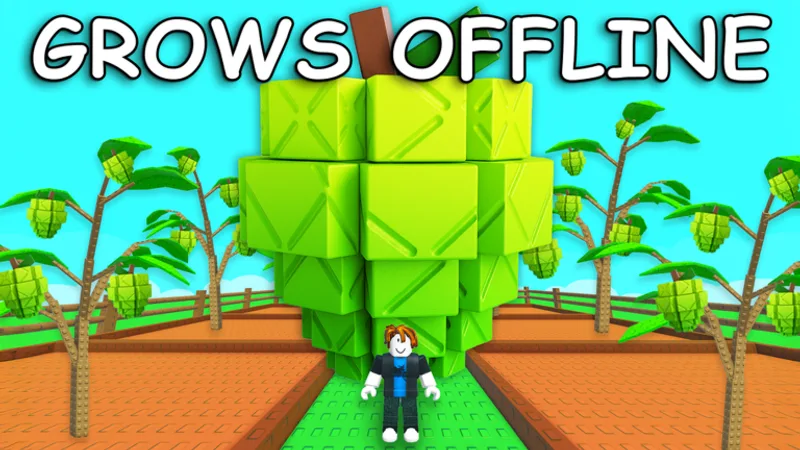 How to Make a Roblox Farming Game: Plots, Seeds and Growth TimersBuild a Roblox farming game: player plots, seeds planted with a ProximityPrompt, growth timers that keep running offline, a sell shop, and saved gardens.Game Types5 min read
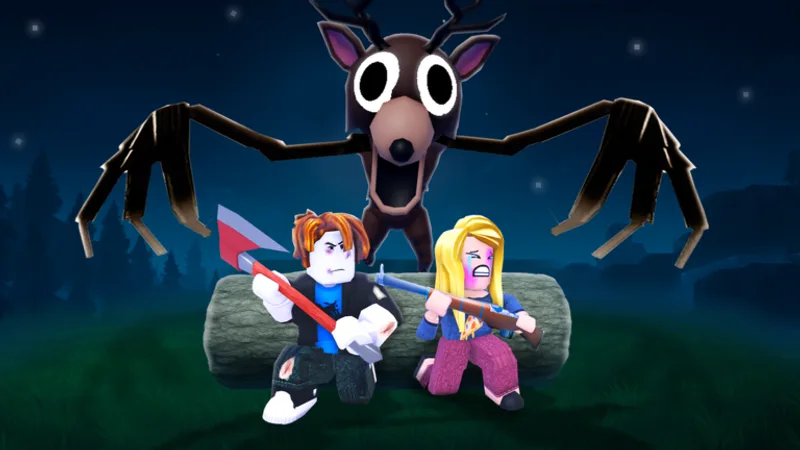 How to Make a Roblox Horror Game: Darkness, Sound and a MonsterMake a Roblox horror game: dark lighting and fog, a flashlight, a door with a ProximityPrompt, a monster that chases players, and AI tools that build it faster.Game Types5 min read
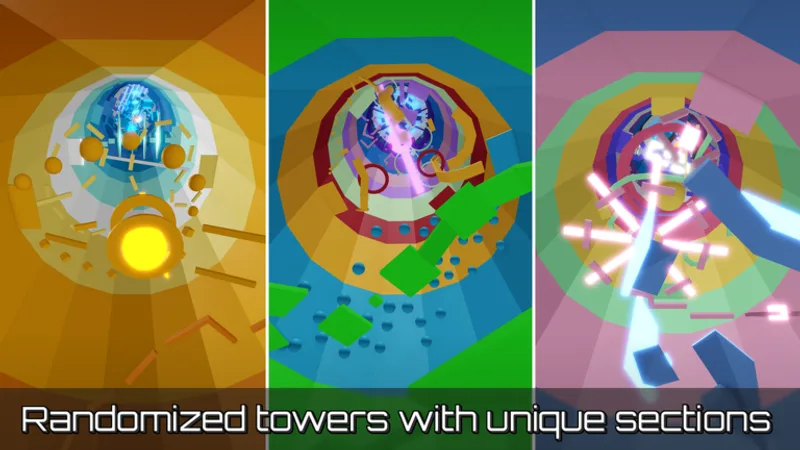 How to Make a Roblox Obby: Checkpoints, Kill Bricks and a Finish LineBuild a Roblox obby in Studio: block out stages, add kill bricks, checkpoints and a finish, then use Assistant or the Studio MCP to script and test it faster.Game Types6 min read
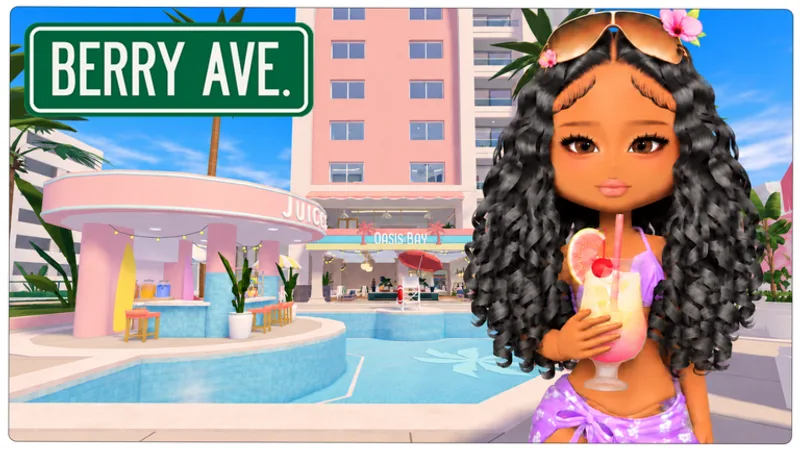 How to Make a Roblox Roleplay Game: Town, Jobs, Houses and CarsMake a Roblox roleplay town: jobs as Teams, claimable houses with a spawn point, drivable cars with a VehicleSeat, and AI tools that help plan and build it.Game Types3 min read