

How to Make a Roblox FPS Game: Teams, Rounds and Raycast Guns
Build a Roblox FPS: two teams, timed rounds, a raycast blaster checked on the server, spawn points, and AI tools that plan and script the shooter faster.
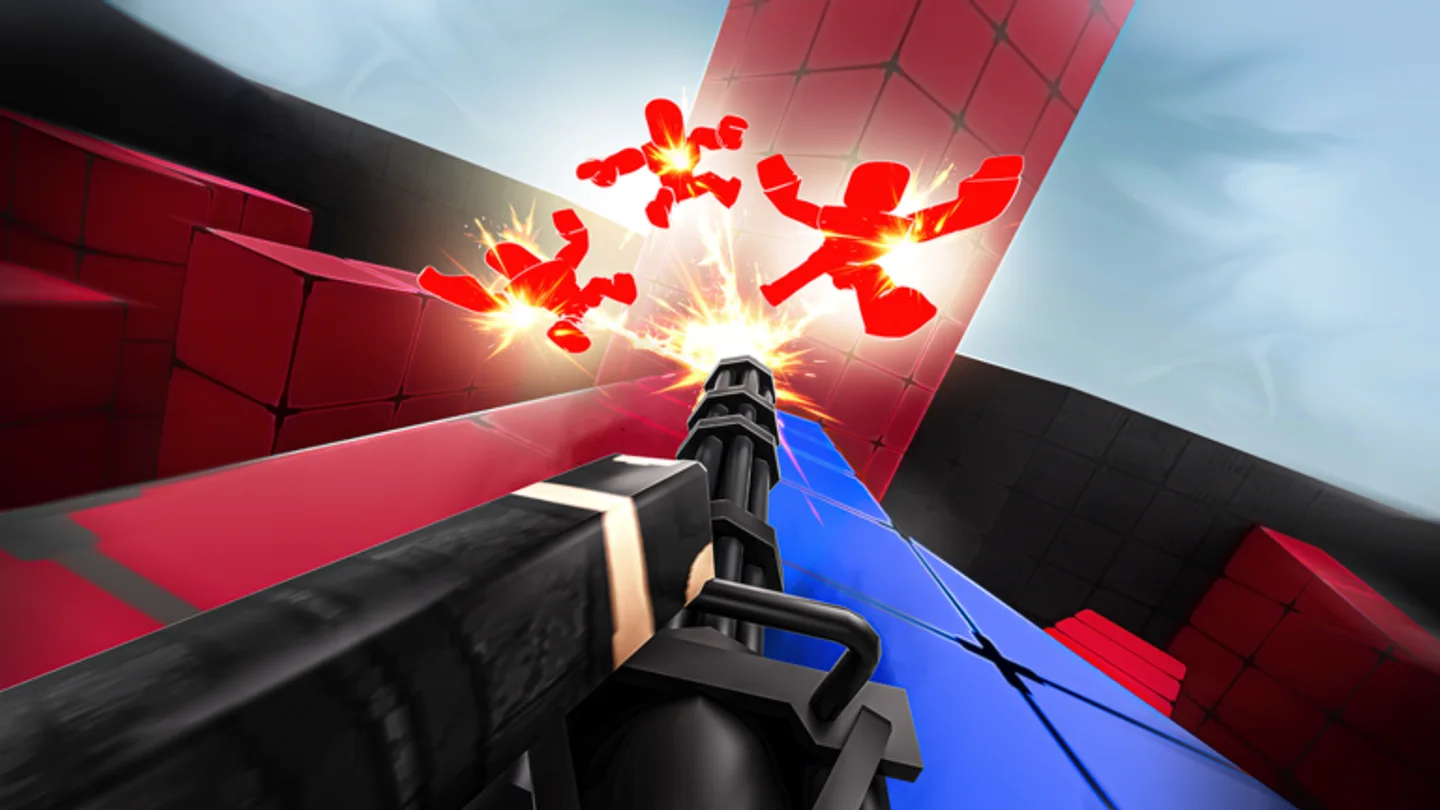
Example of an FPS game: RIVALS by Nosniy Games (image from its Roblox page)
On this page8
To make a Roblox FPS game, build a small arena, split players into two teams with team spawn points, give each player a blaster Tool that raycasts from the camera, and let a server Script confirm every hit before it removes health. Wrap that in timed rounds with a score, and you have the core loop: spawn, fight, score, reset.
Roblox already teaches most of this in its Gameplay scripting curriculum, a round-based blaster game with pages on teams, spawning, rounds, blasters and hit detection. This guide follows the same shape and points you to the API pages behind each part.
Quick facts
- Core loop
- Spawn, fight, score, next round
- Roblox genre
- Shooter (subgenres such as Deathmatch Shooter, PvE Shooter)
- Hit detection
- WorldRoot:Raycast on the server
- Official tutorial
- Gameplay scripting curriculum
What makes a Roblox shooter work
Shooters live on short sessions that feel fair. A match ends in a few minutes, you see why you lost, and you queue again. On November 25, 2026, Roblox’s charts API listed RIVALS by Nosniy Games in both Top Earning and Top Playing Now, with about 85,700 people in it at the time we checked. RIVALS is a duel-style deathmatch: tiny arenas, quick rounds, lots of weapon skins. Guts & Blackpowder, a co-op PvE shooter from the group of the same name, sat in Top Trending the same day. One is player versus player, the other is players versus waves of enemies, and both use the same building blocks.
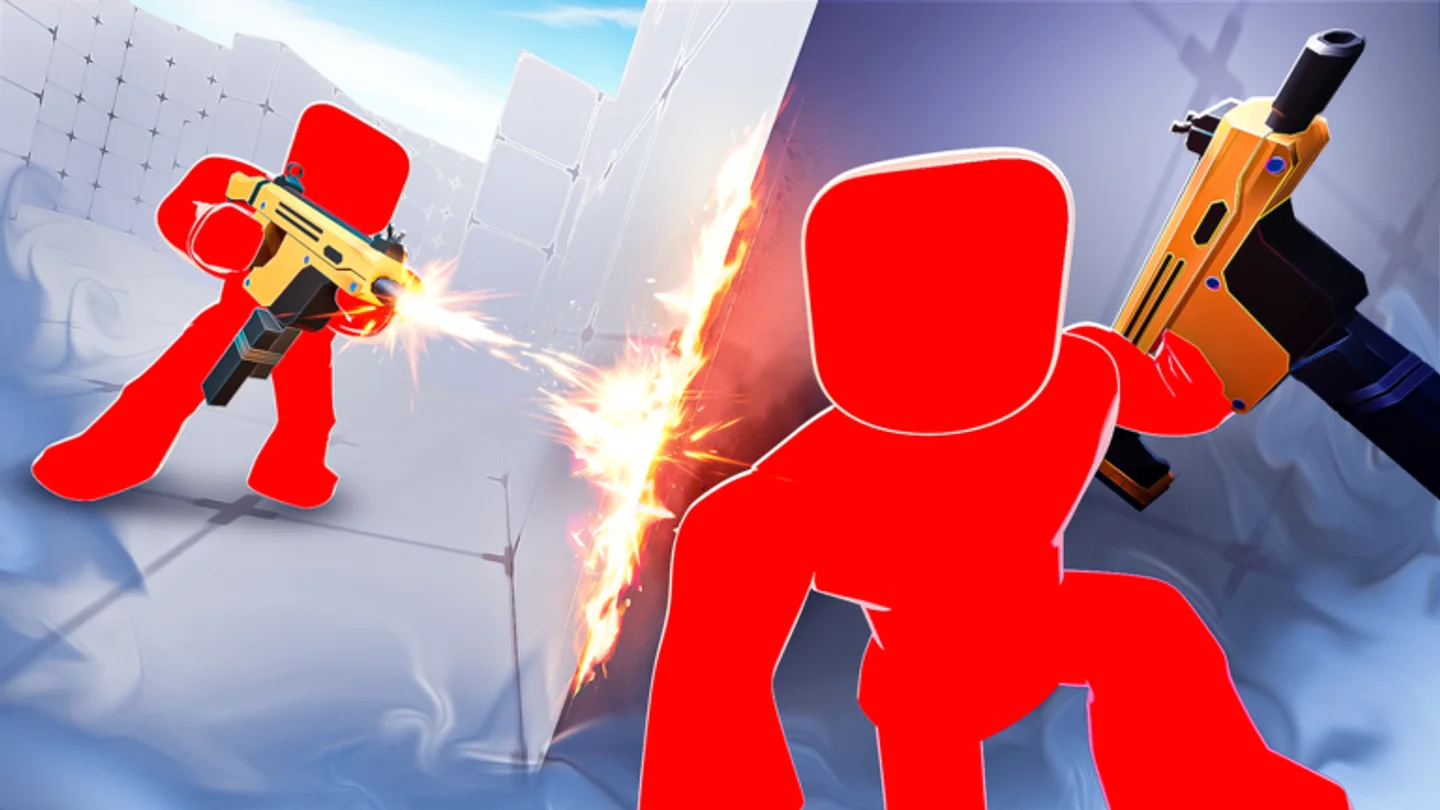
What these games do well, described in our words:
- Maps are small, so you meet an enemy within seconds.
- Guns feel responsive because the shot shows on your screen right away.
- Progress is visible: kills, wins, new weapons and cosmetic skins.
None of that needs a huge budget. A gray-box arena with good spawn placement plays better than a pretty map where people wander.
Step-by-step build in Studio
- Open Studio and pick the Baseplate template from Open a Template.
- Build a small arena with Parts from the Home tab. Add cover at chest height and two clear sides.
- In the Explorer, insert two Team objects under the Teams service. Give each a different TeamColor and turn on AutoAssignable.
- Place a SpawnLocation on each side. Set its TeamColor to match a team and turn off Neutral so only that team spawns there.
- Create a Tool in StarterPack named Blaster, with a Handle part, a LocalScript for input and a server Script (or one ServerScriptService handler) for damage.
- Put a RemoteEvent named Fire in ReplicatedStorage.
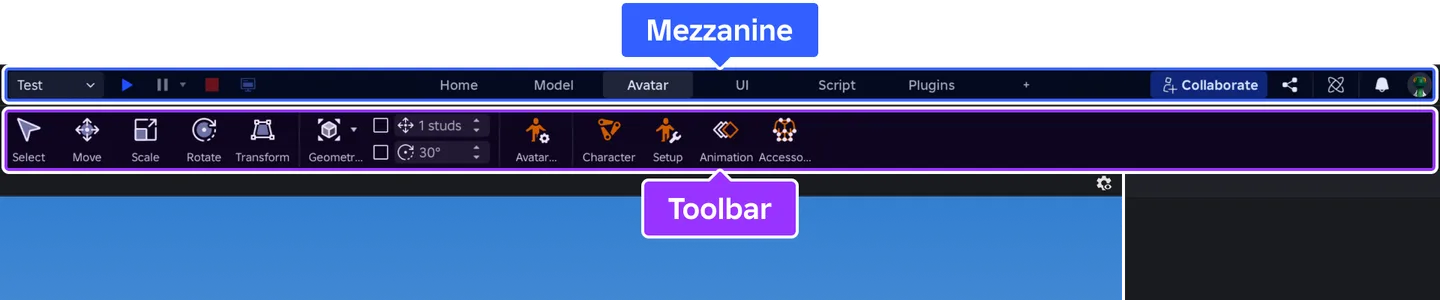
- Playtest from the mezzanine: pick a mode and click Play. Use the multi-client server test (F7) to see two players fight.
Raycast hit detection with server checks
The client sends where it aimed. The server raycasts from the player’s own head, so it never trusts a client that claims a hit. WorldRoot:Raycast returns a result with the part it hit, or nil. Code checked against the docs:
-- LocalScript inside the Blaster Tool
local tool = script.Parent
local fire = game:GetService("ReplicatedStorage"):WaitForChild("Fire")
local mouse = game:GetService("Players").LocalPlayer:GetMouse()

tool.Activated:Connect(function()
	fire:FireServer(mouse.Hit.Position)
end)
-- Script in ServerScriptService
local fire = game:GetService("ReplicatedStorage").Fire
local RANGE, DAMAGE, COOLDOWN = 300, 25, 0.25
local last = {}
fire.OnServerEvent:Connect(function(player, target)
local char = player.Character
local head = char and char:FindFirstChild("Head")
if not head or typeof(target) ~= "Vector3" then return end
if os.clock() - (last[player] or 0) < COOLDOWN then return end
last[player] = os.clock()
local params = RaycastParams.new()
params.FilterDescendantsInstances = { char }
params.FilterType = Enum.RaycastFilterType.Exclude
local dir = (target - head.Position).Unit * RANGE
local result = workspace:Raycast(head.Position, dir, params)
if not result then return end
local hum = result.Instance.Parent:FindFirstChildOfClass("Humanoid")
local victim = game.Players:GetPlayerFromCharacter(result.Instance.Parent)
if hum and victim and victim.Team ~= player.Team then
hum:TakeDamage(DAMAGE)
end
end)The cooldown stops a client from firing faster than the gun allows, and the team check stops friendly fire. The raycasting guide covers RaycastParams in more detail. If you are new to scripts, read how to script in Roblox first.
Rounds and score
A round loop is a server Script with a while true do loop: wait for enough players, teleport them to spawns, count down, end when time runs out or one team hits the score limit. Store team kills in Team.Score or in leaderstats. The curriculum’s add-rounds page shows a complete version.
Speed it up with AI
Roblox’s Assistant docs include a sample prompt for a round-based two-team elimination shooter with 60-second rounds where the first team to three round wins takes the match. Open Assistant on the right side of the mezzanine, switch to Plan (or type /plan), and paste a prompt like that. You get an editable plan, and nothing runs until you click Build. More in Roblox Assistant.
For larger edits, connect Claude or Cursor through the built-in Roblox Studio MCP server so the AI can read your scripts and run playtests.
Claude
CodeReads your weapon scripts over Studio MCP and suggests server-side fixes.
- Free tier
- Pro $20/mo (checked Nov 2026)
Meshy
3D modelsTurns a text prompt into a gun or crate model you can import as a mesh.
- Free tier
- Pro from $20/mo billed monthly (checked Nov 2026)
- Exports FBX, OBJ, GLB, USDZ, STL
ElevenLabs
AudioGenerates gunshot, reload and hit sound effects.
- Free tier
- Paid plans from $6/mo (checked Nov 2026)
Affiliate link: we may earn a commission if you subscribe, at no extra cost to you. How this works.
Monetization
Shooters usually sell cosmetic weapon skins and permanent perks as passes, and repeat items such as crate keys as developer products. Check passes with MarketplaceService:UserOwnsGamePassAsync. Since May 30, 2026, cross-game pass and developer product sales are disabled, so each game sells its own items. Avoid selling raw damage boosts in PvP: players notice and leave.
Promotion
Your icon and thumbnails decide whether anyone clicks. Use the game icon guide and the thumbnail maker guide. Record clutch rounds and cut them into Shorts; the viral Roblox animations guide covers hooks and captions.
Higgsfield AI
Images and videoMakes icon art, thumbnails and short promo videos for your shooter.
- Free tier
- Paid plans from $19/mo (checked Nov 2026)
Affiliate link: we may earn a commission if you subscribe, at no extra cost to you. How this works.
Opus Clip
Images and videoCuts long gameplay recordings into vertical clips with captions.
- Free tier
- Starter from $15/mo (checked Nov 2026)
Affiliate link: we may earn a commission if you subscribe, at no extra cost to you. How this works.
Roblox FPS Game FAQ
Is there an official Roblox tutorial for a shooter?
Yes. The Gameplay scripting curriculum on the Creator Docs walks through a round-based blaster game with teams, spawning, rounds, blasters and hit detection.
Should hit detection run on the client or the server?
Fire the shot on the client for instant feedback, then send the aim to the server with a RemoteEvent. The server raycasts again and applies damage, so exploiters cannot just tell it they hit someone.
What genre do I pick for an FPS when publishing?
Roblox's genre list has a Shooter genre. Chart games such as RIVALS are filed under Shooter with the Deathmatch Shooter subgenre.
Can Roblox Assistant make a shooter for me?
Roblox's own Assistant docs include a prompt for a round-based two-team elimination shooter. Use Planning Mode, read the plan, then build. Results vary each run, so test everything. See Roblox Assistant.
How do FPS games on Roblox make money?
Usually with passes for permanent perks and developer products for repeat buys such as crates or currency. Cross-game pass and product sales were switched off on May 30, 2026, so sell inside your own game.
Keep building
Every guide, newest first How to Make a Roblox Battlegrounds Game: Moves, Hitboxes and CooldownsMake a Roblox battlegrounds fighting game: a hitbox with GetPartBoundsInBox, server cooldowns, knockback, a move set per character, and AI tools to speed it up.Game Types3 min read
 How to Make a Roblox Tower Defense Game: Paths, Waves and TowersBuild a Roblox tower defense game: enemies that walk a waypoint path, waves on a timer, towers that pick a target and fire, plus cash, passes and AI shortcuts.Game Types5 min read
 How to Make a Roblox RNG Game: Rarity Tables, Rolls and LuckMake a Roblox RNG game: a weighted rarity table, a server roll with Random.new, luck boosts, saved inventories, and the AI tools that speed the build up.Game Types4 min read
 How to Make a Roblox Farming Game: Plots, Seeds and Growth TimersBuild a Roblox farming game: player plots, seeds planted with a ProximityPrompt, growth timers that keep running offline, a sell shop, and saved gardens.Game Types5 min read
 How to Make a Roblox Horror Game: Darkness, Sound and a MonsterMake a Roblox horror game: dark lighting and fog, a flashlight, a door with a ProximityPrompt, a monster that chases players, and AI tools that build it faster.Game Types5 min read
 How to Make a Roblox Obby: Checkpoints, Kill Bricks and a Finish LineBuild a Roblox obby in Studio: block out stages, add kill bricks, checkpoints and a finish, then use Assistant or the Studio MCP to script and test it faster.Game Types6 min read