
Advanced
Tag / Skill level
These guides cover harder ground: server authoritative combat with raycasts and hitboxes, wave and tower systems, connecting outside AI assistants to Studio through the MCP, and working in VS Code with Rojo.
You will get more from them if you already understand remote events and the split between server and client.
6 guides tagged Advanced
 Rojo for Roblox: Script in VS Code and Sync to StudioSet up Rojo for Roblox: install with Rokit or the VS Code extension, add the Studio plugin, run rojo serve, click Connect, then build place files.Scripting4 min read
 Roblox Studio MCP: Connect Claude, Claude Code or Cursor to StudioTurn on Roblox Studio's built-in MCP server in Assistant, then connect Claude Desktop, Claude Code or Cursor. Config for Windows and Mac, tools, Higgsfield.AI Tools5 min read
 Make a Game With Higgsfield Games and Claude Over MCP, Then Bring the Assets to RobloxConnect Claude to the Higgsfield MCP to prototype a game idea and generate art fast, then move images, textures and video into Roblox Studio. What runs where.AI Tools5 min read
 How to Make a Roblox FPS Game: Teams, Rounds and Raycast GunsBuild a Roblox FPS: two teams, timed rounds, a raycast blaster checked on the server, spawn points, and AI tools that plan and script the shooter faster.Game Types4 min read
 How to Make a Roblox Tower Defense Game: Paths, Waves and TowersBuild a Roblox tower defense game: enemies that walk a waypoint path, waves on a timer, towers that pick a target and fire, plus cash, passes and AI shortcuts.Game Types5 min read
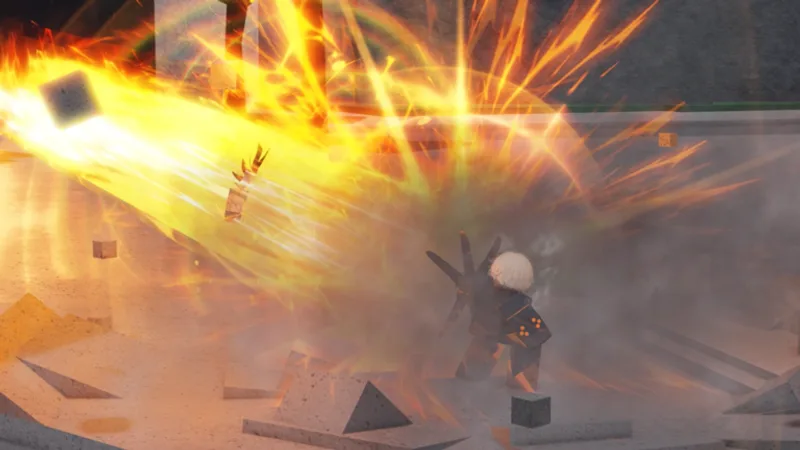 How to Make a Roblox Battlegrounds Game: Moves, Hitboxes and CooldownsMake a Roblox battlegrounds fighting game: a hitbox with GetPartBoundsInBox, server cooldowns, knockback, a move set per character, and AI tools to speed it up.Game Types3 min read
Browse by topic
- Beginners9Install Studio, build a first place, write a first script and publish it.
- AI Tools13Roblox Assistant, Roblox Build, the Studio MCP and outside AI tools for code, models and art.
- Scripting5Luau from zero: where scripts go, events, saving data, and getting good code out of AI.
- Scripts Library3Free copy and paste Luau scripts, checked against the Roblox docs, plus tools to write your own.
- Building and Maps6Terrain, heightmaps, lighting and laying out a map that plays well.
- Assets and Models4AI 3D model generators, Blender exports, Meshy and the Toolbox.
- Game Types14How to build each popular genre: tycoon, obby, simulator, horror, FPS, tower defense and more.
- Animation and Video3The Animation Editor, story videos, Shorts and recording Roblox footage.
- UI and Icons3Menus and HUDs that fit every screen, game icons and thumbnails.
- Sound and Voice3Sound design for games and AI voice for Roblox videos.
- Publishing and Growth8Publish a game, set it up so players find it, and improve your icon and thumbnails.
- Making Money3DevEx, what top games really earn, and clipping Roblox videos for pay.
- YouTube and Shorts3Roblox story videos, Shorts formats and clipping.
- Trends and News8New Studio features, new AI tools and the game types rising on the charts.
- Tools and Reviews5Roundups and comparisons of AI tools, model generators, Rojo and laptops.