

Beginner
Tag / Skill level
These guides assume no experience with Roblox Studio or coding. Each one explains the steps in order and names the exact windows and buttons from the Roblox Creator Docs. If a guide uses a script, it tells you where to put it.
Pick one guide and finish it before starting the next. A small finished game teaches more than three half built ones.
18 guides tagged Beginner
 Best Laptop for Roblox Studio (Plus a Mouse and Drawing Tablet)Roblox Studio needs Windows 10 or macOS 10.14 and 3 GB of RAM, with 8 GB recommended. Laptops, mice and tablets that meet that, checked against the specs.Tools and Reviews3 min read
 How to Make a Roblox Game: The Full Process, With and Without AIInstall free Roblox Studio, start from a template, build, script, test, then publish from File › Publish. Every stage explained, plus where AI tools help.Beginners7 min read
 How to Publish a Roblox Game and Release It to PlayersUse File › Publish in Roblox Studio, fill in Game details, then release with the content questionnaire, an age check and the refundable 1,000 Robux fee.Publishing and Growth4 min read
 How to Script in Roblox: A Beginner Luau TutorialLearn to script in Roblox Studio with Luau: where scripts go, your first kill brick, a points leaderboard, RemoteEvents and saving data, with official code.Scripting4 min read
 Roblox AI: Every AI Feature in Roblox and Roblox StudioRoblox AI covers Assistant, Code Assist, mesh, material and texture generators, Avatar Setup, the Studio MCP server and Build. What each does and where it is.AI Tools5 min read
 How to Make a Roblox Game Step by Step: Your First Obby in One AfternoonA click-by-click beginner tutorial: install Roblox Studio, open Baseplate, build an obby, add a kill brick script, playtest with F5 and publish it privately.Beginners4 min read
 Roblox Assistant: How to Use the AI Helper in Roblox StudioOpen Roblox Assistant from the mezzanine bar in Studio and type a request. It builds objects, writes scripts and inserts assets. Commands, Plan mode, Skills.AI Tools4 min read
 Roblox DevEx: Rate, Requirements and How to Cash Out RobuxRoblox DevEx pays 0.0038 USD per Earned Robux ($114 per 30,000) as of November 2026. See the eligibility rules, what counts as Earned Robux and the 18+ rate.Making Money4 min read
 Roblox Assets and the Toolbox: Find Free Models SafelyUse the Roblox Studio Toolbox and Creator Store for free assets, manage your own with Asset Manager, import 3D files and audio, and spot unsafe models.Assets and Models4 min read
 Roblox Game Ideas: 30 Concepts You Can Actually Build30 Roblox game ideas grouped by genre, each with its core loop and the Studio systems it needs, so you can pick one that fits your skills and start today.Game Types4 min read
 How to Make a Roblox Obby: Checkpoints, Kill Bricks and a Finish LineBuild a Roblox obby in Studio: block out stages, add kill bricks, checkpoints and a finish, then use Assistant or the Studio MCP to script and test it faster.Game Types6 min read
 Roblox Studio Scripts: 13 Free Copy-Paste Luau Scripts Checked Against the DocsFree copy-paste Luau scripts for Roblox Studio: kill brick, leaderstats, coins, saving, doors, teleports, game passes and more, each checked against the docs.Scripts Library9 min read
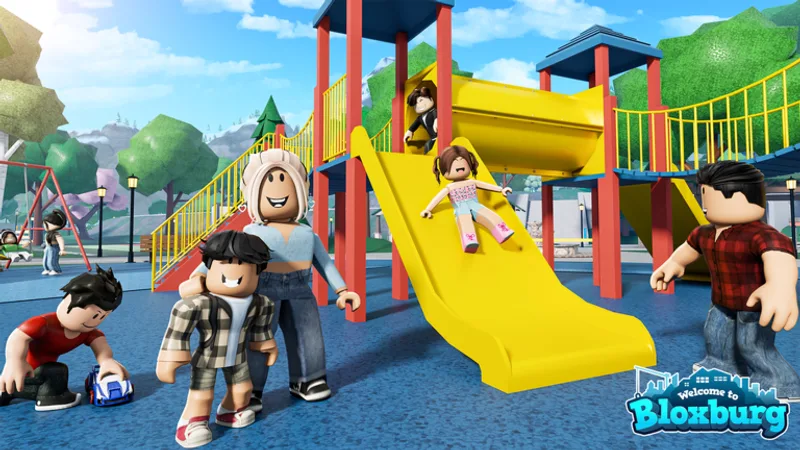 Roblox Build: How to Make a Roblox Game With AI on Your PhoneRoblox Build turns a typed idea into a playable 2D or 2.5D Roblox game in the mobile app. How it works, prompts, credits, publishing, limits and who can use it.AI Tools6 min read
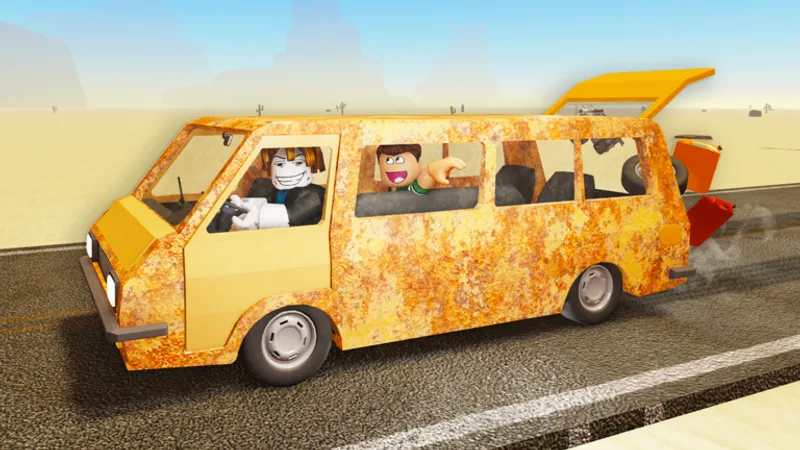 Roblox Build vs Higgsfield Games: Which AI Game Maker Should You Use?Roblox Build publishes simple 2D games to Roblox from your phone. Higgsfield Games builds web prototypes with art. Where each runs, cost, limits, which to use.Tools and Reviews3 min read
 The Best AI Tools for Roblox Creators (November 2026)The AI tools worth using for Roblox games: Roblox's built-in AI, Claude and Cursor for Luau, Meshy for 3D, Higgsfield for icons and video, ElevenLabs for audio.AI Tools3 min read
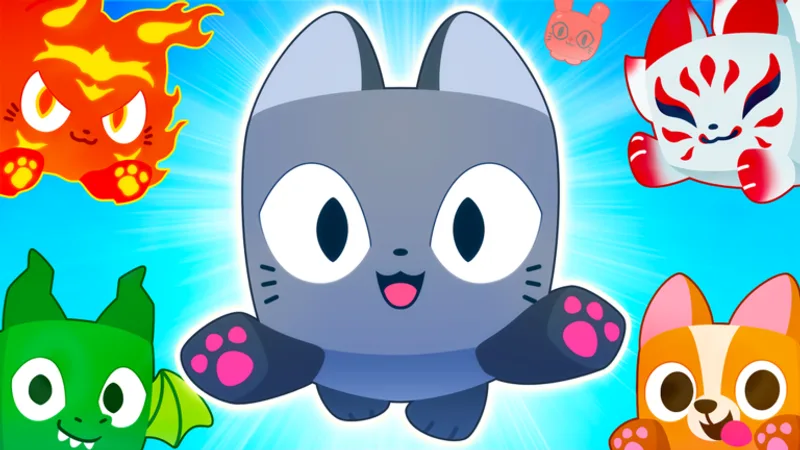 How to Make a Roblox Game Icon (Size, Rules and an AI Workflow)A Roblox game icon must be square and at least 512x512 pixels. How to design one with AI in Higgsfield, upload it in Creator Hub and pass moderation.UI and Icons5 min read
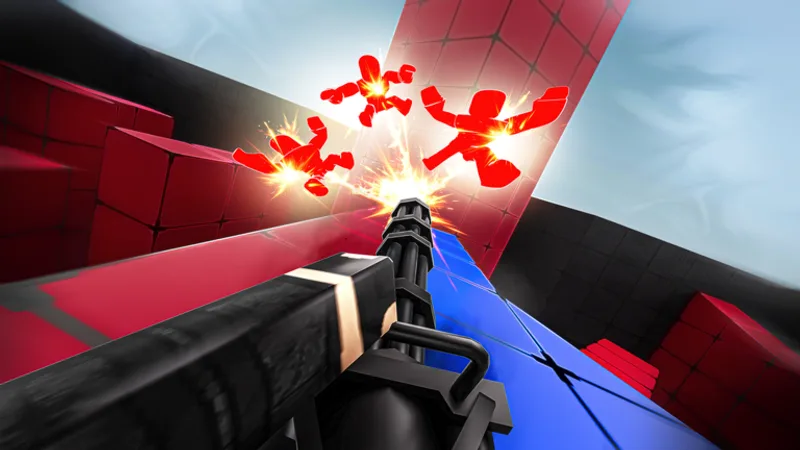 Roblox Thumbnail Maker: How to Make Game Thumbnails That Get ClicksRoblox thumbnails are 16:9, ideally 1920x1080, up to 10 per game. Make them with AI in Higgsfield or from in-game shots, then upload in Creator Hub.UI and Icons4 min read
 Roblox Clipping: How to Make Money Clipping Roblox VideosHow Roblox clipping pays: join permission-based campaigns like Whop Content Rewards, cut Shorts with Opus Clip, post, track views and skip clipping scams.Making Money6 min read
Browse by topic
- Beginners9Install Studio, build a first place, write a first script and publish it.
- AI Tools13Roblox Assistant, Roblox Build, the Studio MCP and outside AI tools for code, models and art.
- Scripting5Luau from zero: where scripts go, events, saving data, and getting good code out of AI.
- Scripts Library3Free copy and paste Luau scripts, checked against the Roblox docs, plus tools to write your own.
- Building and Maps6Terrain, heightmaps, lighting and laying out a map that plays well.
- Assets and Models4AI 3D model generators, Blender exports, Meshy and the Toolbox.
- Game Types14How to build each popular genre: tycoon, obby, simulator, horror, FPS, tower defense and more.
- Animation and Video3The Animation Editor, story videos, Shorts and recording Roblox footage.
- UI and Icons3Menus and HUDs that fit every screen, game icons and thumbnails.
- Sound and Voice3Sound design for games and AI voice for Roblox videos.
- Publishing and Growth8Publish a game, set it up so players find it, and improve your icon and thumbnails.
- Making Money3DevEx, what top games really earn, and clipping Roblox videos for pay.
- YouTube and Shorts3Roblox story videos, Shorts formats and clipping.
- Trends and News8New Studio features, new AI tools and the game types rising on the charts.
- Tools and Reviews5Roundups and comparisons of AI tools, model generators, Rojo and laptops.